7 Best Hemingway Editor Alternative 2026: Tested and Ranked
Looking for a Hemingway Editor alternative? I’ve tested the 7 best tools in 2026 for better writing, editing, and AI-powered improvements that actually get you.
After testing the best tools in 2026, best Hemingway Editor alternative is:
- editGPT - Best Overall
- Grammarly
- ProWritingAid
- Quillbot
- LanguageTool
- Ginger Software
- PaperRater
Why Look for a Hemingway Editor Alternative?
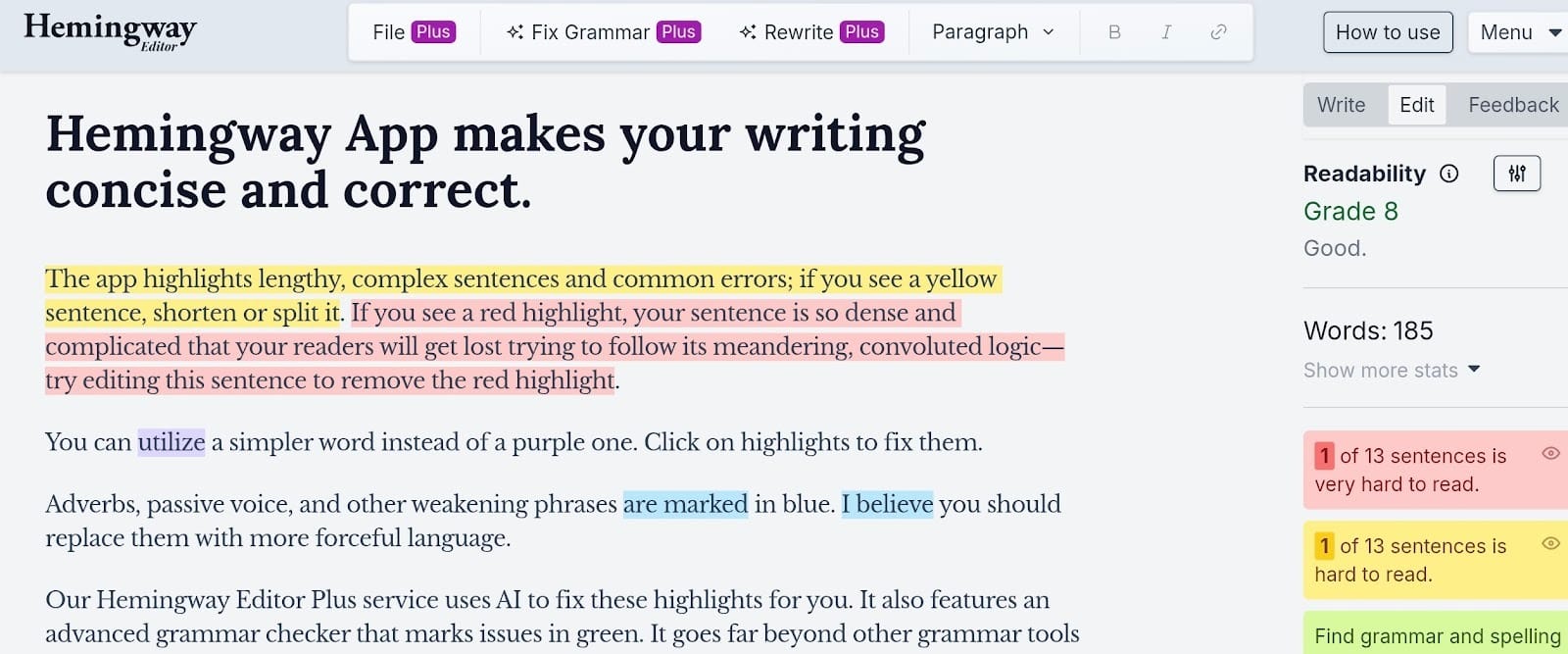
Just like many writers and students, I’ve used Hemingway Editor for years to clean up messy drafts. It’s great for spotting clunky sentences with its famous color-coded highlights, helping you stay direct and punchy.
But then…
Hemingway is a readability checker, not a full writing partner. It flags "hard to read" sentences but often leaves you to fix the mess yourself. Today, users expect tools that offer actual rephrasing suggestions rather than just pointing out flaws.
Moreover, it also lacks deep grammar correction and AI context rewriting and editing. It might nag you about a necessary adverb or miss a complex punctuation error entirely. If you’re editing a book or a long report, the simple interface starts to lag and feels too limited for a 50-page project.
Most people eventually outgrow Hemingway because they need a writing and editing tool that actually helps them rewrite, not just delete.
I’ve tested numerous Hemingway Editor alternatives to find the best ones in 2026 and here are them.
What to Look for in a Hemingway Alternative
Finding a new text and essay editor is basically about filling the gaps that Hemingway leaves open. You want a writing app or program that does more than just highlight mistakes. It should actively help you build a better draft.
AI rewriting capabilities
A good writing help needs a built-in rewriter that can instantly fix a clunky sentence for you. This saves you from the frustration of staring at a red highlight and wondering how to actually make the text better on your own.
Most top-tier tools now use context-aware models to offer three or four different ways to phrase the same thought.
Grammar and proofreading accuracy
You need a system that goes way beyond basic typos to catch deep structural errors and complex punctuation slips.
A high-quality tool will spot a misplaced comma or a subject-verb disagreement that a simpler readability checker would miss entirely. Your book editor should act as a final safety net before you hit publish.
Tone and clarity improvements
The right writing tool lets you adjust your writing style to match a specific audience, like shifting from a formal report to a casual blog post. It should provide feedback on your "voice" so you stay consistent without stripping away the personality of your prose.
Long-form editing support
If you’re working on a book or a technical guide, you need a dashboard that stays fast even when your file reaches thousands of words.
It helps to have a tool that organizes your work into chapters so you aren't scrolling through one endless document. Stability is key here, as many basic web editors start to lag once you pass the ten-page mark.
Ease of use
The interface should stay clean and distraction-free so you can focus on the actual act of writing.
You want a tool that integrates directly into your browser or Google Docs to avoid the constant shuffle between different apps. If the software is too hard to navigate, you’ll probably end up going back to a simple notepad anyway.
Best Hemingway Editor Alternatives (Quick Comparison)
Top Tools Overview
1. editGPT (Best Overall Hemingway Editor Alternative)
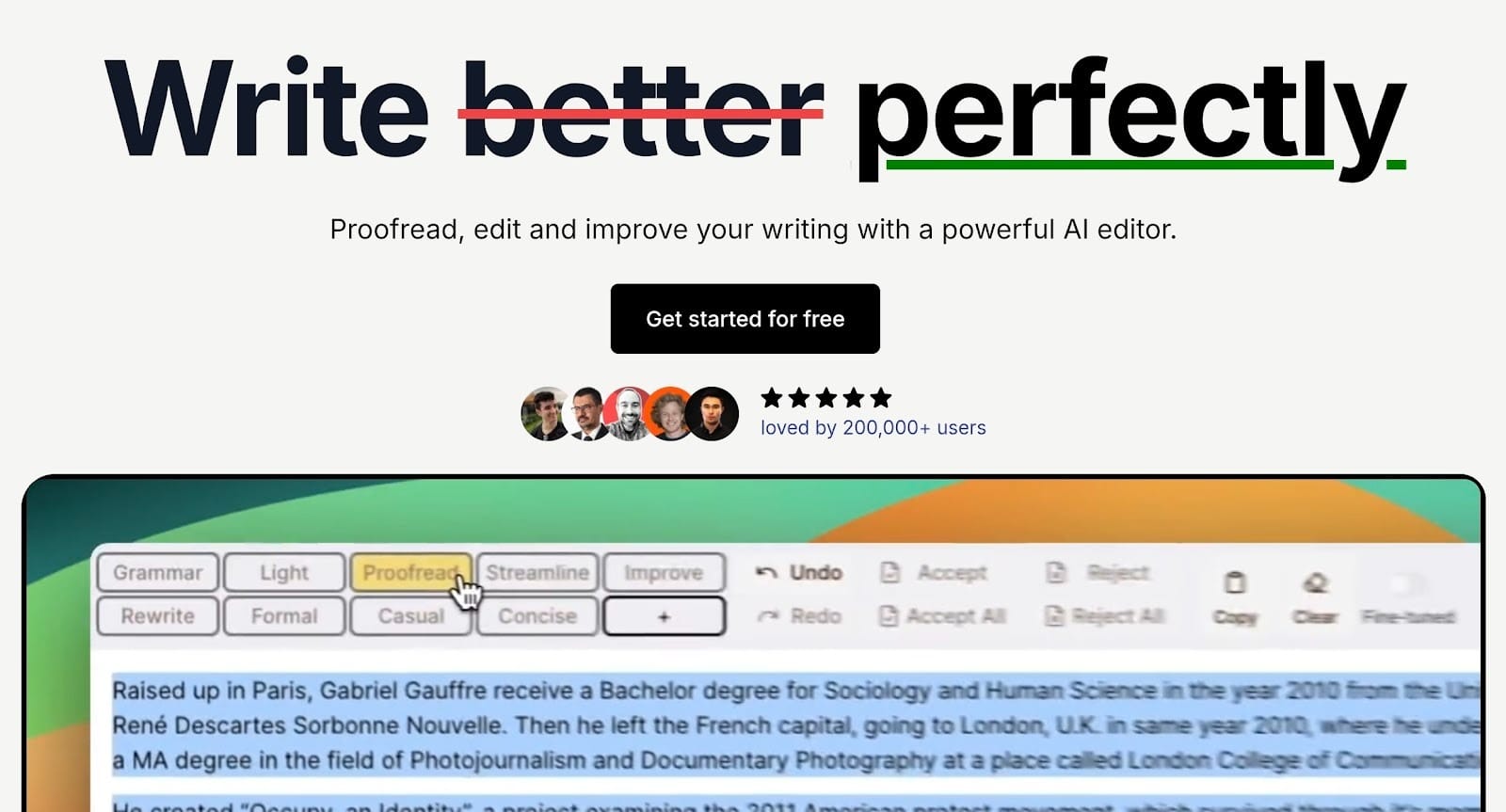
editGPT has quickly become a favorite for writers who feel limited by standard readability checkers. It effectively bridges the gap between a basic spellchecker and a professional human editor thanks to its smart context editing and very easy interface and features.
Why It’s #1
Goes beyond readability into full AI editing
While other paragraph editor tools just highlight long sentences, editGPT actually steps in to rewrite them for you. It uses contextual intelligence to suggest specific improvements that make your prose tighter and more professional while preserving your own voice or the specific tone you set in your writing.
Handles long-form content like books and essays
You can upload entire manuscripts or long research papers without the system lagging or losing its place. Its "Project Mode" is specifically designed to maintain consistency across hundreds of pages, which is a lifesaver for authors and researchers.
Improves clarity, tone, and structure
This writing editor doesn't just hunt for typos. It analyzes how your sentences connect to move the story or argument along. You can prompt the AI to make a paragraph more formal or more conversational depending on who you’re writing for.
Key Features
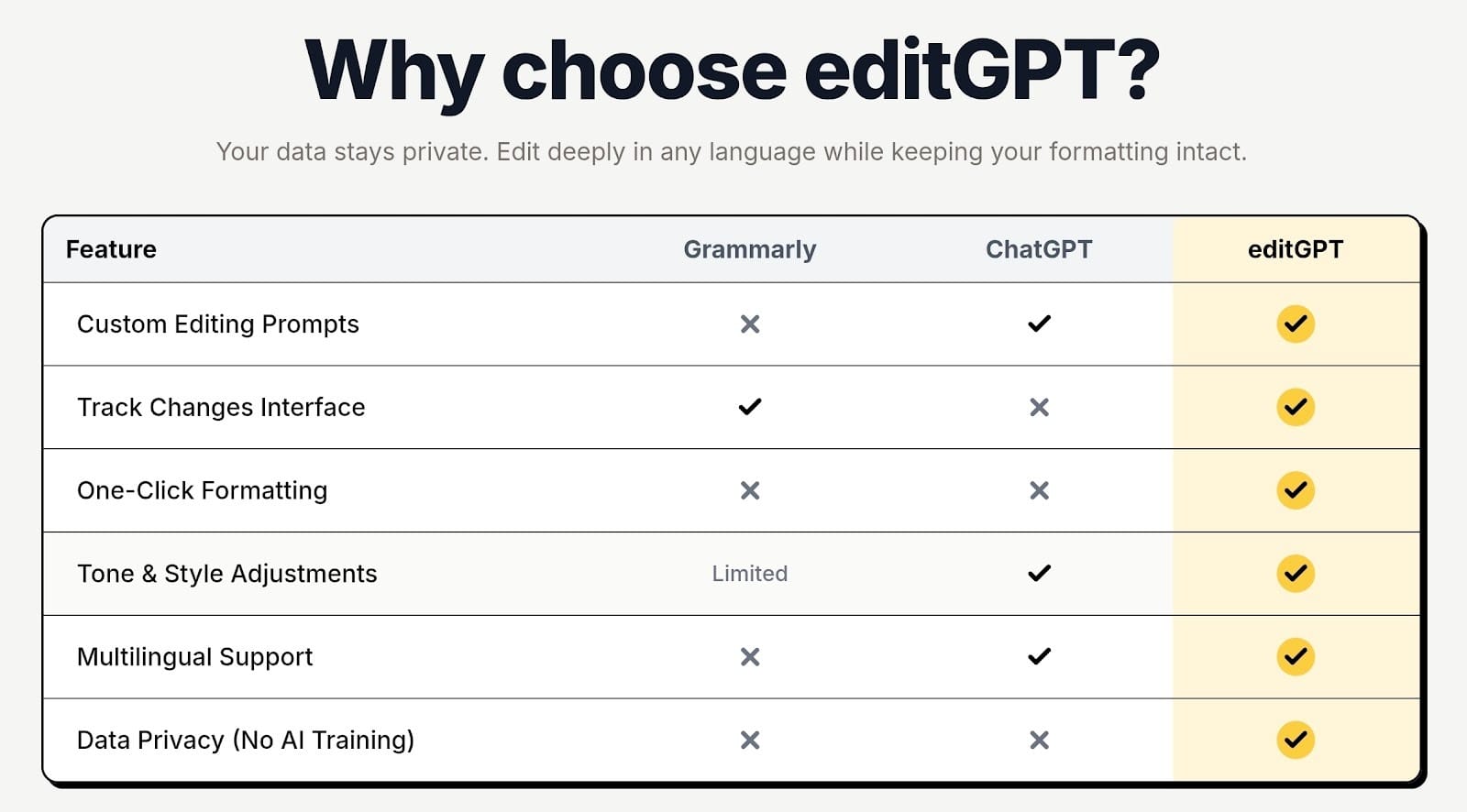
- AI rewriting and editing: editGPT provides a track-changes interface where you can see and approve every single AI suggestion.
- Full document editing: You can import and export Microsoft Word files while keeping all your original formatting and italics perfectly intact (as well as the tracked changes).
- Tone and voice consistency: Custom prompts allow you to set a specific persona so the AI respects your unique writing style instead of making it sound generic.
- Proofreading and clarity improvement: It catches deep structural flaws and subtle punctuation errors that basic readability apps usually miss.
- Works for both short and long content: The tool stays fast whether you are polishing a quick 500-word blog post or a 90,000-word novel.
Best For
- Authors
- Bloggers
- SEO writers
- Anyone editing large content
2. Grammarly
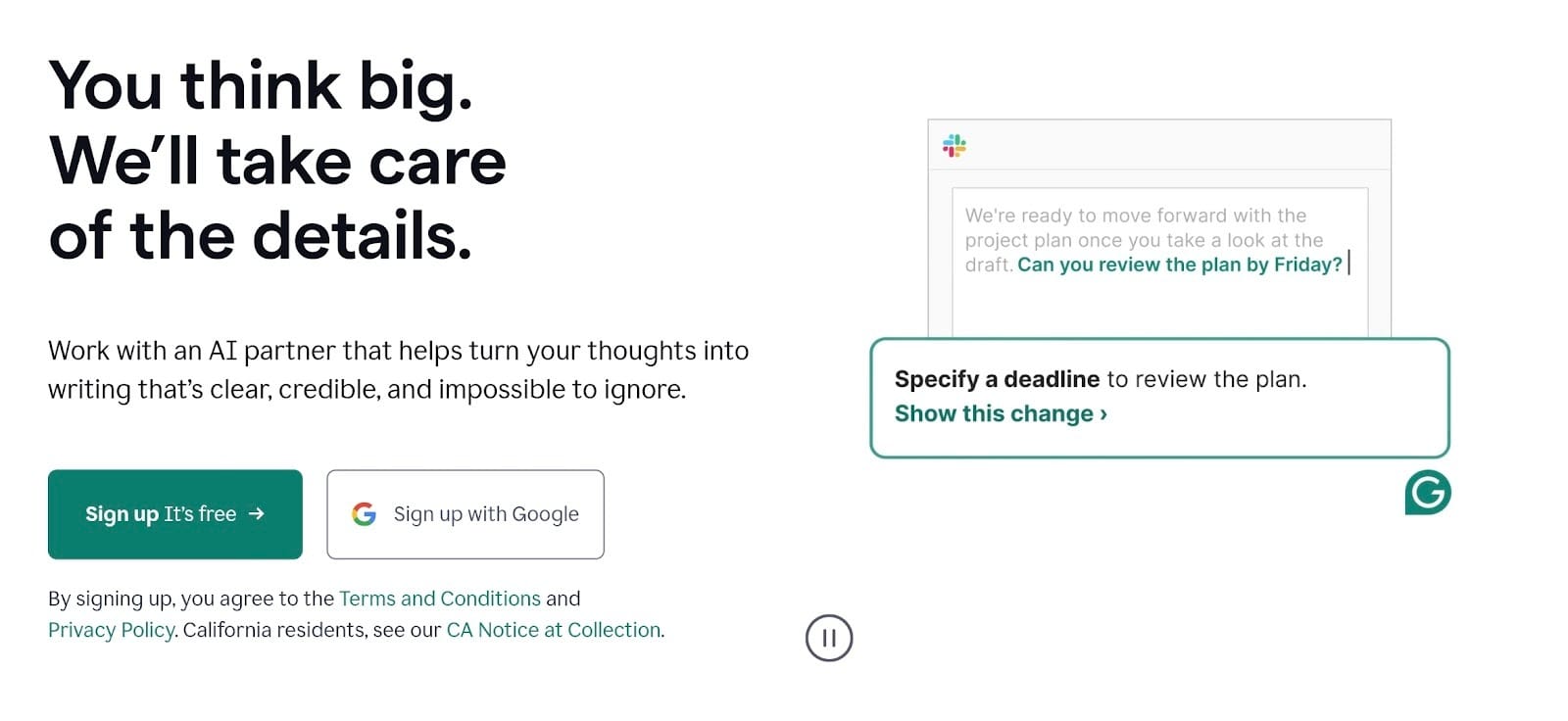
Grammarly is pretty much the first thing people install when they want to stop making embarrassing typos. It’s now moved way past being just a basic spellchecker. These days, it’s a full-on writing assistant that follows you around from your browser to your desktop apps.
Strengths
- Industry leading grammar checker: It’s still the most reliable tool for catching those annoying misplaced commas or weird subject-verb issues that other writing apps completely ignore. It acts as a constant safety net, so you don't have to second-guess every single sentence you send out.
- Tone suggestions : The app has a built-in detector that tells you if you're coming off as too pushy or even a bit unsure of yourself.
- Real-time editing: You don't have to copy and paste your work into a separate window to see what’s wrong. Since it integrates into Google Docs and Word, you can fix your mistakes in real-time without breaking your concentration.
Weakness
While it does have a "rewrite" feature now, it still feels a bit stiff. It’s excellent at fixing mistakes, but it isn't great at helping you find a unique creative voice.
If you need to totally change the vibe of a long story or a complex article, Grammarly usually gives you very "safe" and generic suggestions that can make your writing feel a bit flat.
3. Quillbot
Quillbot is usually the first name people think of when they’re stuck on a sentence and need a fast way to flip it. It functions like a high-powered thesaurus that actually understands how to rearrange an entire thought rather than just swapping out a few words.
While many people start out with an AI writing editor free version to fix a quick paragraph, the platform has grown into a versatile writing enhancer that fits into almost any professional workflow.
Strengths
- Strong rewriting modes: You can toggle between several distinct styles, including the new "Humanizer" mode meant to smooth out the stiff edges of a rough draft. These settings make it much more than just a basic grammar app, giving you a way to shift your voice depending on who you are talking to.
- Easy sentence restructuring: This is a great writing tool for anyone focused on Hemingway writing because it lets you break down those long, clunky sentences that Hemingway Editor usually flags in bright red.
Weakness
The biggest hurdle is that the automated suggestions can sometimes feel a bit "processed" if you aren't paying attention. If you just hit the paraphrase button and walk away, the result might lack a natural human rhythm or use words that feel slightly "off" for the context.
You really have to keep an eye on the output to make sure it doesn't sound like a machine trying too hard to be clever.
4. ProWritingAid
If you want a tool that looks at your writing like a professional editor would, this is it. It doesn't just fix typos. Instead, it breaks down your entire style and shows you exactly where your habits are slowing the reader down.
Strengths
- Detailed reports: You get access to over 25 different reports. These analyze everything from your use of passive voice to how often you repeat the same starting words.
- Style and structure insights: The software identifies "sticky" sentences that are wordy or hard to follow. It gives you specific advice on how to tighten them up.
Weakness
The biggest catch is the speed. The workflow can feel slow because there is just so much data to look at. Since it provides such a deep analysis, it isn't really built for a quick five-minute polish.
5. LanguageTool
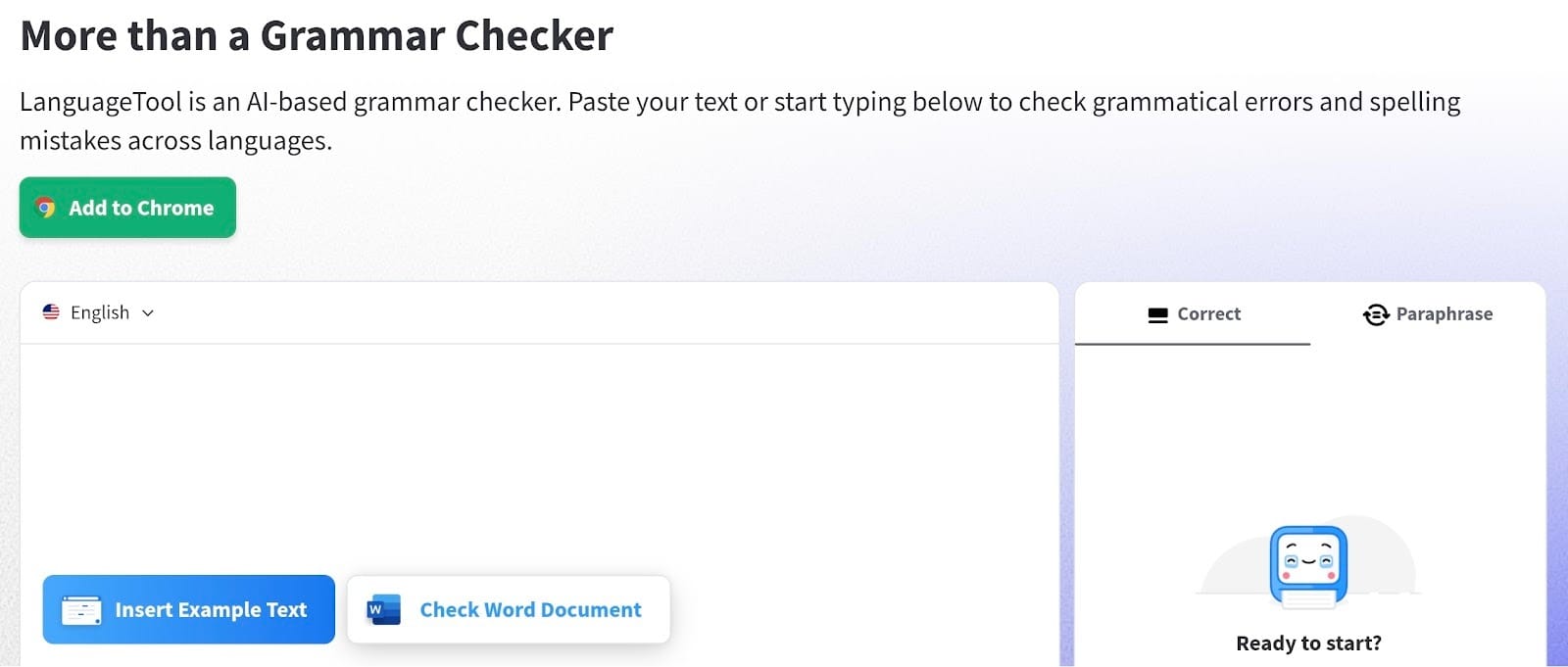
LanguageTool is a bit of a hidden gem if you need a reliable online writer that handles more than just English. It’s an open-source project that has built a huge reputation for being incredibly thorough with grammar rules that other apps completely ignore.
If you’re a Hemingway writer who wants to keep your sentences simple but needs actual grammar help, this tool is a great middle ground.
Strengths
- Strong grammar and style checking: Its "Picky Mode" goes deep to catch tiny punctuation slips before you hit send.
- Supports multiple languages: Unlike most big names that only focus on English, this app handles over 30 languages, including Spanish, German, and French.
- Works across browsers and apps: You can use it almost anywhere you type, from a simple browser extension to dedicated desktop apps for Windows and Mac. It integrates directly into Google Docs and Word, so your workflow stays consistent no matter which software you prefer.
Weakness
The main downside is that the AI rewriting isn't as flashy as what you’ll find in some of the newer, dedicated AI editors.
While it does have a paraphrasing tool now, it’s mostly built to be a high-end corrector. If you want a tool to radically change the creative "vibe" of a story, you might find it a little too focused on the technical rules of writing.’
6. Ginger Software
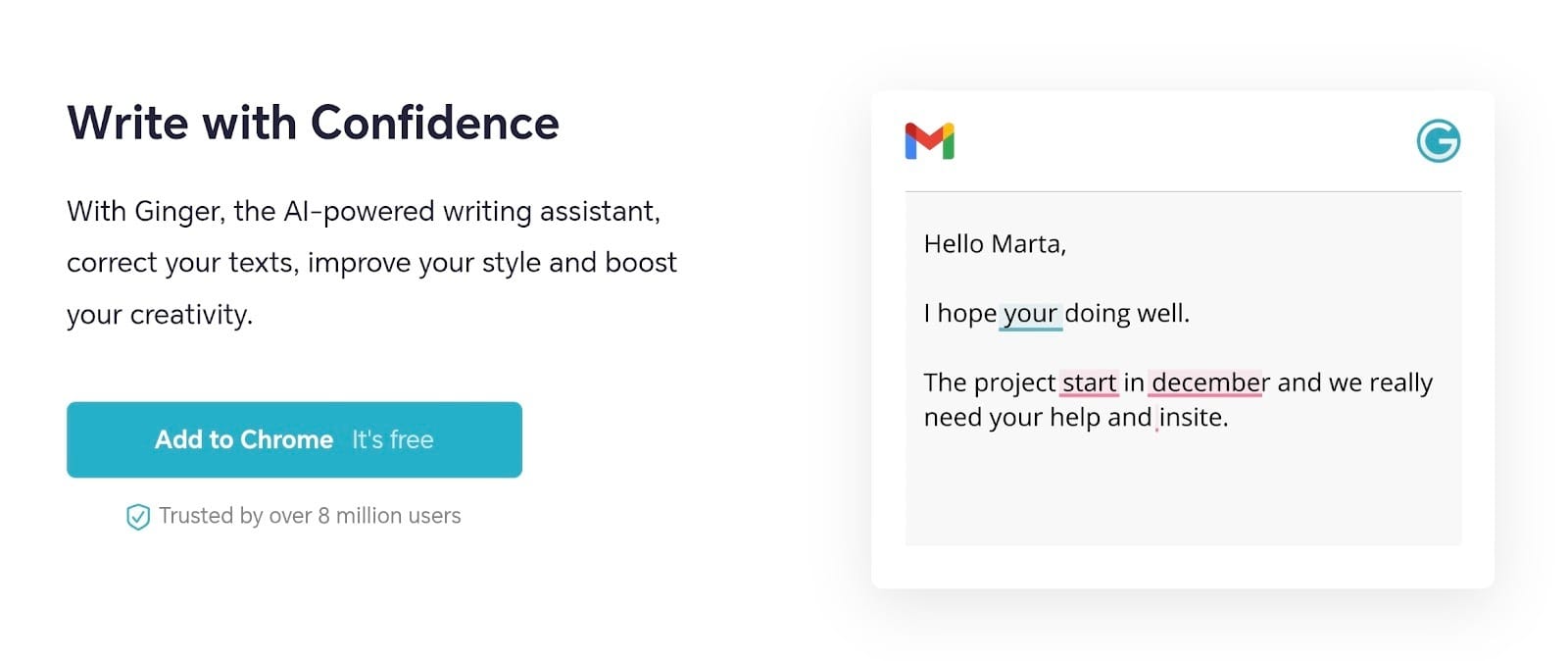
Ginger Software has been a reliable part of the writing world for a long time. It’s a solid writing assistant if you want a straightforward way to clean up your work without a steep learning curve. While it might not have the flashy look of some newer startups, it stays a dependable choice for everyday communication.
Strengths
- Sentence rephraser built in: Instead of just fixing a typo, it gives you several ways to flip a sentence around so it actually flows better.
- Grammar and spell checking: This tool is very thorough at catching the basics. It’s a reliable essay editor because it looks at the context of the whole sentence rather than just individual words.
- Personal Trainer feature: One unique part of Ginger is that it actually tracks your common mistakes. It uses that data to give you personalized practice sessions.
Weakness
The biggest downside is the speed and the look of the software. Ginger’s interface hasn't changed much in years, and it can feel a bit clunky or slow compared to sleeker competitors. Some users find the pop-up suggestions a bit intrusive on certain websites.
Also, it still has some issues with Google Docs, which can be a real pain if that's your primary workspace.
7. PaperRater
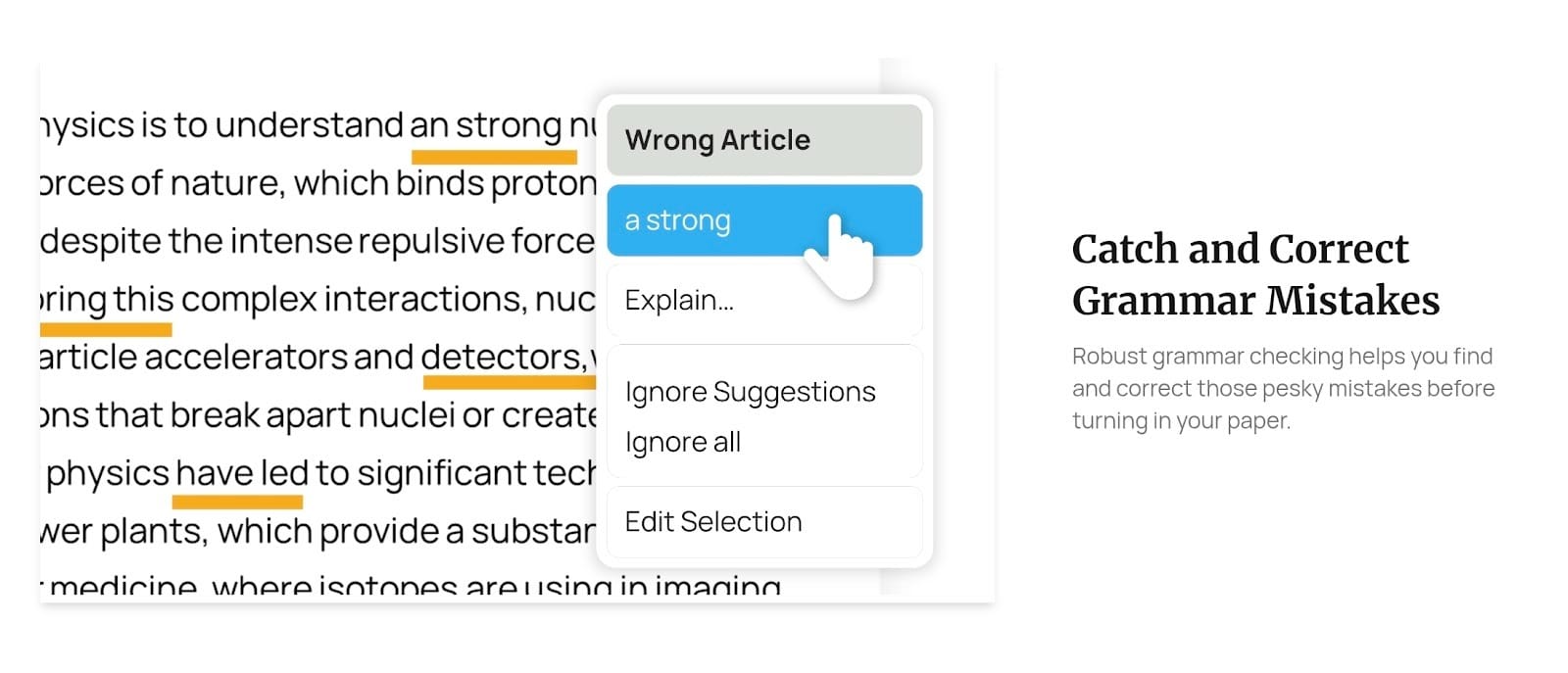
PaperRater is a good choice if you’re a student or someone who needs to check an academic paper without jumping through a bunch of hoops. It’s been a staple in the education world for years as it doesn't even require you to create an account for a basic scan.
It’s essentially a fast online writer companion that won't cost you a dime for basic checks.
Strengths
- Grammar and plagiarism checking: This is one of the few proofreading tools that gives you a detailed plagiarism report alongside your grammar corrections for free.
- Good for essays and academic writing: PaperRater actually scores your paper based on your educational level. It looks at your vocabulary and sentence structure to give you a "grade," making it a helpful Hemingway writer alternative for those who need an academic edge.
- Free plan available: The free version allows for up to 50 submissions a month and 10 plagiarism checks. This is usually plenty for a typical semester of classes or acting as a quick email fixer when you're in a rush.
Weakness
The main downside is that the interface feels quite dated compared to newer editing and writing apps. It lacks the advanced AI rewriting and "creative voice" features that you’ll find in some of the sleeker competitors.
Since there’s no browser extension or mobile app, you have to do everything through their website, which can slow down your workflow if you’re used to real-time editing while you type.
editGPT vs Hemingway Editor
Table: Side-by-Side Comparison
Which Hemingway Alternative Should You Choose?
- For full editing power → editGPT
- For grammar → Grammarly
- For rewriting → Quillbot
- For analysis → ProWritingAid
- For simplicity → Hemingway
Final Verdict
Hemingway Editor is still a great starting point for beginners who need to learn the basics of bold, clear writing. It effectively highlights your bad habits, like passive voice and wordy sentences, in real-time.
However…
…modern writing demands more than just basic readability flags. After testing these options, editGPT stands out as the strongest upgrade thanks to its deep, contextual AI editing without stripping away your unique human voice, as well as different academic and industry-specific modes, too.
FAQ
What’s the best Hemingway Editor alternative?
editGPT is easily the top pick as it actually tracks changes like a human editor while handling deep, contextual rewrites. It goes way beyond basic readability highlights by focusing on polishing your prose without killing your unique voice.
Is there a free alternative to Hemingway Editor?
Yes, you can use the free versions of Grammarly or Quillbot for quick grammar fixes and basic rephrasing. LanguageTool is another great open-source option if you need a reliable checker that works across different languages for free.
Is Hemingway Editor outdated?
It isn't necessarily obsolete, but it definitely feels limited since it lacks the deep AI rewriting features found in newer tools. While it’s still great for a quick readability check, it won't actually do the heavy lifting of restructuring your sentences for you.
Which tool is better than Hemingway for SEO writing?
Grammarly and editGPT are much better choices because they actually help you integrate keywords while keeping your text natural and easy to read. These tools focus on rankability and engagement, whereas Hemingway only looks at how simple your sentences are.
Can AI replace Hemingway Editor?
Modern AI tools like editGPT have basically already done that by offering the same readability analysis plus the ability to actually fix the text. They handle the "why" and the "how" of editing, which saves you the trouble of manually rewriting every long sentence yourself.
Recommended Reading
What is the best AI Proofreader?
Top 10 Creative Writing Tools in 20206
Best AI Proofreader Tools of 2026 (Tested for Accuracy, Speed & Tone)
Best AI Proofreader Chosen by the Reddit Community
Video review: This AI Text Editing Tool Is FLAWLESS!
Best AI Proofreader Tools of 2026 (Tested for Accuracy, Speed & Tone) editGPT vs Grammarly vs Quillbot: Which Writing Tool is Best?
The Best AI Proofreaders That Actually Work (Free & Paid)
Review: Wordtune Editor vs editGPT
Review: Grammarly vs editGPT
Review: ProWritingAid vs editGPT
Review: Hemingway Editor vs editGPT