7 Best Tools to Humanize ChatGPT Text in 2026 (Tested for Natural, Undetectable Writing)
I tested the 7 best tools to humanize ChatGPT text in 2026, tested for natural, undetectable output. editGPT leads on quality and control — plus a step-by-step how-to guide.
TL;DR: After testing the top tools today, the best tools to humanize ChatGPT text in 2026 are:
- editGPT - Best Overall
- Undetectable AI
- WriteHuman
- HIX Bypass
- Phrasly
- StealthGPT
- Quillbot Humanizer
Learning how to humanize ChatGPT text is a must if you want your drafts to actually resonate with real people. While ChatGPT generates long articles in seconds, its writing comes with an unmistakable fingerprint… and almost anyone who uses ChatGPT regularly would definitely know.
Your readers instantly spot the monotonous rhythm, predictable vocabulary, and stiff transitions, while modern scanners can flag those rigid text structures without missing a beat.
The goal here goes beyond bypassing a filter to get rid of AI detection. You want to polish robotic copy into authentic, energetic prose that sounds entirely human, turning clean detection reports into a natural byproduct.
I spent weeks testing raw ChatGPT output against every major humanize AI rewriter and anti AI writing workflow on the market. Here's what you'll find in this guide:
- The best 7 tool to humanize ChatGPT text, sorted by where they excel and where they could improve;
- Reviews of how these tools performed against tough detectors like GPTZero and Originality.ai’
- More about humanizing ChatGPT text;
Now, let's skip the guesswork and look at which rewriters actually deliver clean, publish-ready prose.
What "Humanizing ChatGPT Text" Actually Means?
Getting your draft past a scanner starts with understanding how these algorithms analyze your words in the first place.
Why ChatGPT text reads like AI
An unedited ChatGPT text reads like a lifeless machine because it relies on mathematical averages. Language models build paragraphs using low perplexity, which means picking the safest, most predictable word choices every single time.
They also write with low burstiness, meaning every sentence follows a uniform length and structure.
Add in repetitive transition phrases and an overly formal tone, and you get text that instantly triggers red flags for both human readers and detector software.
What humanizing does
To humanize AI content effectively, you have to nip those rigid mathematical patterns at the structural level. True humanization rewrites the cadence, phrasing, and rhythm of your paragraphs so the text varies naturally, the exact way a person thinks and writes without altering your core meaning.
Why the tool you pick matters
Cheap humanizing tools fail because they simply swap individual words for awkward synonyms, leaving behind clunky prose that reads worse than the original AI draft.
And it’s very easy to spot from a mile away.
A good tool restructures full sentences and fixes flow on a deeper level. That balance between structural editing and clear readability is what separates basic humanizers from actual professional tools.
How to Humanize ChatGPT Text Manually (Quick Guide)
If you want to fix your drafts by hand before relying on software, learning how to humanize ChatGPT text comes down to five quick manual fixes.
- Vary your sentence lengths: Mix ultra-short punches with slightly longer, detailed sentences to instantly break up that monotonous AI cadence. Sticking to one sentence structure makes paragraphs sound like a factory assembly line.
- Strip out obvious AI phrases: Delete stock openers like "in today's fast-paced world" or transition filler like "moreover" and "it's important to note." These canned expressions scream machine generation to anyone reading.
- Use natural contractions: Swap out stiff phrasing like "it is" or "you are" for casual contractions like "it's" and "you're." Real people talk with contractions, and adding them immediately relaxes your overall tone.
- Swap vague claims for specific details: Replace generic statements with concrete numbers, exact examples, or real-world names. AI loves fluff, so grounding your points in actual facts adds instant authority.
- Read every paragraph out loud: Speak your text off the page to catch awkward phrasing that sounds like a dry classroom report. If a line trips up your tongue or sounds textbook-ish, rewrite it on the spot until it sounds like natural speech.
Tackling this process manually works great for quick paragraphs, but doing it line by line across a multi-page document takes forever.
And that’s where dedicated tool comes in handy… and this review’s top pick editGPT does these exact structural edits directly inside your draft, except it’s fully tracked and reviewable.
How We Tested and Ranked: Our Criteria
I put every best AI human generator option through the exact same testing process using raw ChatGPT drafts to see which ones actually improve your writing.
Every tool on this list earned its spot based on real performance, zero paid placements or sponsored rankings here.
Output quality and readability
The rewritten text needs to sound completely natural to a human reader while keeping your original message intact. A tool that gives out scrambled grammar or weird word swaps gets dropped right away.
Control over edits
You need full visibility into what changes get made across your draft. Great tools let you accept, reject, or tweak individual edits instead of forcing a blind rewrite on you.
Detection performance across major detectors
Every rewritten draft went through strict scanners like Turnitin, GPTZero, and Originality.ai to test real bypass capabilities. Passing basic free detectors isn't enough when institutional software looks for deeper mathematical patterns.
Long-form fit
Some tools handle short paragraphs just fine but break down completely on multi-page guides or full manuscript chapters. I tested how each rewriter maintains tone consistency across longer, complex documents.
Price and free access
A tool needs to offer genuine value without forcing you into an expensive plan right off the bat. I looked at free tier limits, word caps, and monthly pricing to make sure you get your money's worth.
Comparison Table
1. editGPT - Best for Quality and Control (Top Pick)
Quick verdict
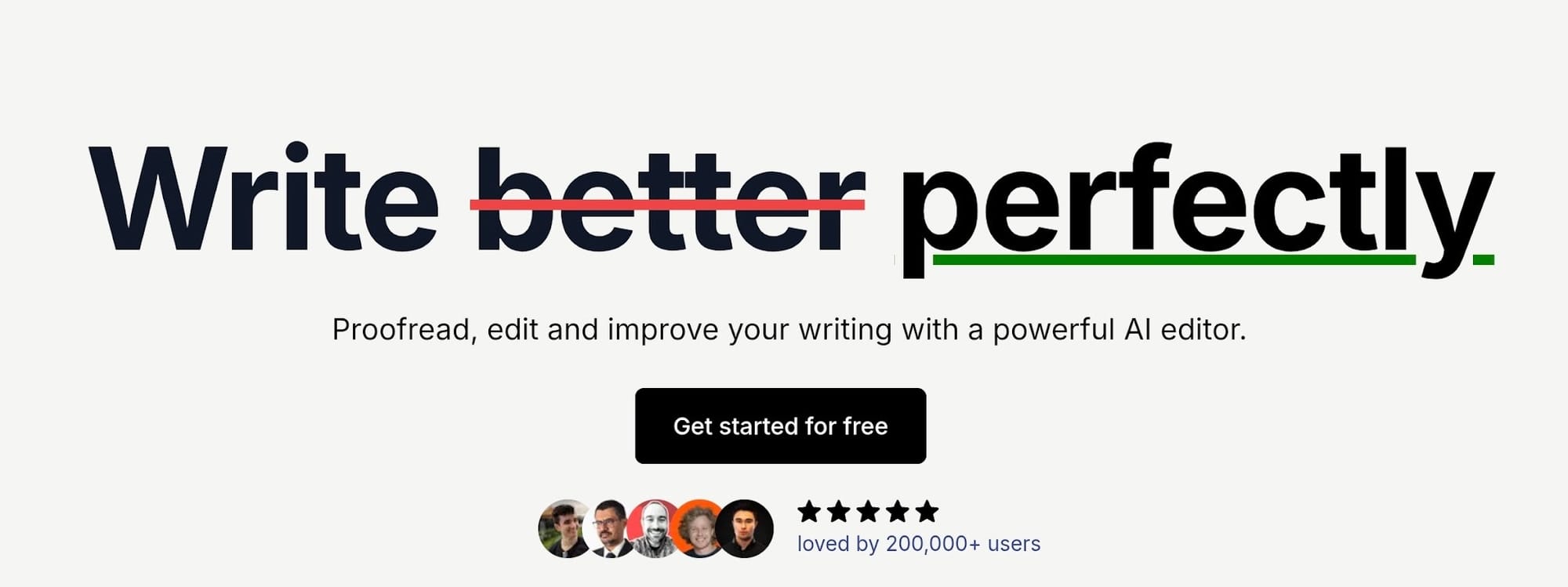
editGPT is the best tool if you want to humanize your ChatGPT text without getting stuck with spun jargon or big words that do too much. It works very much as an intelligent editor that do smart contextual fixes, keeping your tone clear, relaxed, and natural.
It’s the best tool I’ve used that makes my ChatGPT texts sound very human and closest to how I’d speak and write myself.
Why it wins
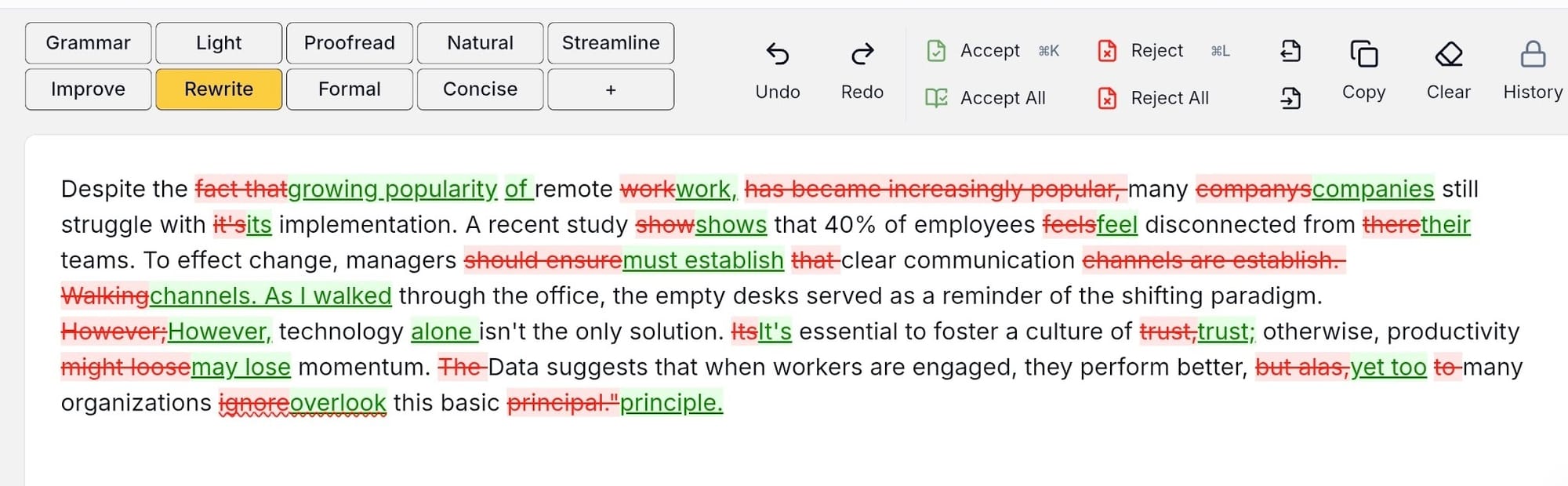
You keep full say over every change thanks to a clean track-changes display. With this feature, you can approve or decline edits one by one, so you're never left guessing what shifted in your draft.
You also get to set the exact editing strength you want, running anything from a light polish to deep structural fixes. On top of that, native Microsoft Word support lets you clean up multi-page files without dealing with tedious copy-pasting.
Detection and quality
Poorly made tools usually attempt to fool detectors by swapping random words for clunky synonyms, which ruins your draft's flow.
editGPT addresses actual AI habits instead.
It adjusts flat phrasing, balances repetitive sentence lengths, and smooths out stiff rhythm. That structural cleanup creates organic prose that preserves your original facts while clearing tough scanners.
Best for
Authors, bloggers, and content creators who need to polish long ChatGPT drafts into publish-ready copy without giving up creative control.
Pricing
The free plan gives you 10,000 words every month to test things out. Paid options start at $10 a month ($8 if paid annually) for 500,000 words, with an Elite tier at $25 a month ($15 if paid annually) for heavy workloads up to 3 million words.
Pros & cons
- Pros: Excellent prose quality, total authority over edits with track changes, works directly inside Microsoft Word.
- Cons: Takes slightly longer than automatic one-click rewriters since you must review changes step by step.
2. Undetectable AI - Best All-in-One
What it is
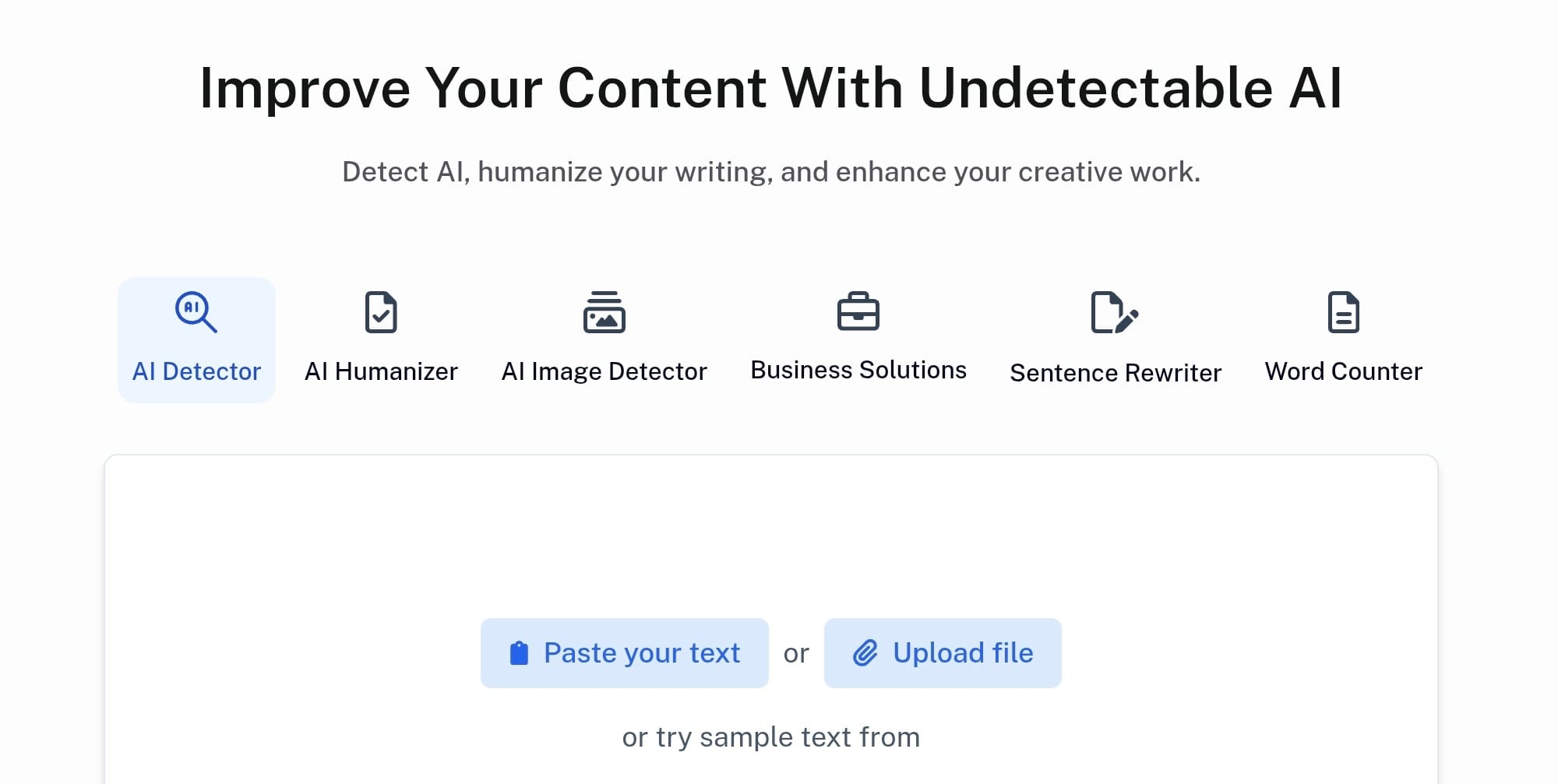
Undetectable AI gives you a combined detector and humanizer right inside one dashboard. It scans your text against major tools like GPTZero, Originality.ai, Copyleaks, and ZeroGPT inline, letting you check and fix your draft without jumping between tabs.
Detection performance
Its bypass performance stayed reliable on general web content and standard blogs, making it a handy option to humanize AI text quickly. They even back their rewriting with a re-humanize guarantee if a scanner flags your draft.
Where it falls short
The main downside came up when I fed it a specialized text. It often replaces precise technical vocabulary with generic words, so you have to double-check your domain terms afterward. It also lacks a built-in plagiarism checker, and team plans get pricey quickly as you add seats.
Best for / price
Undetectable AI works best for creators who want to check detection scores and polish copy in a single workspace. Paid plans start from $9.99 per month on annual billing, giving you an easy all-in-one setup for general writing.
3. WriteHuman - Best Simple Humanizer
What it is
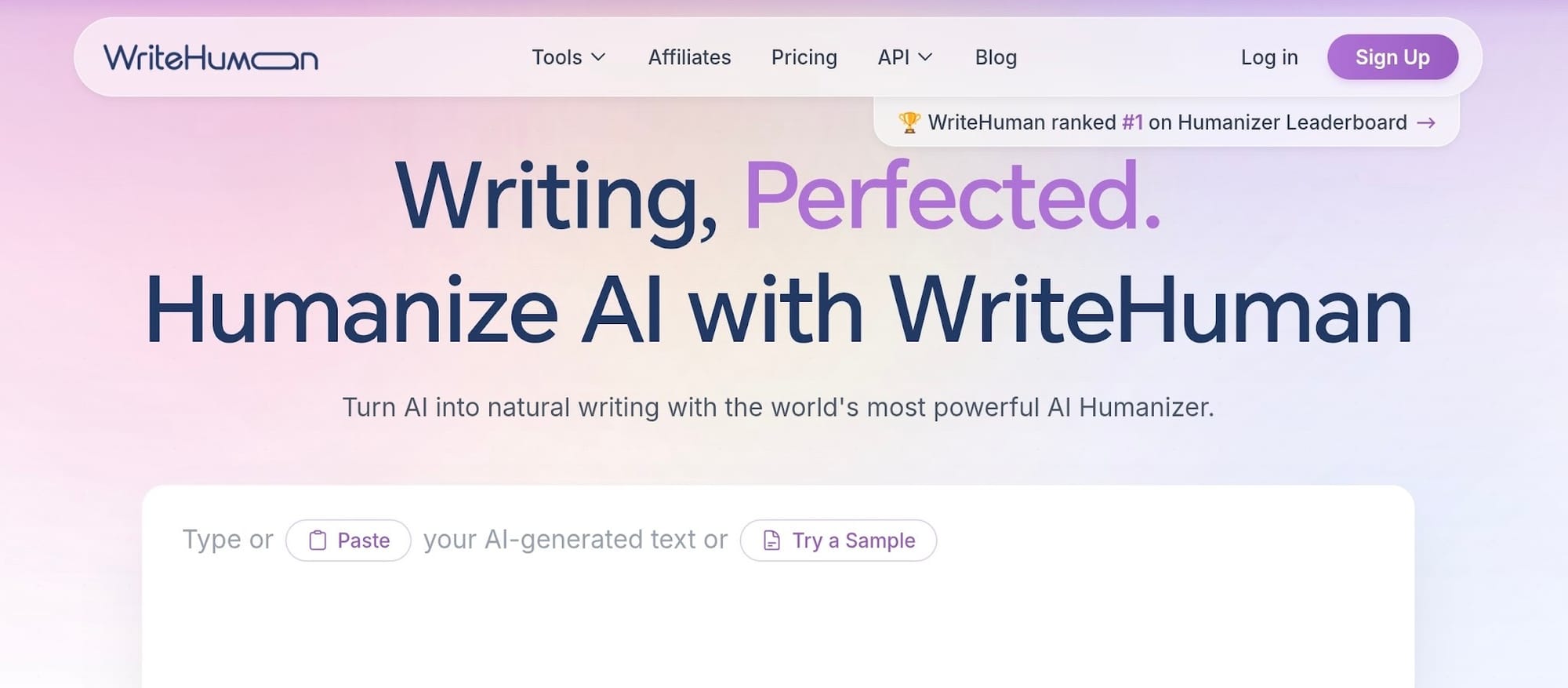
WriteHuman is a minimalist humanizer built for quick cleanup without a crowded dashboard. You paste your draft, adjust tone and readability sliders if you want, and click one button to generate updated prose.
Detection performance
The bypass capabilities hold up well on standard blog posts and everyday web content. You get solid results against basic scanners, though lower subscription tiers enforce strict per-request word caps that stop you from running huge files all at once.
Where it falls short
You get almost no control over specific edits since the tool handles every revision automatically behind the scenes. If you need to process long-form chapters, you have to split your text into smaller chunks to stay under the single-request word limits.
Best for / price
Ideal for creators who want a straightforward, fast humanize button without dealing with complex features. The Basic plan starts at $12 per month billed annually ($18 month-to-month), giving you 80 requests capped at 600 words each.
4. HIX Bypass - Best for SEO Content
What it is
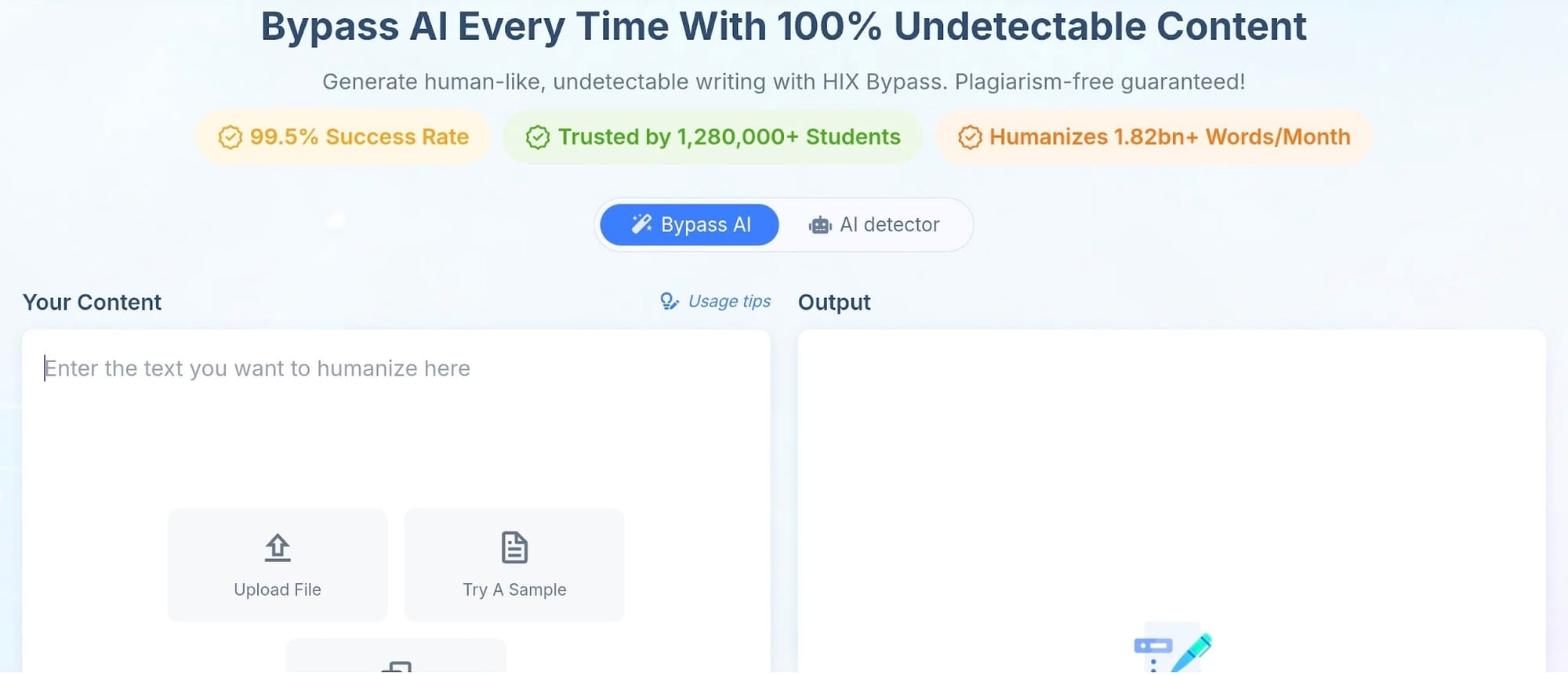
HIX Bypass functions as a multi-detector humanizer that cleans up raw ChatGPT text while leaving your original H2 headings, H3 structures, and bulleted lists untouched.
You paste your draft into the editor, pick your preferred rewriting mode, and get updated prose that retains your formatting for fast publishing.
Detection performance
During testing, this tool maintained consistent bypass rates across its different processing modes, with Balanced mode delivering the cleanest mix of natural flow and scanner evasion.
You can run large documents without running into restrictive single-input word caps, which saves time when polishing long blog posts.
Where it falls short
Higher monthly usage gets expensive fast, especially if you publish heavy content volume every week. They also gate their API access behind enterprise pricing, so you cannot easily plug the tool into custom automated setups without paying for a top-tier business plan.
Best for / price
Ideal for SEO teams and site owners who need humanized copy that preserves structural formatting like headers and lists. Mid-tier pricing starts around $9.99 to $14.99 per month on annual billing for entry-level word allowances, scaling up for higher monthly caps.
5. Phrasly - Best Value Humanizer Tool
What it is
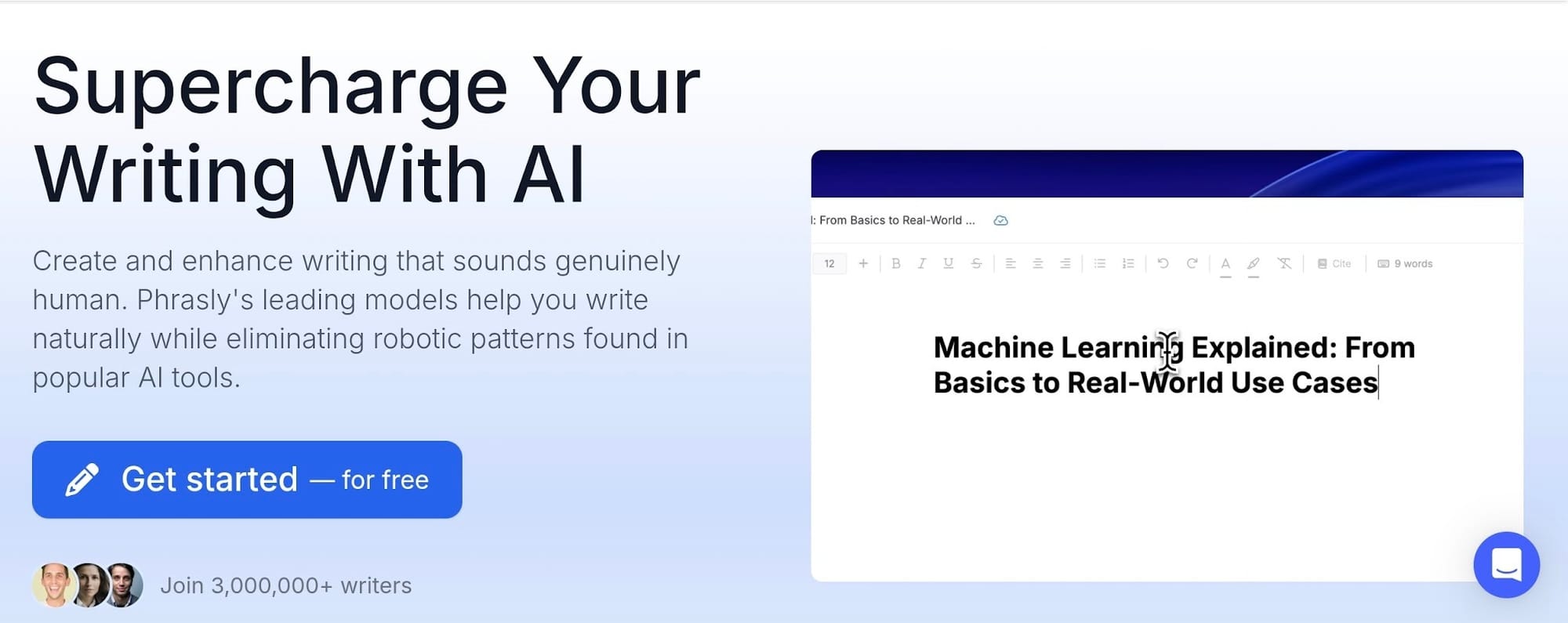
Phrasly works good as an entry-level humanizer aimed at creators who want to clean up AI copy without paying steep monthly fees. It pairs a straightforward humanizer with basic detection checks, giving you a functional workspace for quick draft polishes.
Detection performance
The output held up reasonably well on my standard articles, personal essays, and general blog content. It adjusts basic sentence structures to help everyday writing pass casual scanners, though results can vary if you throw highly complex technical material at it.
Where it falls short
You get minimal granular control over individual phrasing choices, as the tool applies changes automatically in bulk. It also tends to strain on lengthy, multi-page files, meaning you'll need to break larger projects into separate sections to get clean results.
Best for / price
A solid pick for students, freelancers, and budget-conscious writers looking for cheap access. Paid plans start around $10.99 per month on annual billing (or roughly $19.99 month-to-month), making it an affordable entry option.
6. StealthGPT - Best for Short-Form
What it is
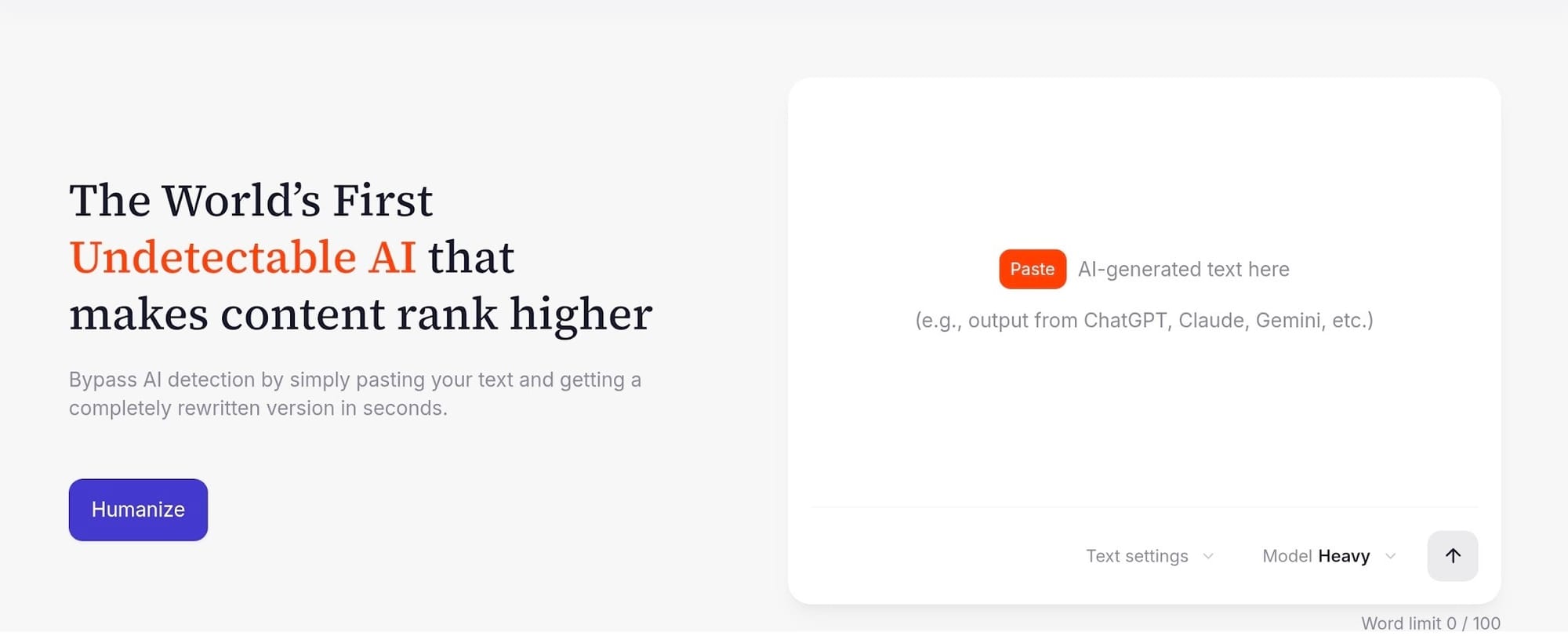
StealthGPT works as a quick-turnaround humanizer designed primarily for fast, bite-sized content cleanup. You drop in brief ChatGPT snippets, run the humanizer, and get an altered draft without messing around with complicated settings.
Detection performance
The output performed well enough on my short texts under 400 words, successfully breaking up basic machine patterns on casual posts. However, once I pushed past that length, the sentence structures began to repeat themselves, which drew unwanted attention from stricter AI scanners.
Where it falls short
Longer drafts tend to suffer from repetitive structural loops, making the tool feel surface-level when handling full-length articles.
It also lacks an integrated plagiarism scanner to verify original phrasing. On top of that, the monthly entry pricing sits higher than several competitors that offer broader feature sets.
Best for / price
Ideal if you focus strictly on short social media posts, quick email responses, or brief web updates. Paid plans start around $14.99 to $15 per month for entry-level access, scaling up for higher word tiers.
7. QuillBot Humanizer - Best Known, but a Paraphraser
What it is
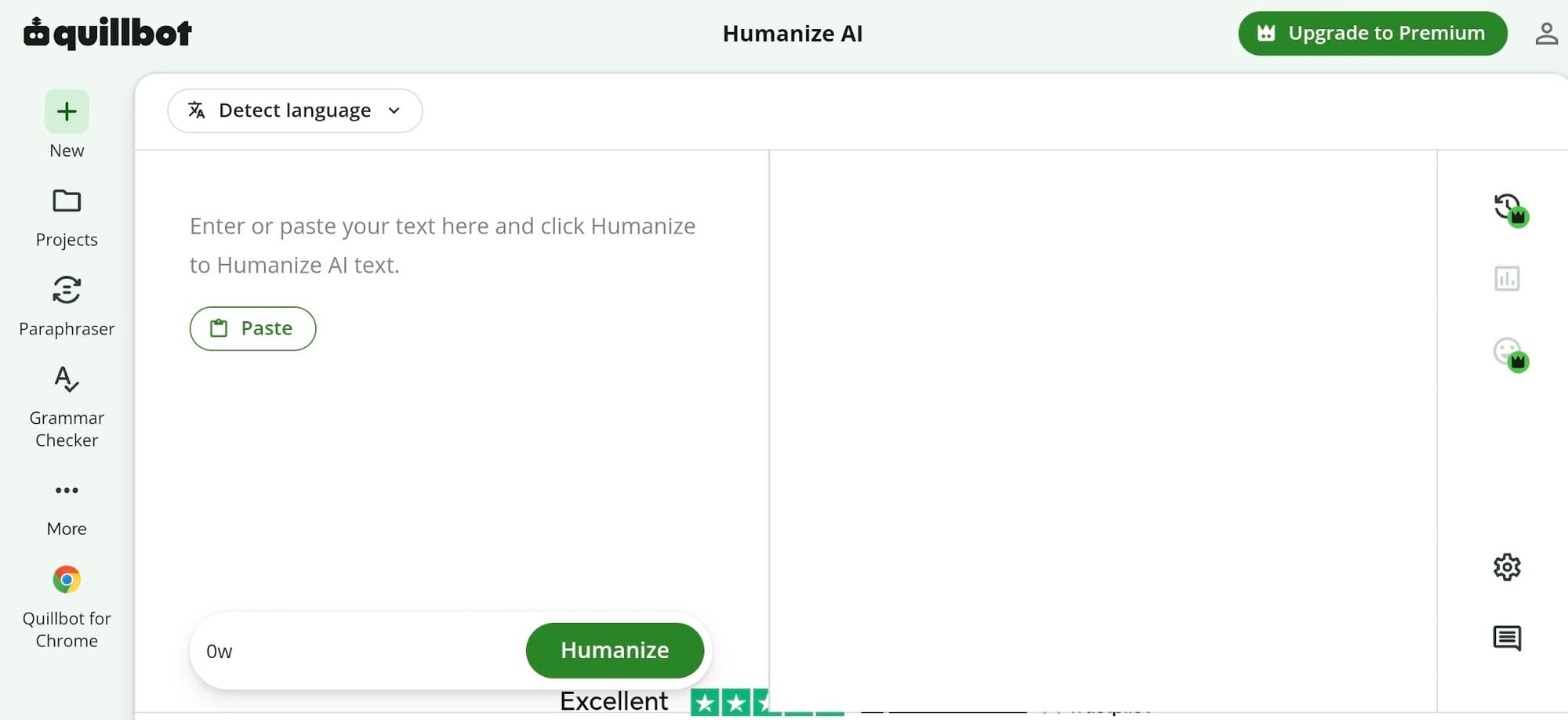
Who doesn’t know Quillbot? This too is easily the most famous editing tool on the web, featuring an online paraphraser, grammar checker, and humanizer option. It alters your text line by line to polish awkward sentences and boost general readability.
Detection performance
Its bypass scores sit lower than dedicated competitors, holding near a 71% pass rate on detectors like GPTZero. Its humanizer focuses on surface-level word swaps instead of restructuring sentence patterns, leaving behind subtle machine signals.
Where it falls short
Quillbot’s underlying engine was built for paraphrasing rather than evading modern detection algorithms. Also, the free tier limits you to 125 words per submission, making long editing projects tedious unless you upgrade.
Best for / price
This tool is ideal for light rewording, smoothing out clunky prose, and catching quick grammar errors. You can start on the free version, while Premium runs $8.33 a month on annual billing or $19.95 month-to-month.
Pros and Cons of Humanizing ChatGPT Text
Pros
Running your ChatGPT drafts through a good humanizer tool clears away predictable machine patterns so your paragraphs read naturally. It breaks up rigid sentence structures and cuts out give-away filler transitions, giving your text a much smoother flow.
You also protect your original work from getting flagged by strict scanners.
Cons
Output quality varies depending on the app or tool you pick, since budget humanizer often tends to swap words for bizarre choices just to pass a test.
Automated systems can also accidentally replace precise technical terms or industry words with generic ones. Because of those automated slip-ups, you'll still need to run a quick manual check over your final text.
Who Should Use These Tools?
- Writers and authors: Clean up early draft chapters, plot outlines, or character notes while keeping full creative control over your story.
- Students: Smooth out essay outlines and fix false flags on original papers without losing your personal voice.
- Content creators and marketers: Turn raw ChatGPT blog drafts, ad copy, and social posts into engaging reading material that aligns with your brand.
- Non-native English writers: Refine rough translations and awkward sentence habits to produce natural English copy that reads effortlessly.
FAQ
What's the best tool to humanize ChatGPT text?
After months of testing, editGPT proved to be the best tool to humanize ChatGPT text as you review line-by-line revisions using a clear track-changes interface. Other options rely on fast one-click rewrites, but they force you to sacrifice prose quality, document formatting, or accurate terminology.
How do I humanize ChatGPT text for free?
You can polish drafts manually by cutting out repetitive transition words and varying your sentence structure. For software assistance, editGPT includes a free plan with 10,000 words per month, while QuillBot offers a basic free paraphraser capped at 125 words per attempt.
Why does ChatGPT text sound robotic?
ChatGPT texts sound robotic because language models choose statistically predictable word sequences, creating a generic and formal tone. That output pattern results in uniform sentence lengths, predictable cadence, and overreliance on mechanical transition phrases.
Can humanized ChatGPT text pass AI detectors?
Yes. Humanizer tools that restructure sentence rhythms and vary line length can clear major text scanners. Basic humanizer that simply swap words for simple synonyms often get flagged by strict detectors like Turnitin or Originality.ai.
Does humanizing change the meaning?
A reliable humanizer editor updates sentence structure around your facts and even intentions to preserve your core message. Meaning shifts usually happen when automated tools swap technical terms for broad synonyms, which makes direct control over individual edits essential.
Final Verdict
After weeks of testing these tools back-to-back, editGPT came up on top as the best tool to humanize your ChatGPT drafts into genuine human writing.
With its intelligent contextual editing, editGPT lets you avoid having those weird dictionary swaps that mess up your draft, helping you fix stiff phrasing directly through a clear track-changes setup.
Other tools fill specific gaps based on your setup.
Undetectable AI can handle quick checks across multiple scanners, HIX Bypass keeps your headers and bullet points intact, and Phrasly works fine if you want something simple on a budget.
A tool can only take you so far though. AI detectors keep shifting their rules, but beating a score is only half the battle. Focus on cleaning up clunky sentences so your final piece sounds natural to a real reader.
Recommended Reading
7 Best QuillBot Alternatives for AI Paraphrasing and Content Rewriting
QuillBot vs editGPT: We Tested the Best AI Proofreaders in 2026
What is the best AI Proofreader?
Top 10 Creative Writing Tools in 20206
Best AI Proofreader Tools of 2026 (Tested for Accuracy, Speed & Tone)
Best AI Proofreader Chosen by the Reddit Community
Video review: This AI Text Editing Tool Is FLAWLESS!
Best AI Proofreader Tools of 2026 (Tested for Accuracy, Speed & Tone) editGPT vs Grammarly vs Quillbot: Which Writing Tool is Best?
The Best AI Proofreaders That Actually Work (Free & Paid)
Review: Wordtune Editor vs editGPT
Review: Grammarly vs editGPT
Review: ProWritingAid vs editGPT
Review: Hemingway Editor vs editGPT