7 Best Tools to Bypass AI Detection in 2026 (Ranked by How Human the Output Actually Reads)
I tested the 7 best tools to bypass AI detection in 2026, ranked by how human the output actually reads, not just whether it passes. Tested and compared, editGPT leads on control.
TL;DR: The best tools to bypass AI detection in 2026 are:
- editGPT - Best overall for quality and control
- Undetectable AI
- WriteHuman
- StealthGPT
- HIX Bypass
- Phrasly
- Quillbot Humanizer
AI detectors are everywhere in 2026. Turnitin, GPTZero, Originality.ai, and Copyleaks flag content constantly, and false positives on genuinely human writing happen every day.
If you want to bypass AI detection reliably, you must have already learned that tricking a percentage score is actually the easy part.
The real challenge is stopping these rewriters from turning your precise, clear arguments into total nonsense. Most bypass tools replace your industry vocabulary with bizarre synonyms, leaving you with unreadable sentences that no actual person would ever publish.
To find a real fix, I spent weeks putting the most popular AI detection software through rigorous hands-on testing.
I ran raw AI drafts through these engines, threw the results against the major detection platforms, and ranked them based on a set metric (more on that later).
Here’s what you’ll find in this breakdown:
- A direct look at the seven best humanizers in 2026 that actually preserve your original intent;
- All their pros, cons, and who are they best for, as well as how I tested them;
- A clear ranking focused on readability, vocabulary choices, and natural flow;
Let's look at which options managed to satisfy the algorithms without giving your proofreader a headache.
Comparison Table
What "Bypass AI Detection" Actually Means?
How AI detectors work
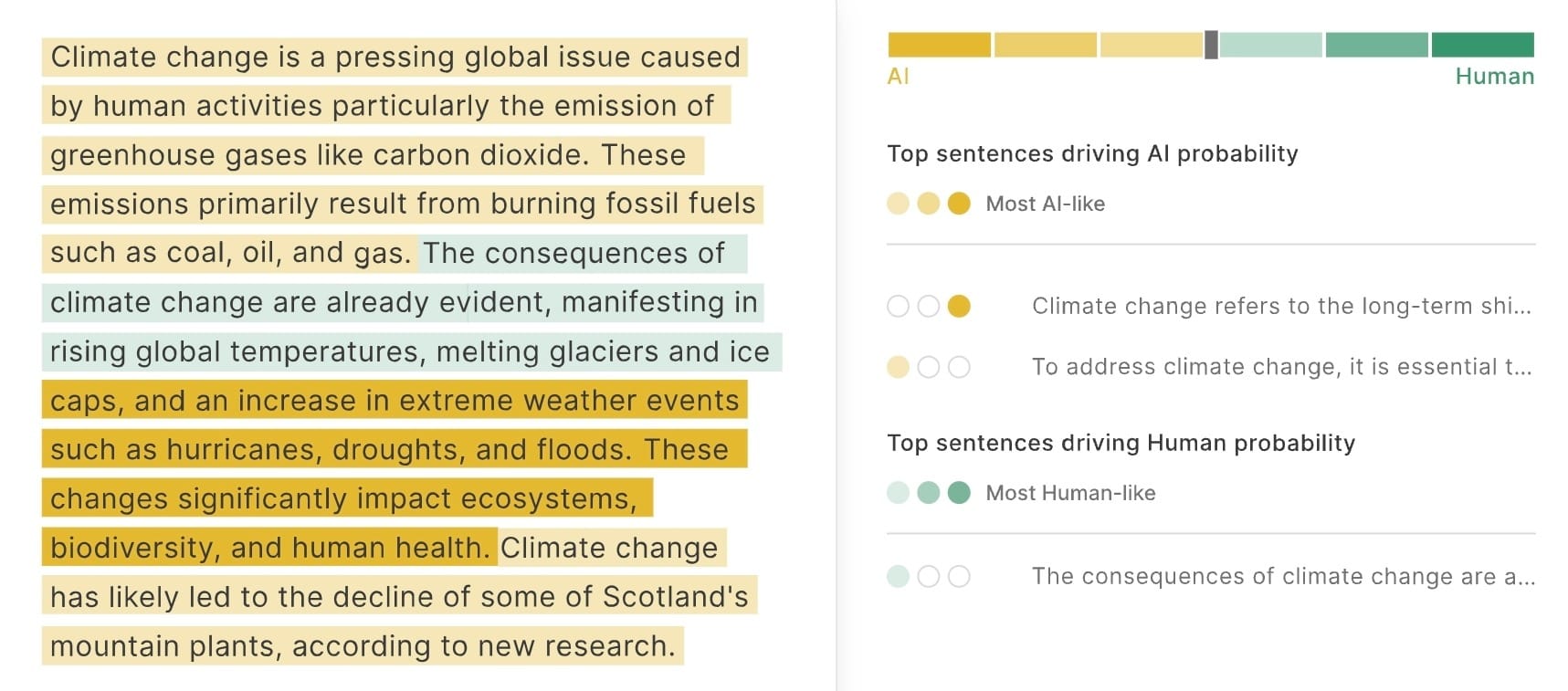
AI detectors don’t look for plagiarized ideas. Instead, they analyze statistical patterns across your text. The two biggest metrics they track are perplexity and burstiness.
Perplexity scores how predictable your word choices are to a reference language model. Because AI generators naturally pick the most statistically probable next word, they pull incredibly low perplexity scores.
Burstiness measures your sentence-level variety. AI programs write with a uniform, rigid structure, keeping sentence lengths and weights flat across an entire document. Human writers, by contrast, shift patterns constantly, firing off a short, blunt sentence right before a long, complex, clause-heavy explanation.
When a checker flags your work, it’s simply because your text lacked those chaotic, natural shifts.
What does humanizing do?
When you use a program to humanize AI text and bypass AI detection, you’re essentially restructuring those underlying mathematical patterns. A good tool takes your baseline drafts and intentionally injects statistical randomness into the prose.
It alters repetitive phrasing, swaps out generic transitions, and forces the sentence structures to expand and contract dynamically.
Basically, it edits your text so that it mimics the irregular, unpredictable rhythms of organic thought. The end result mirrors natural writing closely enough to register high perplexity and burstiness metrics, successfully convincing the algorithmic classifiers that a person held the pen.
Why output quality matters, not just the pass
It’s incredibly easy to find a humanized AI text and bypass detection free option that clears a security scan but completely destroys your copy. Most generic rewriters rely on crude synonym replacement loops that swap important terms for clunky, awkward alternatives, rendering your final piece unreadable.
Getting a green checkmark on a dashboard does your business no good if your target audience can no longer understand your message.
True success means passing the algorithms without sacrificing the structural depth and clarity your brand relies on. That specific balance between high-scoring stealth and flawless, professional readability is exactly what our top-rated tool in this list managed to pass with flying colors.
How I Tested and Ranked These Tools
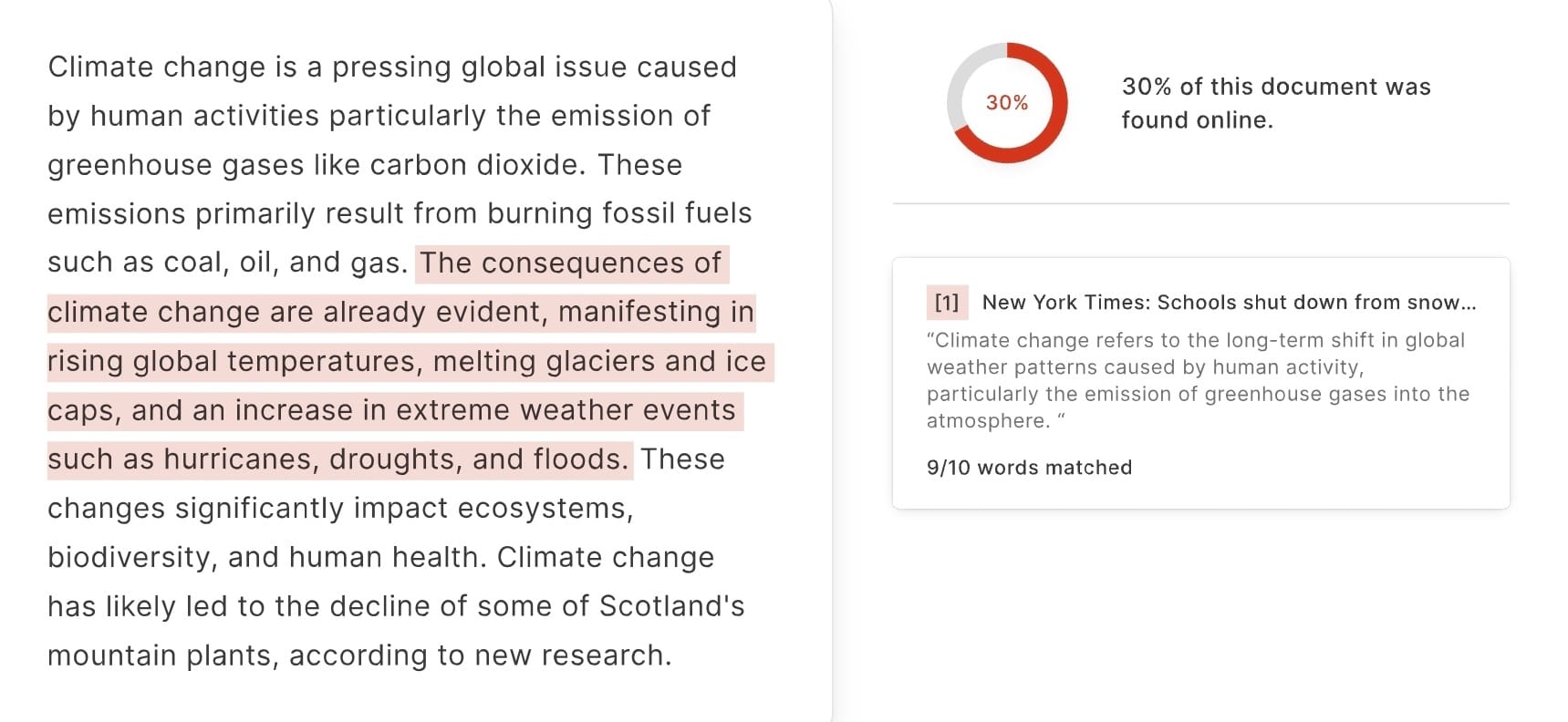
To find out how to make AI text undetectable, I didn't just guess which tools worked well. I put every single tool option through a strict, transparent evaluation process.
Nobody paid for their spot on this list, and every application earned its rank based purely on its actual performance data.
Here are the specific criteria I used to grade each entry:
- Detection Pass Rate: I ran text samples through multiple major AI scanners to verify how consistently each tool hits a zero-percent or low-probability marker.
- Output Quality and Readability: I analyzed the polished drafts line by line to make sure the grammar stays perfect and the flow sounds like natural speech.
- Control Over Changes: I gave higher scores to applications that let you lock down specific industry jargon or technical terms so they don't get swapped out.
- Workflow and Formatting Fit: I checked if the programs preserve your original markdown headers and paragraph breaks without creating an extra editing mess.
- Price: I looked at the subscription tiers, word caps, and free trials to confirm you're getting actual value for your money.
1. editGPT - Best for Quality and Control (Top Pick)
Quick verdict
editGPT is the top pick and easily the best choice for if you need to humanize AI text and bypass AI detection without butchering your prose. It approaches revisions like a human copyeditor rather than a sloppy rewriting machine. Instead of hiding your text inside a black box and spitting out garbled synonyms, it works directly on your sentences so you see exactly what changes are being made.
You keep absolute control over your style, which means you get clean, natural text that easily clears filters while remaining 100% ready for actual readers.
Why it wins
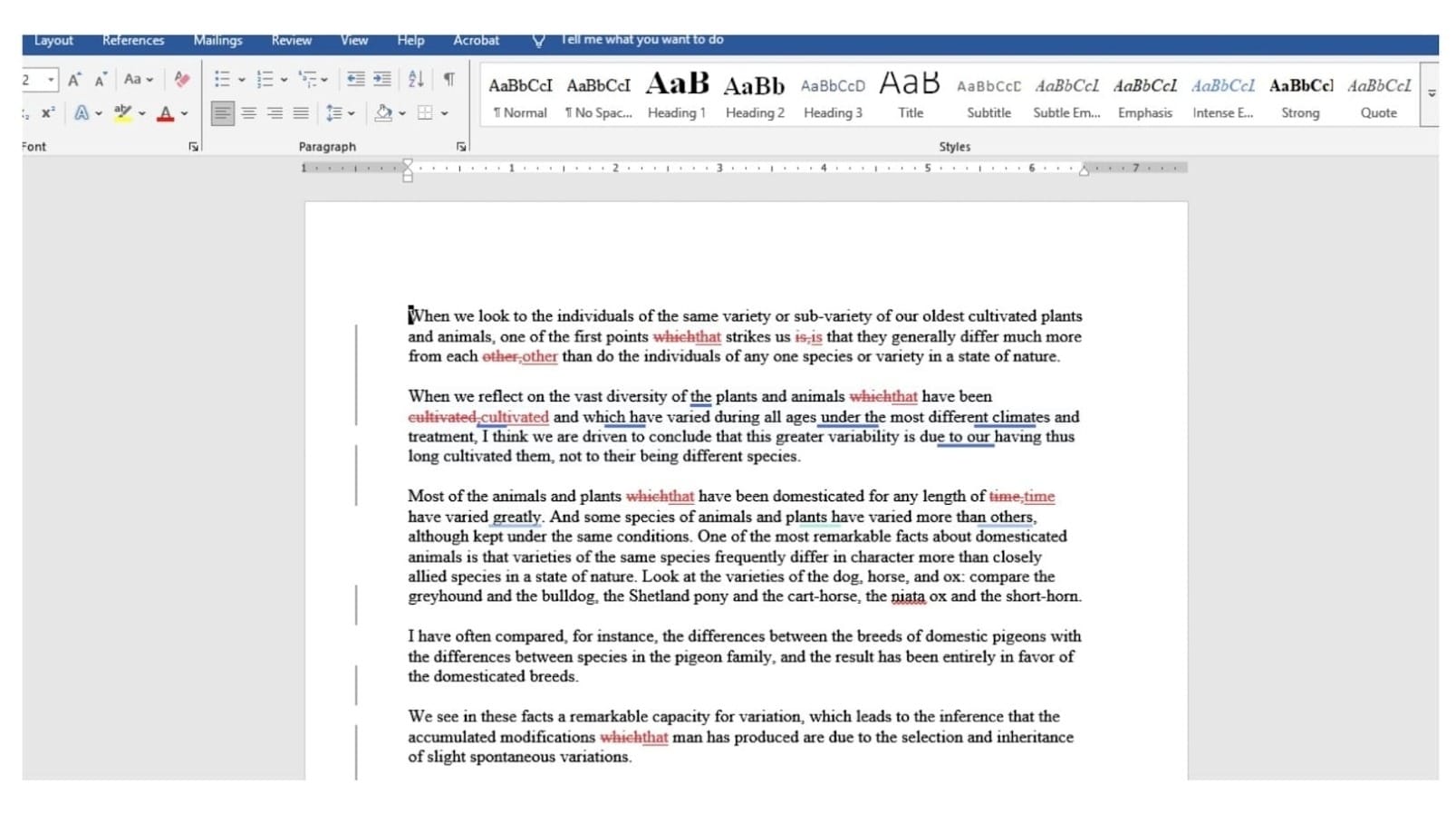
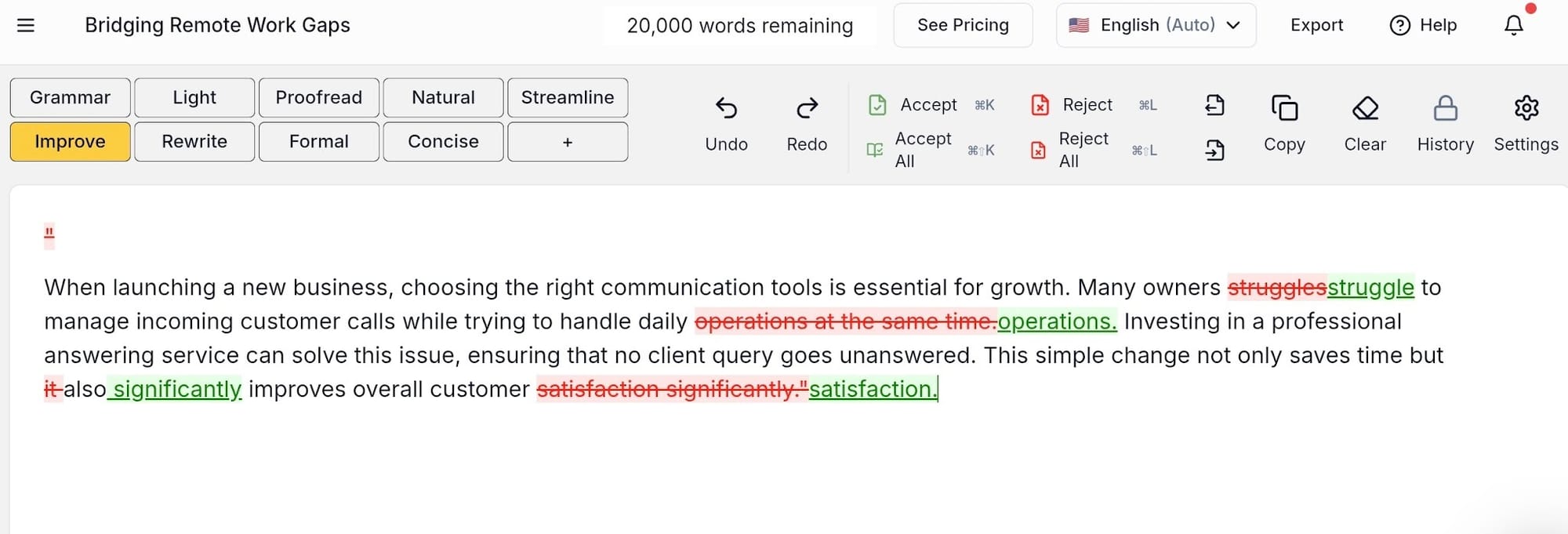
The track-changes interface is a total lifesaver. Every single rewrite suggestion is visible right on your screen, letting you individually accept or reject edits just like working with a professional proofreader.
You can customize your editing depths depending on what your draft needs, choosing everything from a light sentence polish to a deep rewrite.
Contextual editing ensures that the software analyzes the surrounding paragraphs to keep your structural tone consistent across the entire document.
It also features full Microsoft Word document integration, so you can import your .docx files, run your edits, and export them right back into the file format you already use every day.
Detection performance
editGPT acts as a highly effective AI detection remover as it fixes the underlying structural habits that modern scanners track.
Instead of just swapping out basic adjectives, it changes sentence cadences, breaks up repetitive rhythmic flows, and fixes bad formatting patterns.
Scanners catch cheap synonym-swapping instantly in 2026, but editGPT passes the bypass AI detector test again and again by making real structural adjustments. The resulting text flags as human simply because it reads like a genuine human actually sat down and reworked the copy.
Best for: Authors, content creators, and anyone working on long-form manuscripts where the final output has to survive a close human read, not just a simple automated scan.
Pricing
- Free Plan: Provides you with core editing features to test out the editor completely free.
- Pro Plan: Costs $8 per month billed annually or $10 per month when paying month-to-month, giving you a 500,000-word monthly cap and Word document integration.
- Elite Plan: Costs $15 per month billed annually or $25 per month when paying month-to-month, boosting your limit to 3 million words per month for heavy workloads.
Pros & cons
- Pros: You get total control over edits, the highest overall output quality on the market, and native Word file support.
- Cons: It’s built for intentional, serious editing, so it isn't a mindless one-click novelty.
2. Undetectable AI - Best All-in-One Tool
What it is
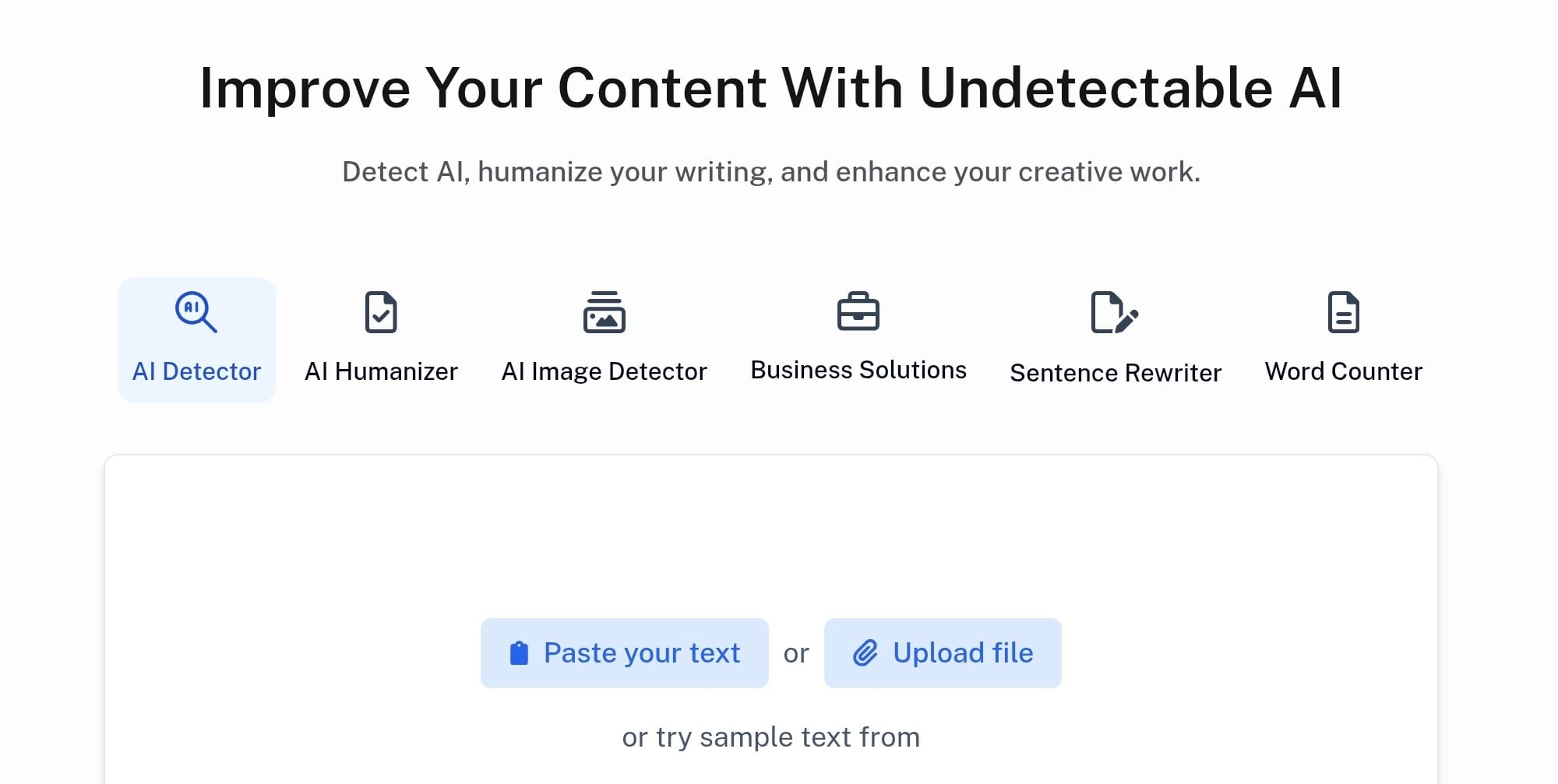
Undetectable AI combines a multi-engine detector with a text humanizer right on a single screen. You paste your draft into the editor, and it runs your lines against systems like GPTZero, Originality.ai, Copyleaks, and ZeroGPT all at the same time.
The dashboard displays the results directly at the bottom using a clean row of color-coded boxes. It shows you exactly which scanners flag your copy as robotic and which ones think a human wrote it, making it incredibly convenient if you're managing high-volume content schedules.
Detection performance
During my testing, the bypass success rates held up really well on casual marketing copy, blog posts, and general lifestyle articles.
This tool changes sentence lengths effectively enough to secure clean, green scores on standard web text. If a draft happens to trigger an AI warning flag on their dashboard, they have a built-in protection policy that offers to re-process the text for you.
Where it falls short
Undetectable AI completely falls apart when you feed it research-heavy documents or niche technical drafts.
When it tries to break up predictable patterns in complex topics, it routinely swaps out precise industry terminology for overly generic, basic words, which completely ruins the authority of your writing.
I also found that it doesn't include a built-in plagiarism scanner, so you're stuck using an external application to double-check originality. On top of that, expanding your account to support a full team gets expensive fast because the word-count pricing tiers climb steeply.
Best for: Content creators who want their detection panel and editing software side-by-side in one simple view.
Pricing
The entry-level monthly package starts at $19 per month if you pay as you go, and f you decide to commit to a full year upfront, that monthly rate drops down to $9.99.
Pros & cons
- Pros: The inline multi-detector panel cuts down your checking time significantly, and the baseline pass rates stay highly consistent on standard articles.
- Cons: The rewriting engine regularly strips out technical terminology, and you don't get any built-in plagiarism scanning features.
3. WriteHuman - Best Simple Humanizer
What it is
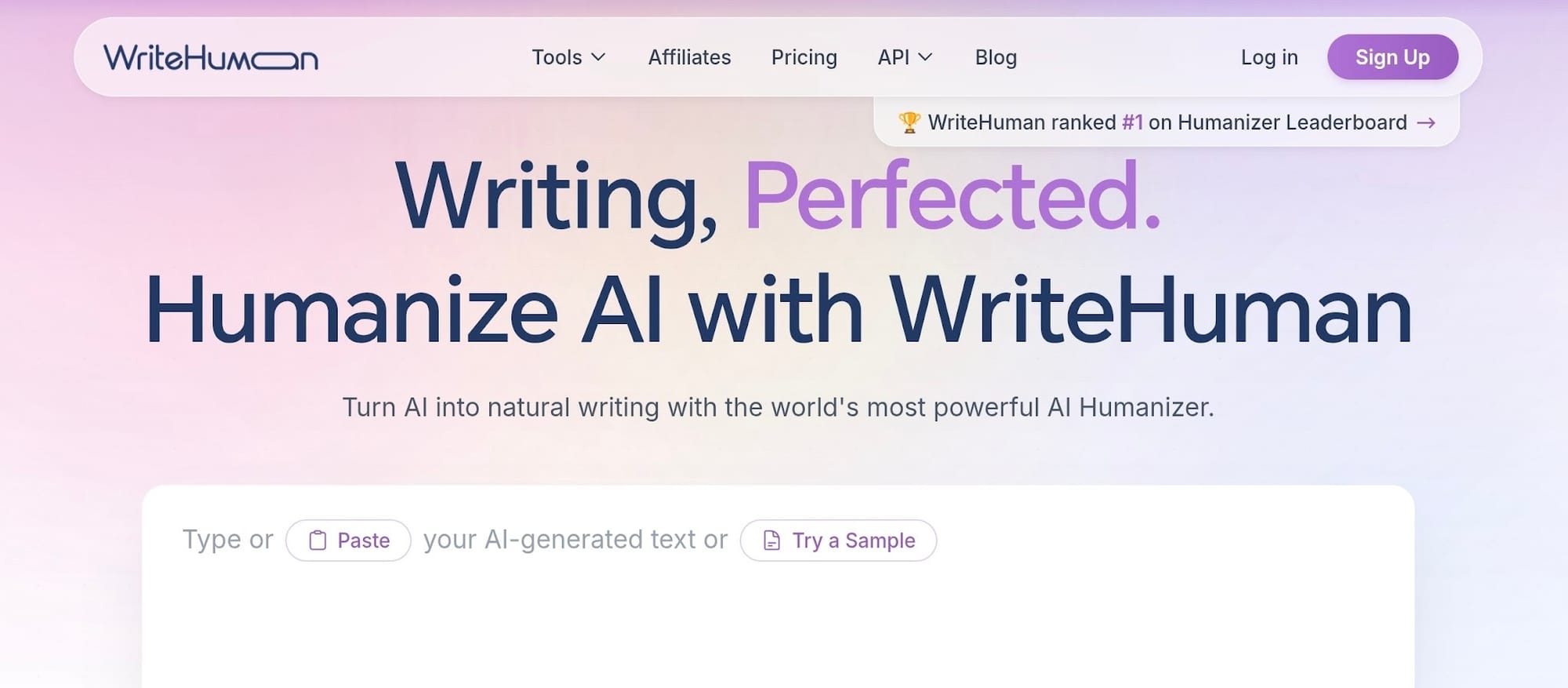
If you're tired of complex menus and just want a simple, no-frills humanize button, WriteHuman is designed for speed.
It features a highly streamlined interface built entirely around a single, clean input box. You copy your draft from your word processor, drop it into their text block, select your preferred readability level, and hit the start button.
It doesn't overwhelm you with deep settings panels or technical formatting options, making it a great pick if you want a fast workflow with a minimal learning curve.
Detection performance
The output quality stays reliable when you're processing standard marketing copy, straightforward articles, or short lifestyle blogs. It scrambles the technical markers well enough to bypass AI detection on baseline content tests.
However, this tool relies on a per-request word cap on its cheaper subscription tiers, meaning you have to keep an eye on your document size before hitting the rewrite key.
Where it falls short
The major trade-off here is the total lack of editorial control over your text. Unlike tools that give you a transparent, line-by-line breakdown, WriteHuman functions as a complete black box: you get a finalized, automated rewrite rather than a reviewable edit.
If you disagree with a specific phrasing change, you can't just reverse that single line easily.
Furthermore, the strict word-per-request caps force you into an annoying chunking routine where you have to chop long essays into tiny, separate pieces just to process them.
Best for: Casual writers or busy creators who want a fast, direct tool to quickly remove AI from text without worrying about complex configuration settings.
Pricing
- Basic Plan: Costs $12 per month billed annually (or $18 month-to-month) and gives you 80 requests per month with a strict limit of 600 words per submission.
- Pro Plan: Costs $18 per month billed annually (or $27 month-to-month), lifting your cap to 200 requests per month and up to 1,200 words per submission.
- Ultra Plan: Costs $36 per month billed annually (or $48 month-to-month) for heavy workloads, unlocking unlimited monthly requests with up to 3,000 words per submission.
Pros & cons
- Pros: The dead-simple interface is incredibly fast to use, and the annual plans offer an affordable entry point.
- Cons: You get zero granular control over individual phrasing changes, and the strict submission word caps create major workflow friction on deep content.
4. StealthGPT - Best for Short-Form Text
What it is
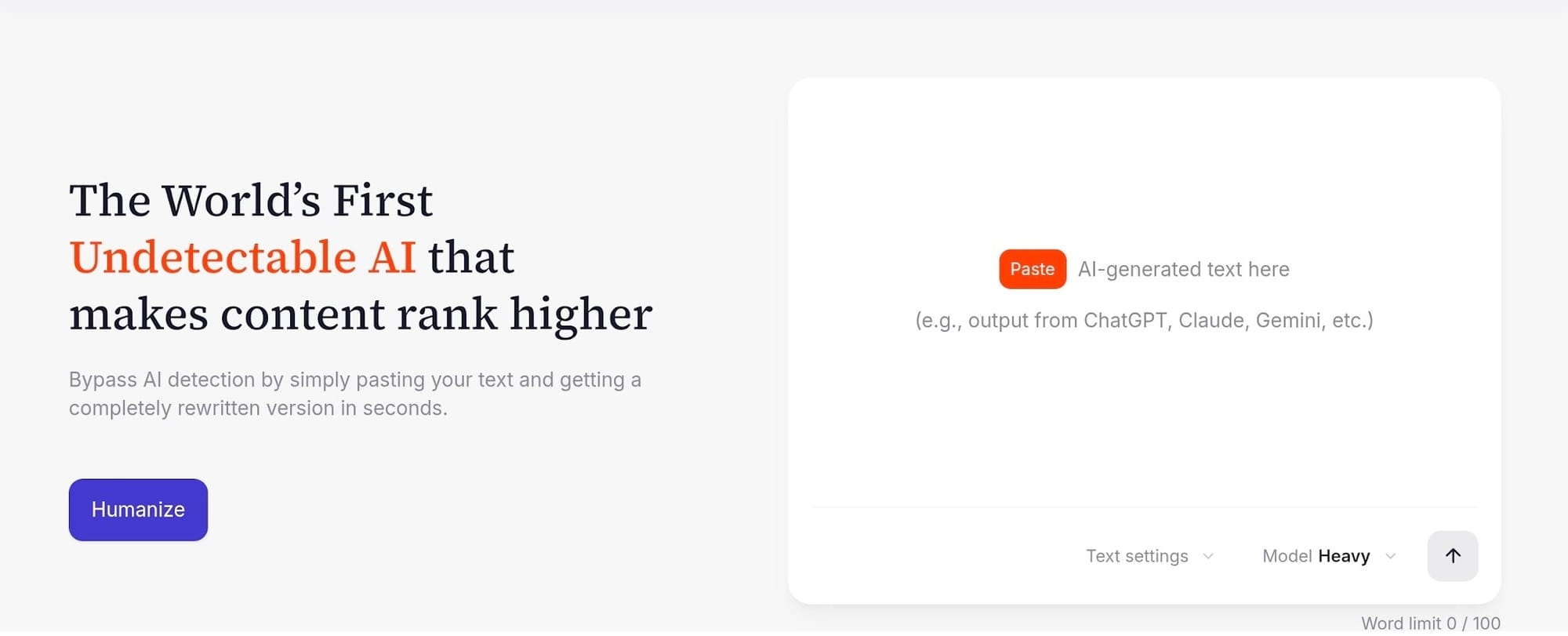
StealthGPT is tailored for rapid, casual text adjustments when you need to change your phrasing on the fly. It’s designed to take raw AI copy and alter the vocabulary layout immediately, giving you a quick result without forcing you through a complicated editing pipeline.
It strips away the most obvious machine tells on shorter blurbs, making it a decent asset if you're pulling quotes or whipping up quick snippets of text.
Detection performance
I found that StealthGPT works perfectly fine as long as your submission stays under roughly 400 words.
When you keep it brief, its engine modifies the sentence rhythms enough to dodge standard detectors. However, if you paste in longer articles, the rewriting patterns get incredibly repetitive, and modern 2026 detectors like Winston AI catch those structural loops right away.
Where it falls short
The rewriting depth stays strictly on a surface level when you throw comprehensive, detailed content at it. Instead of rewriting paragraphs deeply, it depends heavily on swapping basic words, which often creates grammatical slips on long articles.
You don't get a built-in plagiarism check to verify your originality, which is a major missing piece. Also, the service is priced significantly higher than tools that offer far better output control.
Best for: Social media managers or copywriters who only need to process brief posts and short product descriptions where the stakes aren't incredibly high.
Pricing
The entry-level Essential plan starts at $14.99 per month on a month-to-month cycle, capping your usage at 50 requests per day with a 1,000-word limit per submission. Moving up to their Pro plan costs $25 per month, which raises your daily access allowance to 100 requests.
Pros & cons
- Pros: It handles short text changes very quickly and offers a dedicated mobile layout for on-the-go updates.
- Cons: The monthly cost is way too high for surface-level rewrites, and the daily submission caps break your natural workflow.
5. HIX Bypass - Best for SEO Content
What it is
HIX Bypass is tailored for digital marketers and web publishers who need to process online copy without breaking their site's layout.
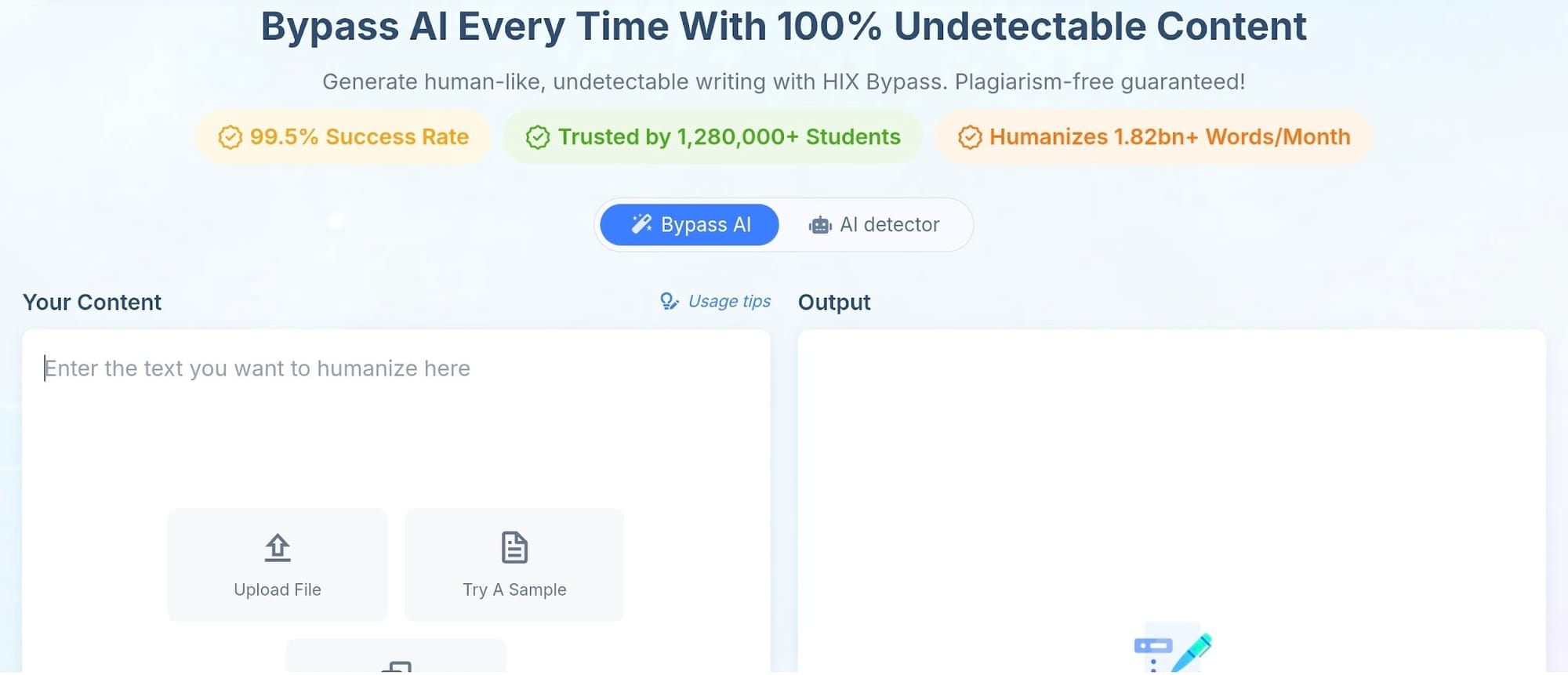
When you drop a drafted blog post or article into the system, it scans your text against an array of individual detectors simultaneously while preserving all your original formatting.
Your HTML layouts, markdown heading levels, bolded phrases, and bulleted lists stay completely intact throughout the rewriting process, saving you from a tedious formatting session before you hit publish.
Detection performance
Its system maintains reliable pass rates across its different processing options, with the Balanced mode acting as the absolute sweet spot for maintaining a natural human flow.
It strips out obvious machine footprints smoothly, and it doesn't slap you with an annoying word-count limit on your initial input field.
This open input structure makes it incredibly easy to process extensive, multi-section web drafts in large, single sweeps.
Where it falls short
The big issue here is that API access stays completely gated behind expensive enterprise-level subscription packages, which means you can't easily plug the engine into your own automated content apps on standard accounts.
It also costs significantly more than budget-friendly SEO alternatives when you scale up your monthly word requirements.
If you're managing a small team on a tight budget, the premium pricing structure can create a lot of financial friction.
Best for: SEO teams and content marketers who need to clean up machine-written drafts quickly while keeping their exact layout and on-page formatting intact.
Pricing
- Basic Plan: Costs $14.99 per month (or $7.99 per month if you're billed annually), providing a 5,000-word monthly cap with a 500-word limit per individual request.
- Pro Plan: Costs $29.99 per month (or $11.99 per month if you're billed annually), bumping your monthly cap to 50,000 words and extending your request limit to 2,000 words.
- Unlimited Plan: Costs $59.99 per month (or $12.00 per month if you're billed annually), unlocking completely unlimited monthly words and clearing out all submission caps.
Pros & cons
- Pros: It keeps your original markdown and heading structures perfectly intact, and the unlimited annual tier offers great value for high-volume sites.
- Cons: API integration's completely restricted to enterprise plans, and the monthly rolling prices are expensive for smaller operations.
6. Phrasly - Best Value Humanizer
What it is
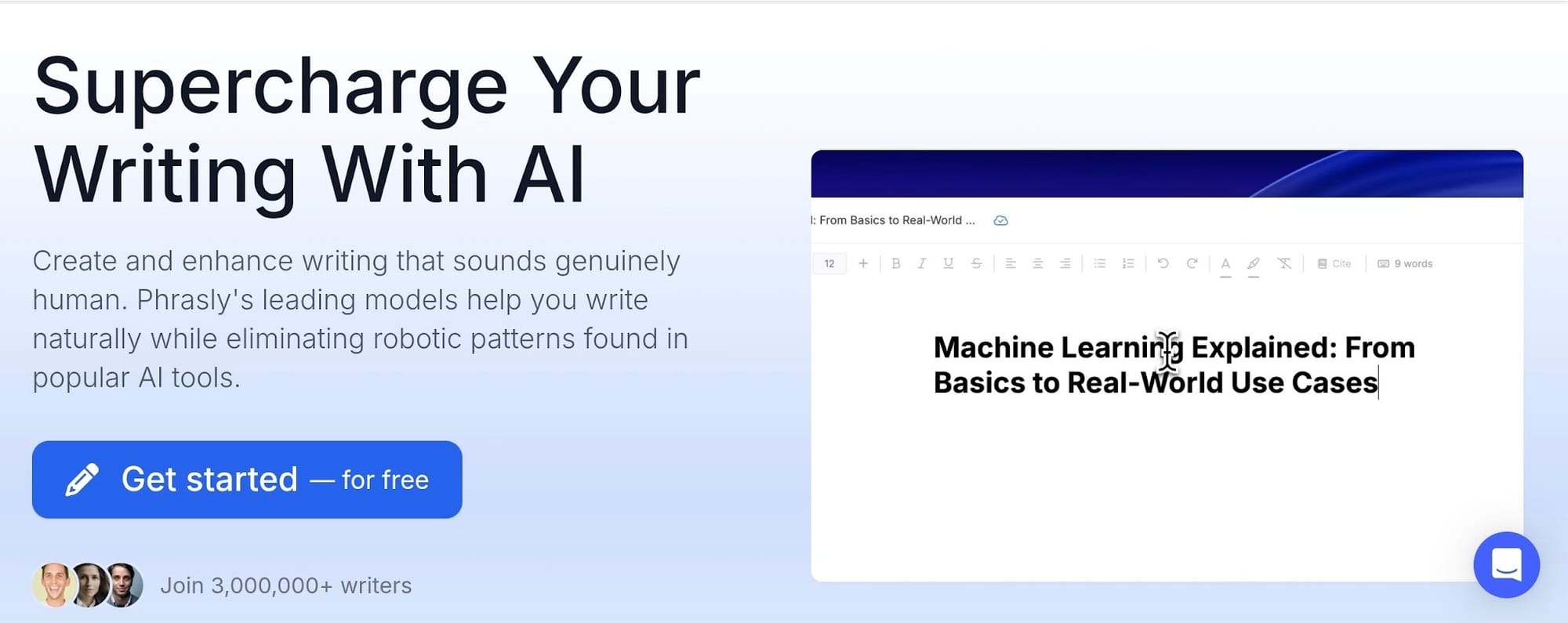
Phrasly's a budget-friendly option built for casual content creators who want a straightforward, cost-effective way to process their text. It provides a highly accessible dashboard designed specifically to handle rapid passes without forcing you into a confusing onboarding sequence.
If you're managing standard blog copy or rolling out routine web write-ups, it gives you a clean workspace to polish your drafts quickly.
Detection performance
I've seen it produce highly consistent, clean output on basic articles and short marketing blurbs during my testing runs. It changes sentence layouts well enough to rank as a top budget value pick across multiple independent tracking reviews.
This software does a solid job of masking obvious machine structures on everyday lifestyle pieces, helping you hit a human score without overcomplicating your workflow.
Where it falls short
The drawback is that you get minimal editorial control over your final layout, which means you're stuck accepting its broad automated shifts instead of modifying individual words.
I've also found that it's far less proven on complex long-form manuscripts or deep academic content, where its rewrites can accidentally dilute your core arguments.
Additionally, their tiny 550-word free trial window runs out almost instantly, forcing you onto a paid tier just to see what the engine can actually do with a full page.
Best for: Students, casual bloggers, and independent creators who need a highly affordable tool to clean up everyday prose on a tight budget.
Pricing
The standalone Unlimited plan costs $16.29 per month on a month-to-month subscription, which unlocks unlimited humanization passes along with a 5,000-word limit per individual process.
If you choose to commit to their annual billing cycle instead, that flat rate drops down to roughly $12.92 per month.
Pros & cons
- Pros: The annual tier's incredibly wallet-friendly for casual users, and it handles blog-length text with a very quick processing speed.
- Cons: You don't get granular control over paragraph changes, and the rewriting engine isn't robust enough for advanced academic editing.
7. QuillBot Humanizer - Best Known, but a Paraphraser
What it is
QuillBot is easily one of the most recognizable names in the writing software space, pulling in millions of active users for its legacy grammar checking and synonym spinning.
They've rolled out a dedicated AI humanizer mode to compete with modern stealth editors, letting you process text directly inside their familiar split-screen dashboard.
It's built into a great web ecosystem that includes summary generators and citation tools, so you don't have to install any external extensions if you're already using their setup.
Detection performance
Despite being well-known, Quillbot is actually the weakest option on this list if your primary goal is to bypass AI detection on strict compliance checks.
During recent 2026 verification runs, its text frequently triggered a massive 71% AI probability score on GPTZero, which is completely useless if you're submitting copy to academic channels using Turnitin.
The core issue is that it doesn't restructure sentence fingerprints deeply enough, leaving the predictable mathematical patterns of the original machine draft fully exposed.
Where it falls short
The underlying system simply wasn't purpose-built from scratch to act as an AI detection remover.
Because it treats humanizing as a side feature rather than its main objective, the engine falls back on swapping individual words instead of rewriting paragraph flows from the ground up.
You're also choked by tight input caps on lower account tiers, making the workflow incredibly tedious when you're forced to feed long documents through the processor in tiny fragments.
Best for: Writers who just need a basic readability polish or quick vocabulary adjustments on standard paragraphs where bypass success isn't high-stakes.
Pricing
- Free Plan: Gives you access to their standard paraphraser up to a strict 125-word cap, with 6 free daily humanizer uses maxed out at 125 words per request.
- Premium Plan: Costs $19.95 per month if you pay month-to-month, which drops down to $13.31 per month on a quarterly plan, or $8.33 per month if you commit to a full annual billing cycle ($99.95 total). It unlocks unlimited paraphrasing words and removes the daily caps.
Pros & cons
- Pros: It integrates smoothly with their excellent grammar checking suite, and the interface is incredibly familiar to millions of writers.
- Cons: The detection bypass success rates are too weak for high-security scans, and the free mode constraints force a lot of annoying copy-paste chunking.
How to Actually Bypass AI Detection Quick Guide
Getting your text to pass strict filters is easy when you follow a clear, intentional editing routine inside an effective tool like editGPT.
1.Start with your draft: You paste your initial AI-generated content directly into the main editor window to prepare the text for processing. It's smart to keep your original formatting clean so the system can read your paragraph breaks accurately.
2.Set your editing depth: You choose your preferred rewrite strength depending on how heavily you need to alter the structural patterns of the draft. A light polish fixes minor repetitive habits, while a deeper setting completely restructures the phrasing layout.
3.Review every change in track-changes: editGPT’s editor displays every single suggestion using a clear color-coded layout so you can approve or reject edits individually. This step keeps you in absolute control of your voice and prevents the tool from inserting generic or incorrect terms you didn’t approve of.
4.Export and re-check against a detector: You download your freshly polished document and run it through a reliable bypass AI detector to confirm your final scores look completely human. This final pass gives you total peace of mind before you publish or submit your finished writing.
Pros and Cons of AI Humanizers
Using a software rewriter can completely change how you handle your text production, but you need to weigh the immediate speed advantages against the final output flaws.
Pros
- Incredibly Fast Processing: These programs can restructure a detailed, thousand-word draft in less than thirty seconds, giving you an immediate head start on your revisions.
- Fixes Frustrating False Flags: Scanners regularly mistake original human writing for machine text, and these editors strip out the specific rhythmic patterns that cause those false accusations.
- Improves Overall Readability: The better tools or systems naturally break up repetitive, blocky phrasing, which makes your paragraphs sound much smoother to an actual reader.
Cons
- Output Quality Varies Wildly: The performance gap between top-tier programs and cheap alternatives is huge, and low-end choices will trade a passing detection score for completely garbled, unreadable grammar.
- Requires a Manual Polish Pass: You cannot simply trust these applications to generate perfect text on autopilot, meaning you still need to log in and review the draft yourself to fix awkward word choices.
Who Should Use These Tools
- Writers and Authors: Professional novelists and long-form essayists use these humanizers to protect their unique voice and guarantee their final manuscripts do not get incorrectly flagged by publisher sorting algorithms.
- Students Clearing False Flags: Academic writers turn to specialized humanizing editors to protect their grades against hyper-aggressive university checkers that mistakenly label genuine student research as robotic.
- Content Creators and Marketers: High-volume digital publishers use stealth rewriting setups to scale up their blog production schedules without sacrificing their layout structures or search visibility.
- Non-Native English Writers: International professionals utilize these systems to polish their syntax, giving their professional emails and corporate reports a natural, fluent cadence that reads perfectly to global clients.
FAQ
What's the best tool to bypass AI detection?
editGPT is the best tool to bypass AI detections as it gives you absolute quality and control through its visible track-changes interface. Most tools tend on the market tend to force you to trade off processing depth or vocabulary precision, but editGPT works with its contextual editing intelligence, which preserves a natural human tone and voice.
Can you bypass AI detection for free?
You can definitely do it for free, though you'll run into strict usage caps on the lower tiers. For example, editGPT's free plan gives you 10,000 words per month to test the editor, while QuillBot's free tier restricts you to short, 125-word snippets per individual pass.
Why is my human writing flagged as AI?
Detectors regularly misfire because they calculate the mathematical uniformity of your sentences rather than checking if a real person typed them. If your natural writing style leans toward highly clean, structured grammar with predictable rhythms, software scanners will accidentally flag it as machine-generated text.
Is it safe to use AI humanizers?
It's generally safe, but you have to check how each application handles your personal data privacy before pasting sensitive documents into their systems. The premium services promise they don't use your submissions to train their underlying models, but cheap text-spinners often store your input.
Do humanizers ruin readability?
It completely depends on the tool you choose, as low-end software engines could ruin your flow by swapping in bizarre, robotic synonyms just to dodge a scanner. Preserving flawless readability while restructuring sentence rhythms is editGPT's whole edge, ensuring your text reads naturally to actual human eyes.
Final Verdict
If you really want the overall best, editGPT is easily the top tool to bypass AI detection like Turnitin, Winston, and GPTZero without wrecking the quality of your prose.
It works like a real copyeditor, letting you approve individual changes rather than dumping your text into a black box.
The alternatives all force clear trade-offs.
Undetectable AI and HIX Bypass offer fast multi-engine scans for SEO teams but strip out technical words. WriteHuman and Phrasly are one-click options for bloggers but remove all editorial control. QuillBot is fine for light polishing, but it quite fails against modern 2026 security filters.
Stop wasting time gambling with automated spinners. Run your draft through your detector right now, target the flagged sentences, and manually break up the robotic patterns to lock in a clean score.
Recommended Reading
I Tested 8 of The Best AI Humanizers to Bypass Turnitin and GPTZero in 2026
7 Best Quillbot Alternatives for AI Paraphrasing and Content Rewriting
What is the Best AI Proofreader?
Quillbot vs editGPT: We Tested The Best AI Proofreaders of 2026
Top 10 Creative Writing Tools in 20206
Best AI Proofreader Tools of 2026 (Tested for Accuracy, Speed & Tone)
Best AI Proofreader Chosen by the Reddit Community
Video review: This AI Text Editing Tool Is FLAWLESS!
editGPT vs Grammarly vs Quillbot: Which Writing Tool is Best?
Review: Wordtune Editor vs editGPT
Review: Grammarly vs editGPT
Review: ProWritingAid vs editGPT
Review: Hemingway Editor vs editGPT