Best Grammar Checker 2026 By Use Case: Tested and Ranked
I spent two months testing the top grammar checkers by use case to find the best option for every writing need. Here's how they stack up.
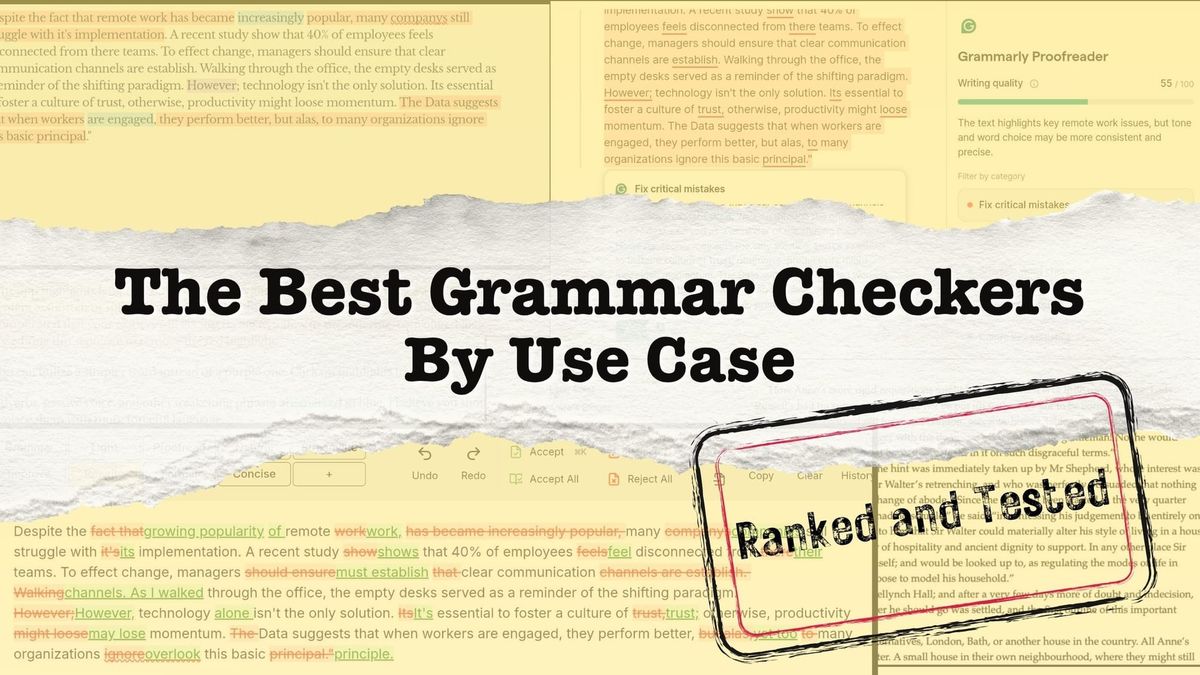
I used different grammar checkers to find the best in 2026 and the best grammar checker is:
- editGPT - Best Grammar checker overall
- Grammarly - Best for daily workplace communication
- Scribbr - Best grammar checker for academic writing
- QuillBot - Best free grammar checker
- editGPT - Best grammar checker for Al-generated writing
- LanguageTool - Best grammar checker app
- editGPT - Best grammar checker for essays
A novelist refining a complex story arc needs a completely different grammar checker than someone firing off a quick email. People treat "grammar checker," "writing assistant," and "editor" as synonyms, but the differences run deep.
Standard assistants just catch basic typos, while actual editors reshape your paragraph structure without stripping away your personal voice.
To separate the real tools from outdated spellcheckers, I put the leading free and paid platforms through months of hands-on testing across research papers, full-length drafts, and quick everyday messages.
Here's how the top options perform in real-world writing.
Quick-Glance Grammar Checker Comparison
| Tool | Contextual Editing | Long-Form | Track Changes | AI Editing Strength | Document Exportation |
| editGPT | Excellent Fixes flow while keeping your meaning intact. | Excellent Built for massive files and full manuscripts. | Yes Inline redline view. | High Polishes naturally without sounding robotic. | Yes Exports easily to Word (.docx) with tracked changes intact. |
| Grammarly | Good Focuses heavily on traditional grammar rules. | Excellent Handles full documents across apps and web. | No Uses sidebar cards. | Medium Great for typos, but can sound generic. | Yes Exports to standard Word (.docx) formats from the web editor. |
| Scribbr | High Checks text against strict academic standards. | Good Tailored for research papers and essays. | No Standard error cards. | High Great for formal papers, but too rigid for casual writing. | Yes Downloads files as fully edited Word or PDF documents. |
| QuillBot | Basic Catches surface errors but misses deeper flow issues. | Limited Best for shorter passages or paragraphs. | No Standard highlight pop-ups. | Medium Good for quick fixes, lacks deep style changes. | Yes Allows quick copying or straight text file/Word downloads. |
| LanguageTool | Moderate Reliable for mechanical mistakes in 30+ languages. | Good Handles full articles well via browser extensions. | No Standard highlight system. | Medium Good for grammar rules, weaker on style. | Limited Best for direct browser copying or basic text exporting. |
How I Tested These Grammar Checkers
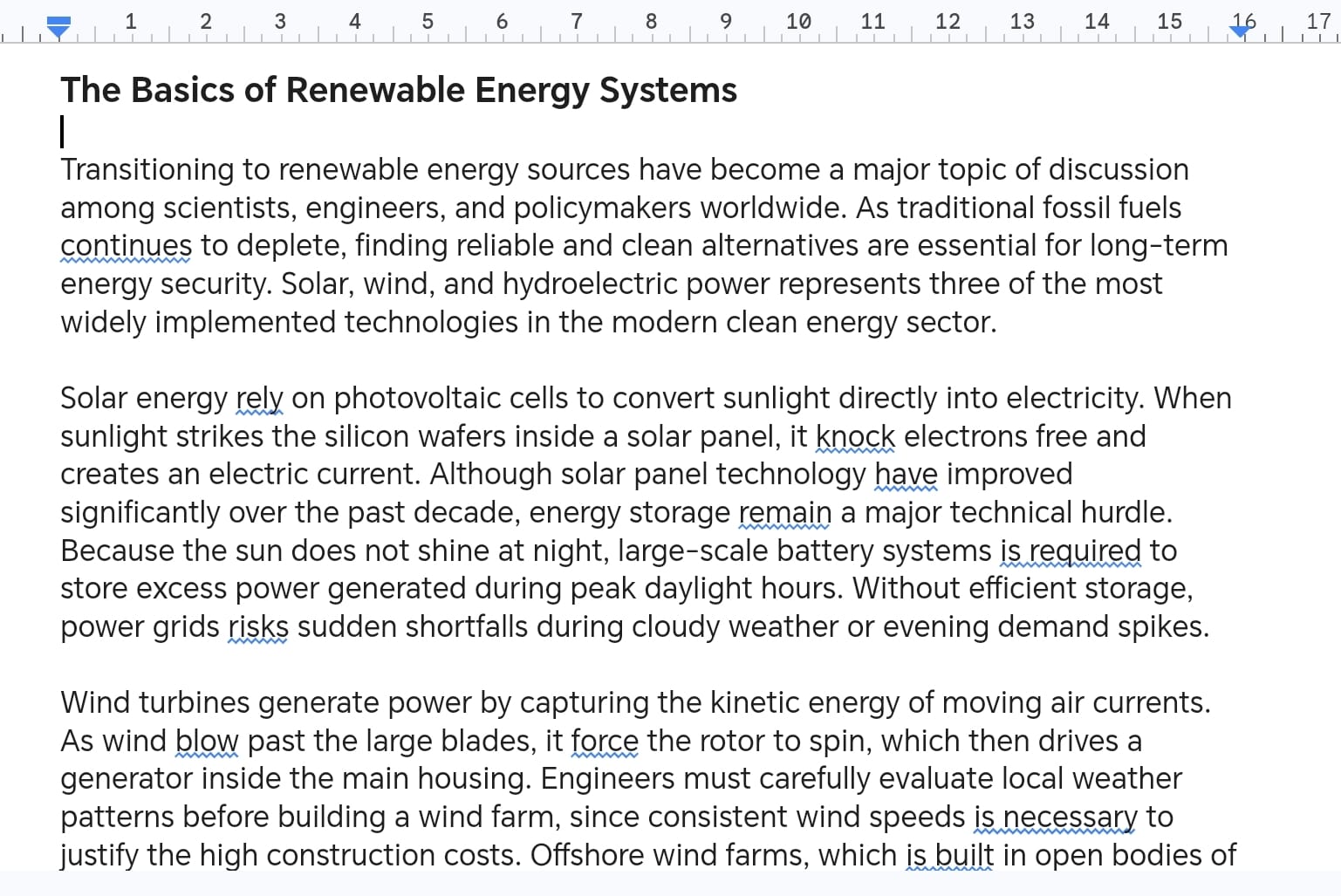
I spent two months testing each tool across distinct writing needs, from dense academic research papers and full-length novel chapters, to formal business reports and quick daily messages.
To keep things objective, I ran identical test drafts through every grammar checker, scoring them directly against the metrics we set for this guide (more on those later).
This hands-on process revealed exactly how each tool handles complex terminology, preserves natural author voice, and manages long-form editing without stripping away your original intent.
Best Grammar Checker Overall
1. editGPT - Best Grammar Checker Overall
| Contextual Editing | ★★★★★ |
| Editing Strength | ★★★★★ |
| Ease of Use | ★★★★☆ |
| Field Adaptability | ★★★★★ |
| Longform Editing | ★★★★★ |
| Best For | Best for writers and academics who want line-by-line control over long documents while preserving their natural voice. |
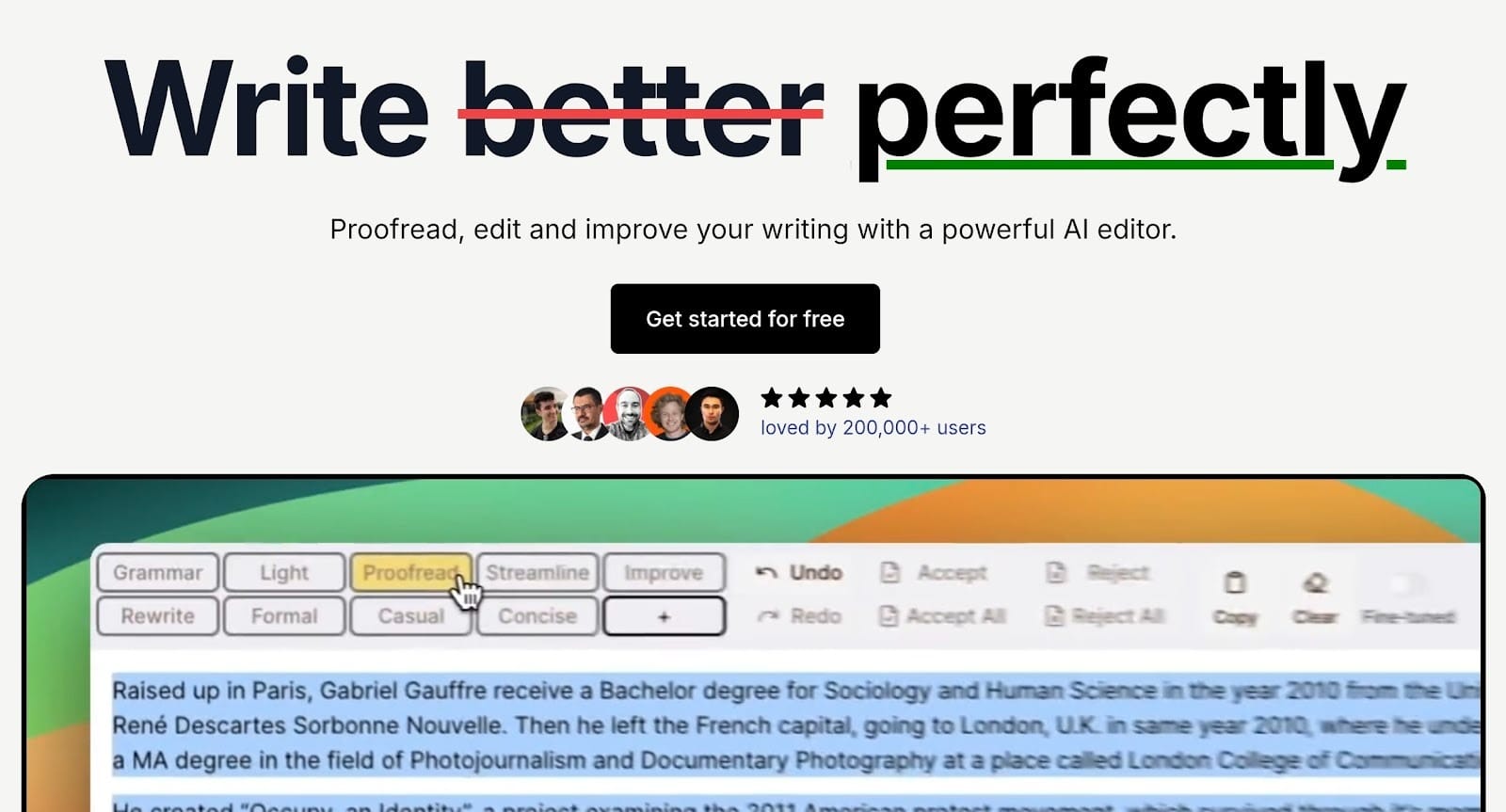
- Track changes with accept/reject functionality.
- Contextual AI editing that preserves your personal voice.
- Custom prompts for industry-specific tone (medical, legal, academic).
- Microsoft Word import/export with formatting intact.
- Support for over 80 languages.
- Project Mode for long-form document management.
- Chrome extension for editing across Gmail, Notion, and Google Docs.
Old-school grammar checkers usually focus on rigid rules and often miss the point of your writing. They flag stylistic choices as errors because they only look at technicalities.
editGPT functions differently by prioritizing your actual intent while making sure your writing is spotless.
What stood out the most to be about editGPT is how it performs differently from most traditional grammar checkers. It prioritizes contextual editing instead. Most tools just scans for basic errors, but this editGPT actually respects your original tone and voice.
You won’t end up with that dry, robotic phrasing that people associate with AI.
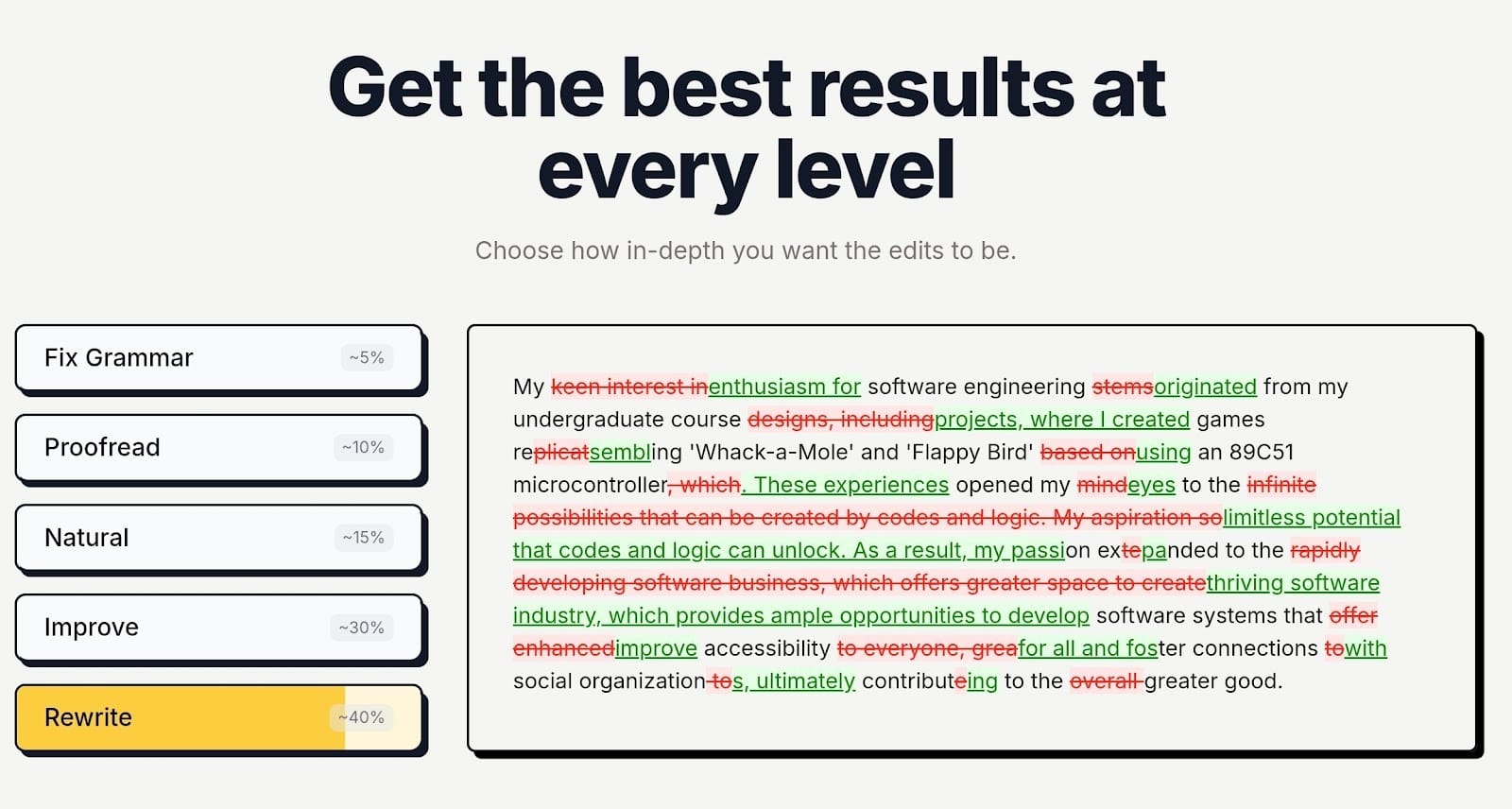
It cleaned up my sentences while keeping the specific voice I set for my prose intact. This makes it the best grammar checker for refining academic papers or cleaning up drafts that feel a bit disjointed.
And one of its most practical features is the tracked changes system.
Every single edit stayed visible, which allowed me to review the changes exactly as they appear in a professional peer review. You can also use custom prompts to match specific industry standards, which is a lifesaver for legal or medical writing.
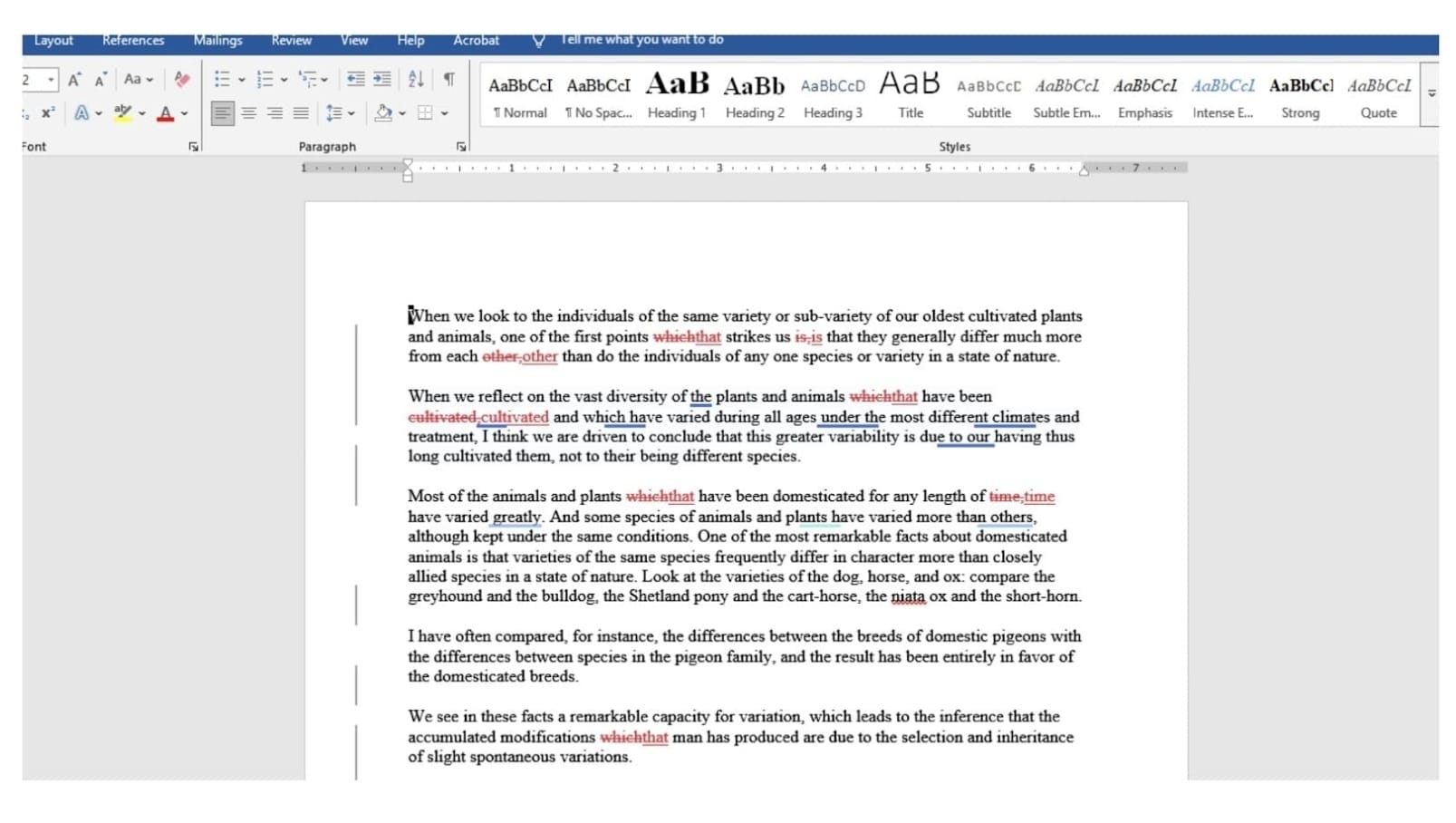
For those working on massive documents, it has Project Mode and Longform Mode so everything is organized and you don't lose your place during a heavy session.
All in all, editGPT proved to be the overall best as it has features that make it very useful across different writing needs from industrial to creative.
Best for: AI generated texts, Academic editing, creative writing, professional writing
Best Grammar Checker By Use Case
2. Grammarly - Best for daily workplace communication
| Contextual Editing | ★★★★☆ |
| Editing Strength | ★★★★☆ |
| Ease of Use | ★★★★★ |
| Field Adaptability | ★★★★☆ |
| Longform Editing | ★★★★★ |
| Best For | Best for professionals needing quick real-time proofreading across daily workplace emails, Slack, and short reports. |
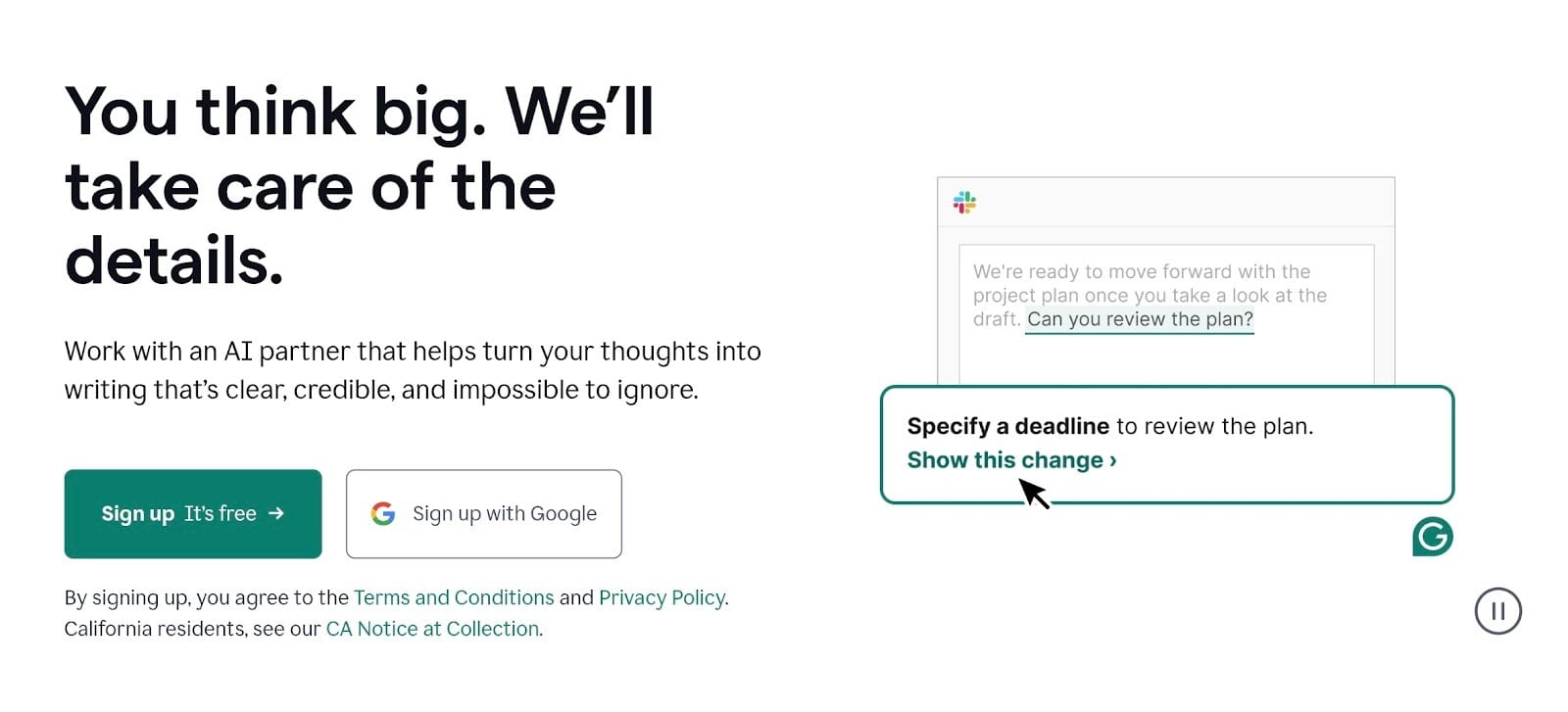
- Real-time tone detection.
- Full-sentence clarity rewrites.
- Cross-platform desktop and browser integration.
I have Grammarly. You most probably have Grammarly. Grammarly dominates the office because it works almost everywhere you type. It catches typos in Slack or Outlook before your boss sees them. Most people use it as the best grammar checker for keeping emails brief and professional.
It also flags passive voice and weak words so your messages stay direct. The best grammar checker free version handles basic spelling well, but the paid tier polishes your entire communication.
Heads up:
If you’re writing creatively, this may not be the best fit for you as Grammarly has the tendency to make your sentences sound robotic or rigid as it follows a more traditional approach to grammar.
Best for: Professionals, teams, and for daily communication
3. Scribbr - Best Grammar Checker for Academic Writing
| Contextual Editing | ★★★★☆ |
| Editing Strength | ★★★★★ |
| Ease of Use | ★★★☆☆ |
| Field Adaptability | ★★★★★ |
| Longform Editing | ★★★★☆ |
| Best For | Best for students and researchers submitting high-stakes academic papers that require strict scholarly tone and formatting. |
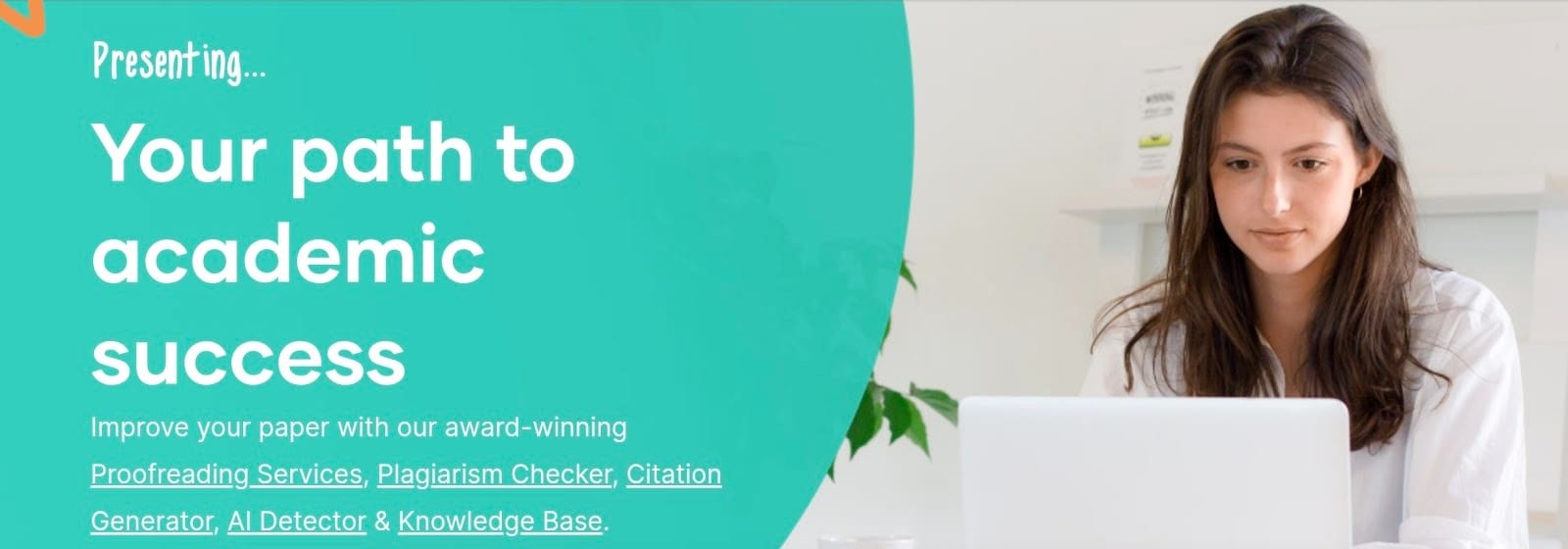
- Scholarly proofreading for formal tone.
- Built-in APA/MLA citation management.
- Plagiarism detection.
Scribbr works differently than basic grammar corrector apps as it focuses on the strict rules of university-level work. It flags casual slang or contractions that would usually hurt your grade.
You get the best grammar checker for keeping research papers objective and technical.
Scribbr also handles the headache of formatting citations correctly. While the best grammar checker free options work for casual notes, Scribbr is the better choice for high-stakes academic submissions where precision is mandatory.
Best for: Students and researchers
4. QuillBot Grammar Checker - Best Free Grammar Checker
| Contextual Editing | ★★★☆☆ |
| Editing Strength | ★★★☆☆ |
| Ease of Use | ★★★★★ |
| Field Adaptability | ★★★☆☆ |
| Longform Editing | ★★☆☆☆ |
| Best For | Best for casual writers looking for a clean, hassle-free tool to fix basic spelling and punctuation errors fast. |
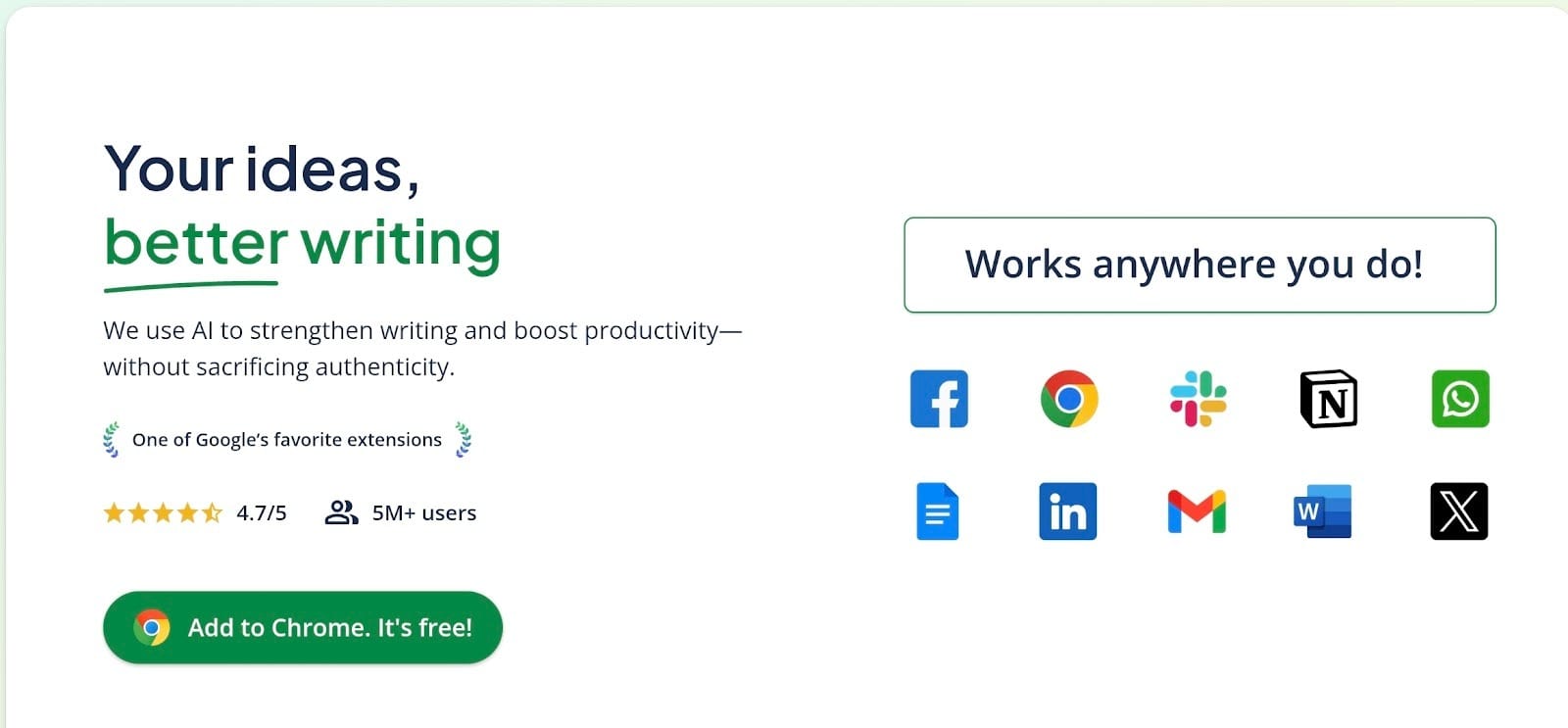
- Grammar and spelling checks.
- One-click "Fix All Errors" button for speed.
- Minimalist interface
QuillBot is the move if you’re tired of grammar checkers begging for your credit card every time you miss a comma. You get a great grammar checker free version that actually lets you finish a paragraph in peace.
This grammar checker doesn't overcomplicate things.
It highlights punctuation slips and spelling blunders across your text quickly. For anyone hunting for the best grammar checker that won't break the bank, this is the one to keep bookmarked. It does the heavy lifting on simple errors so you can focus on your ideas rather than a subscription bill.
One small trade-off is that it occasionally misses deeper stylistic issues or complex sentence flow compared to paid competitors.
Best for: casual writing and quick fixes
5. editGPT - Best Grammar Checker for AI-Generated Writing
| Contextual Editing | ★★★★★ |
| Editing Strength | ★★★★★ |
| Ease of Use | ★★★★☆ |
| Field Adaptability | ★★★★★ |
| Longform Editing | ★★★★★ |
| Best For: | Fixing robotic AI patterns and polishing ChatGPT drafts into natural, human-sounding prose. |
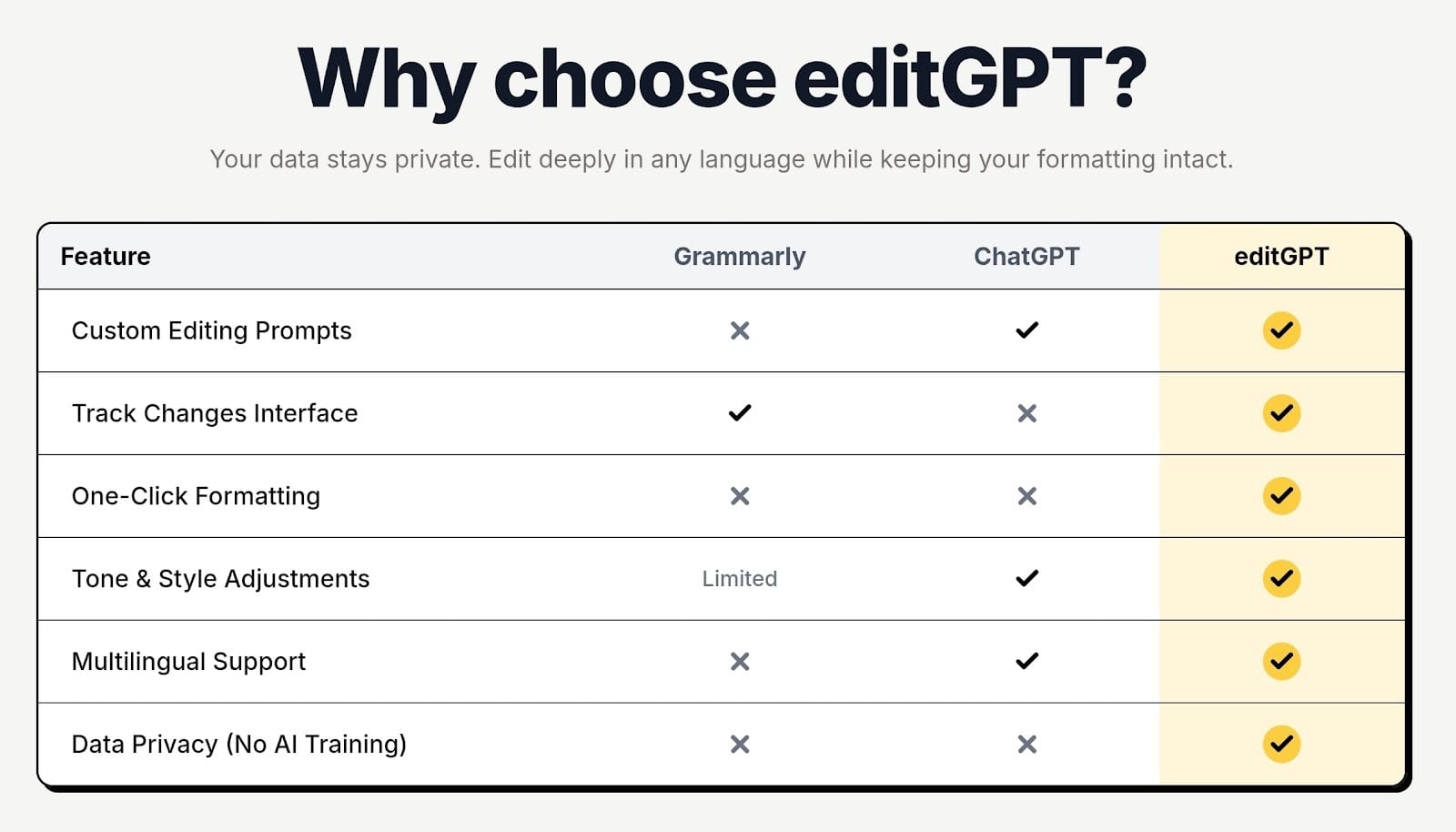
- Humanize AI text: Strips away repetitive patterns and robotic phrasing instantly.
- Editor-Grade track changes: View every edit in a clean interface before deciding what to keep.
- Seamless word export: Move your polished draft to MS Word with all tracked changes visible.
- Custom persona prompts: Set specific instructions to match your unique brand or academic voice.
- Project Mode: Organize and edit massive documents or book chapters in one place.
- Context-aware rewriting: Fixes structure while keeping your original message and intent.
Long story short, editGPT is one of the very few AI grammar checkers that has flawless contextual editing that respects your voice and intent without making you sound robotic.
Bonus: editGPT also works inside ChatGPT, so you can edit right away after you get the text from the AI.
Using AI to draft content saves a ton of time, but the output often lacks that specific human grit and personality. editGPT is the undisputed leader here because it addresses the exact flaws found in machine-written text.
It identifies the "tell-tale" signs of AI, like overused words and boring sentence structures, and swaps them for something that actually sounds like it came from a person.
This makes editGPT the best grammar checker for anyone who wants the efficiency of AI without the generic, predictable aftertaste.
The tool really shines when you need to turn a rough AI draft into a professional-grade article or thesis.
It doesn't just scan for typos. It looks at the flow and logic of the writing. You get a finished product that reads naturally and holds the reader's attention.
While most people settle for the best grammar checker free version of basic tools, those often fail to understand the nuance of AI-heavy text. editGPT fills that gap perfectly, giving you the power of a human editor at your fingertips.
Best for: writers using ChatGPT or other AI tools
6. LanguageTool - Best Grammar Checker App
| Contextual Editing | ★★★☆☆ |
| Editing Strength | ★★★★☆ |
| Ease of Use | ★★★★☆ |
| Field Adaptability | ★★★★☆ |
| Longform Editing | ★★★★☆ |
| Best For: | Multilingual writers and privacy-focused users who need open-source proofreading across several languages. |
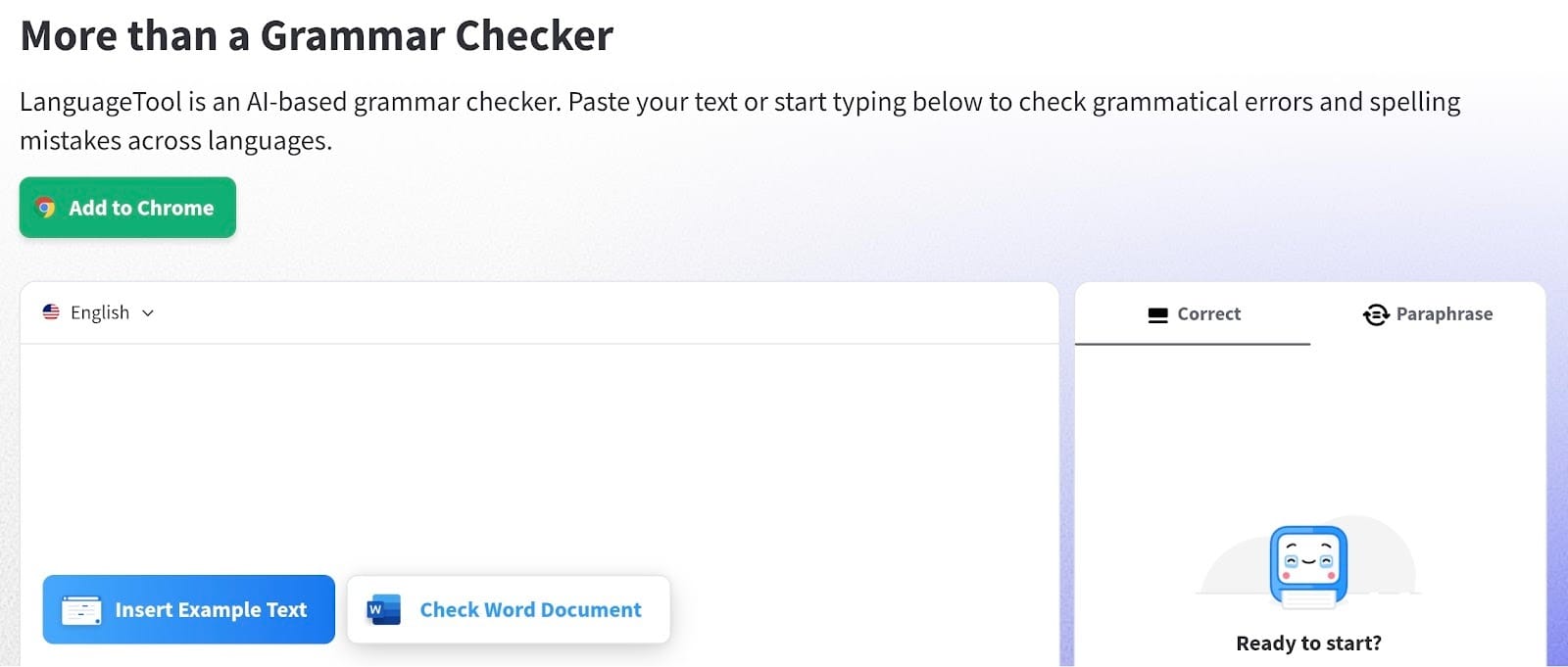
- Works on iOS, macOS, Windows, and all major browsers.
- Checks grammar in over 30 languages.
- Offers local processing options for sensitive data.
LanguageTool is ideal for people who constantly switch between a phone and a laptop. It functions across every platform you use, keeping your writing sharp everywhere.
This grammar corrector tool highlights errors instantly so you can fix mistakes without pausing.
For those hunting for the best grammar checker free version, LanguageTool’s browser extension provides a clean experience without many restrictions. It secures your professional image on every website you visit.
One slight drawback is the character limit on the free plan, which makes checking very long documents in one go a bit difficult.
Best for: Users who write across different devices
7. editGPT - Best Grammar Checker for Essays
| Contextual Editing | ★★★★★ |
| Editing Strength | ★★★★★ |
| Ease of Use | ★★★★☆ |
| Field Adaptability | ★★★★★ |
| Longform Editing | ★★★★★ |
| Best For: | Students who want to clean up essay structure and grammar while keeping their unique voice intact. |
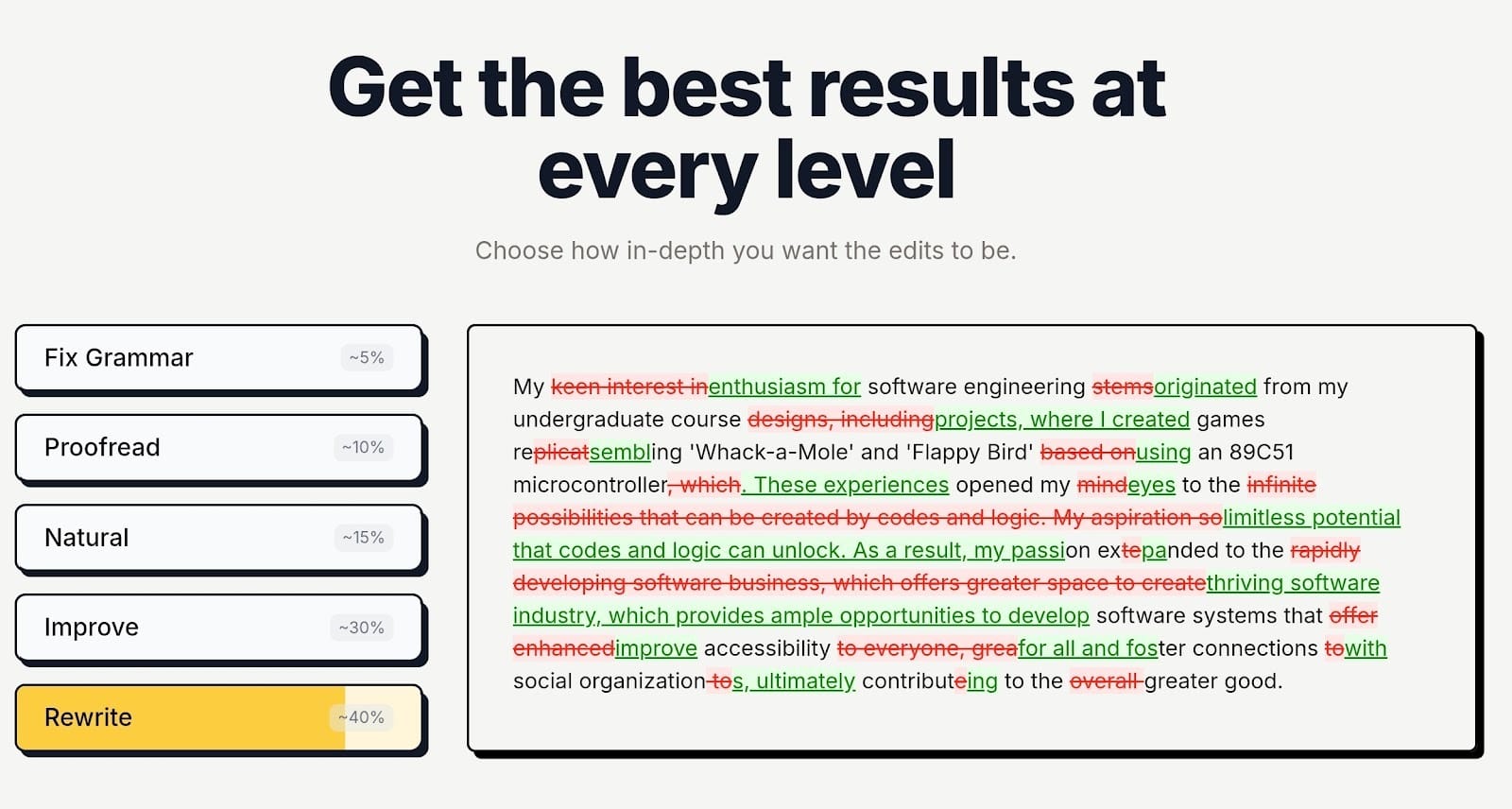
- Precision sentence correction: Targets awkward phrasing at the sentence level without changing your meaning.
- Academic tone enforcement: Aligns your prose with scholarly standards while avoiding informal slang.
- Preserved authorial voice: Refines your structure so the writing remains distinctly yours.
- Track changes omegration: Displays every single modification clearly for a final manual review.
- Large document capability: Manages extended essays and theses without lagging or crashing.
- Source integrity: Improves clarity while keeping your citations and technical terms exactly where they need to be.
Writing an essay is a delicate balance.
You need to sound professional and authoritative, but generic software often over-edits and strips away the nuance of your argument. editGPT handles this differently by focusing on precise, surgical corrections.
It provides the best grammar checker experience for students who need to polish a complex thesis without having the software rewrite every third sentence into something unrecognizable.
The thing with editGPT is this tool recognizes the difference between a creative choice and a genuine error (which was the exact issue we encountered with Grammarly).
It leaves your unique ideas alone while fixing the clunky transitions and grammatical slips that could lower your grade. This level of control is why it stands out when compared to the best grammar checker free versions of other apps.
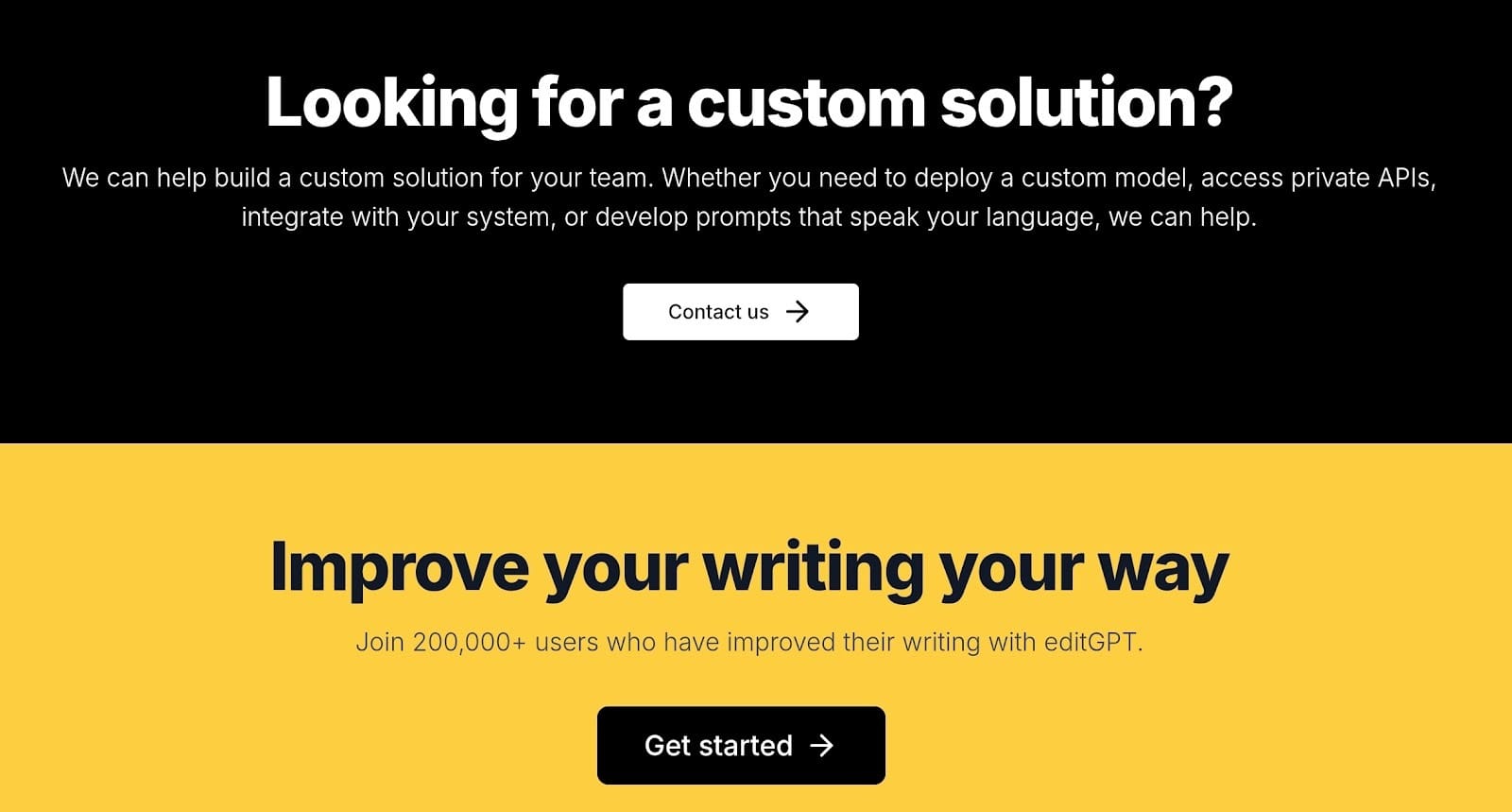
You get a clean, academic result that actually sounds like a well-educated human wrote it. It fixes the logic of your flow rather than just scanning for basic spelling mistakes.
Best for: High stakes essay writing
Grammarly vs editGPT
Deciding between these two well-loved online grammar checkers depends entirely on what you spend your day typing.
When Grammarly is the Better Choice
Grammarly is a top-tier choice for high-velocity work environments. It stays active in the background of your browser, catching small mistakes in Slack messages or quick emails before you hit send.
If you need a reliable best grammar checker for short, transactional communication, its real-time corrections are hard to beat.
It keeps your professional image intact during a hectic workday without requiring a second thought.
When editGPT Clearly Wins
The situation changes when you move into long-form writing or academic work.
editGPT takes the lead for detailed editing where the overall flow and structure of the piece matter just as much as the spelling.
It provides a more surgical approach to sentence construction while keeping the tone, voice, and intent you set for your writing. This makes it the best grammar checker for polishing a 3,000-word essay or a deep-dive article.
You also get an interface that mimics a real editorial process, allowing you to track every change and maintain the personality of your work.
Email vs Long Form Writing Comparison
Emails benefit from the speed of Grammarly, but complex drafts require the depth of editGPT.
But actually?
Many writers end up using both, relying on one for the quick tasks and the other for the projects that need a human touch.
While you might be looking for the best grammar checker free version of these tools, they both offer enough basic functionality to show you how they handle different writing styles.
Grammarly clears the path for fast replies, while editGPT ensures your longest documents are actually pleasant to read.
Grammar Checker vs Writing Assistant
Mixing up these terms happens a lot, but they actually do different things for your drafts. Getting the distinction right means you won't accidentally let a piece of a tool scrub the life out of your sentences.
What do grammar checkers actually do?
Think of a standard grammar checker as a basic safety net. Its only job is to hunt down objective mistakes like typos, double spaces, or wrong verb tenses.
Easy.
It doesn't care about your tone or whether your story is actually interesting. It just wants to make sure you follow the technical rules. If you need the best grammar checker, look for one that handles these mechanical fixes without messing with your style.
It’s the right move when you're happy with your writing and just need to catch those annoying slips you missed during a late-night session.
Why writing assistants rewrite instead of correct?
Writing assistants are a bit more aggressive because they focus on the impact of your message. Instead of just flagging a misspelled word, an assistant might suggest tossing out your entire sentence in favor of something it thinks sounds more "professional."
They lean heavily into full-sentence rewrites to maximize clarity.
This is great for a quick update to your boss, but it can be a problem for creative work. These tools often prioritize being efficient over being original, which is why the output can start to feel a bit stale if you aren't careful.
How to avoid tools that damage your voice?
The biggest headache with modern writing assistants is that they tend to make everyone sound like the same dry, predictable robot.
To keep your writing from losing its grit, stay away from tools that force "one-click" transformations. Instead, stick with a tool like editGPT.
It uses contextual editing and a track changes system so you can see every single tweak it suggests. If a change feels too artificial, you just hit reject.
You have to stay in the driver's seat. Even when checking out the best grammar checker free options, pick the ones that give you the final say on style.
How to Choose the Right Grammar Checker
Selecting the wrong grammar checker usually ends in a long nights of undoing changes because the bot missed your point. Here are the things you should look out for when finally choosing a grammar checker to invest in.
Writing type
Most importantly, the projects on your desk right now should dictate your choice.
A student finishing a high-stakes thesis needs deep academic oversight, but someone posting to social media just needs to dodge embarrassing typos while maintaining a lively voice. Finding a match for your specific output keeps you from wasting money on features you won't actually open.
Budget
Subscription fees are all over the place, so be realistic about what you can spend on your drafts.
Many premium services offer big discounts if you pay for the whole year, which is a smart move for full-time writers. Stick to a basic plan or a one-time fee to keep things affordable if you only use it once in a while,
Free vs Paid Tools
Most people get by just fine with a good grammar checker free version for basic spelling and commas.
These are great for general accuracy, but they won't give you the advanced tone tweaks or clarity fixes found in professional tiers. Upgrading makes sense when your career depends on delivering flawless, high-level work every single time.
AI Assisted vs Human Style Editing
Plenty of AI assistants try to flatten your work into a generic, middle-of-the-road style that has zero personality. Human-style editing, which is where editGPT lives, focuses on fixing the technical errors while leaving your specific flair exactly where it is.
This keeps your writing from sounding like a machine-generated script and ensures your original ideas stay front and center.
Frequently Asked Question
What makes editGPT the best overall grammar checker on this list?
editGPT takes the top spot overall because it goes beyond surface-level spellcheck. While traditional tools only fix typos, editGPT does deep contextual editing, improves sentence flow, and gives you track-changes control so your authentic voice stays intact.
Is Grammarly still the top pick Grammar checker for daily workplace emails?
Grammarly remains a solid choice for quick, real-time proofreading across web browsers and messaging apps. For longer documents or complex drafts, editGPT delivers stronger line-by-line structural editing without flattening your tone into generic corporate speak.
Which grammar checker works best for academic writing and university essays?
Scribbr handles basic academic proofreading, but its free tools are heavily restricted by strict word limits, pushing users toward paid human editing services. For students who need deep structural feedback and complete control over length, editGPT provides far better line-by-line editing without constant upsells or paywalls.
How does editGPT fix AI-generated drafts from ChatGPT?
Most basic proofreading tools leave stiff, robotic sentence structures completely untouched. editGPT specifically targets monotonous syntax and overused AI phrasing, refining raw drafts into natural, human-sounding prose that easily passes output detection checks.
When should I use QuillBot instead of editGPT?
QuillBot is built primarily for fast, budget-friendly paraphrasing and quick single-paragraph rewrites. It is a great go-to tool if you want to rephrase a sentence on the fly, adjust sentence length, or quickly swap out vocabulary with built-in thesaurus suggestions.
Can a grammar checker protect my personal writing style?
Automated spellcheckers frequently overwrite unique phrasing with rigid, mechanical suggestions. editGPT is built specifically around author intent, allowing you to accept or reject line-by-line track changes so every draft sounds like you wrote it.
Final Verdict
Picking the best grammar checker isn’t really as simple as going to Grammarly and pasting your text. Ultimately, you’ll have to consider the writing style you have and the goal you want to achieve.
What’s great about the market today is there’s something for everyone and every need.
- editGPT as the best overall grammar checker - This is the one to get if you want a clean, professional finish that still sounds like a real person wrote it. It handles the technical stuff while leaving your specific style exactly where it belongs. And it’s great for both industrial and creative writing.
- Grammarly for email and workplace writing - This works well for those high-speed moments in Slack or Gmail where you just need to catch a typo before hitting send. It keeps your professional image safe without making you work for it.
- Scribbr for academic proofreading -This is the right choice for high-stakes papers where you can't afford a single formatting slip-up or a casual tone mistake. It’s built for the strict rules of university submissions.
- QuillBot for free grammar checks - It's a reliable, no-cost option for anyone hunting for the best grammar checker free version that catches basic blunders.
Now, grab that tool that fits your actual workflow so you can finally focus on the bigger things.
Recommended Reading
I tested the Best Grammarly Alternatives of 2026
7 Best QuillBot Alternatives for AI Paraphrasing and Content Rewriting
QuillBot vs editGPT: We Tested the Best AI Proofreaders in 2026
What is the best AI Proofreader?
Top 10 Creative Writing Tools in 20206
Best AI Proofreader Tools of 2026 (Tested for Accuracy, Speed & Tone)
Best AI Proofreader Chosen by the Reddit Community
Video review: This AI Text Editing Tool Is FLAWLESS!
Best AI Proofreader Tools of 2026 (Tested for Accuracy, Speed & Tone) editGPT vs Grammarly vs Quillbot: Which Writing Tool is Best?
The Best AI Proofreaders That Actually Work (Free & Paid)
Review: Wordtune Editor vs editGPT
Review: Grammarly vs editGPT
Review: ProWritingAid vs editGPT
Review: Hemingway Editor vs editGPT