Top 10 creative writing tools for 2026
Discover the top 10 creative writing tools for 2026. From AI assistants like Sudowrite to powerhouses like editGPT, find the best apps to fuel your craft.
The 10 best creative writing tools for 2026 are:
- editGPT
- Sudowrite
- Scrivener
- Novlr
- Atticus
- Notion AI
- Google Docs
- Hemingway Editor
- Jasper Creative
Writing for a living usually involves a massive mental inventory that most people never see. You spend hours organizing messy research and surviving the grueling process of editing long before you finish a draft.
Professional writers rely on a specific stack of creative writing tools to stay on track through these different stages. These apps take the weight off your shoulders from the first rough notes to the final polish.
For that, we’ve tried and tested the top-rated creative writing tools in the past months to see what’s the best tool out there for writers like you and me.
Read on to see the best creative writing tool of 2026.
1 . editGPT (Proofreading and Final Editing)
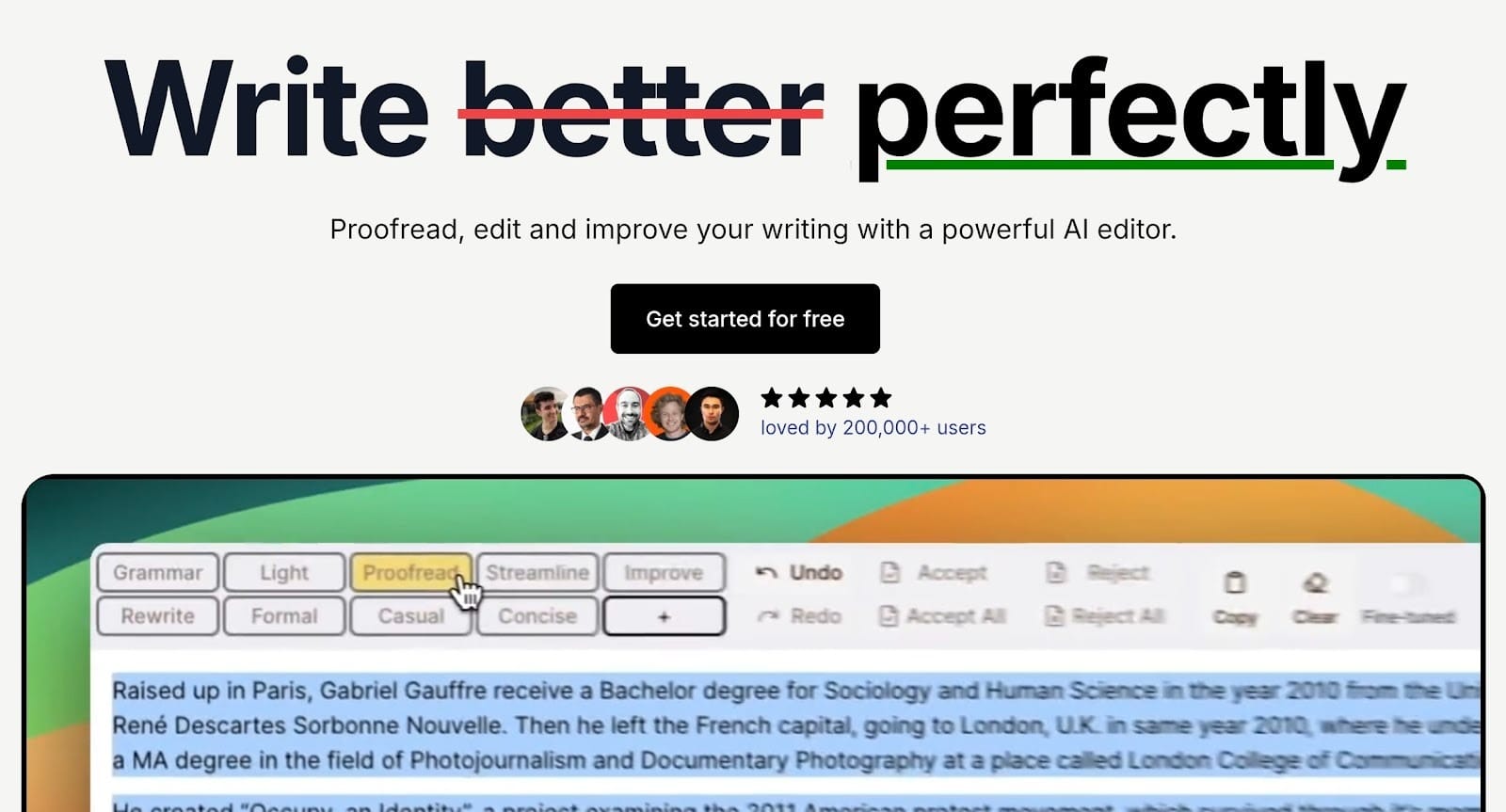
Key features:
- Track changes
- Contextual editing
- Custom editing prompts
- Flexible editing intensity levels
- Grammar, Proofread, Natural, Streamline, Improve, Rewrite, Formal, and Concise modes
- Microsoft Word import and export with preserved formatting
- Chrome extension for browser-based editing
- ChatGPT integration
- Project Mode for long-form content
- Batch editing functionality
- Support for over 80 languages
- Rich text formatting preservation
- Suggestions panel for deeper edits
- One-click formatting application
- Team management dashboard
- Transcript SRT proofreading
- Document history and version control
- Individual and bulk accept or reject of changes
- Personal dictionary
If I could only have one creative writing tool I can use, it’d be editGPT. This is the only proofreading tool on our list, and for good reason.
Wait, why not Grammarly?
Most people get used to rule-checkers like Grammarly that flag every little thing based on rigid logic. Those writing AI tools often sanitize your personality and turn your manuscript into something that reads like a technical manual.
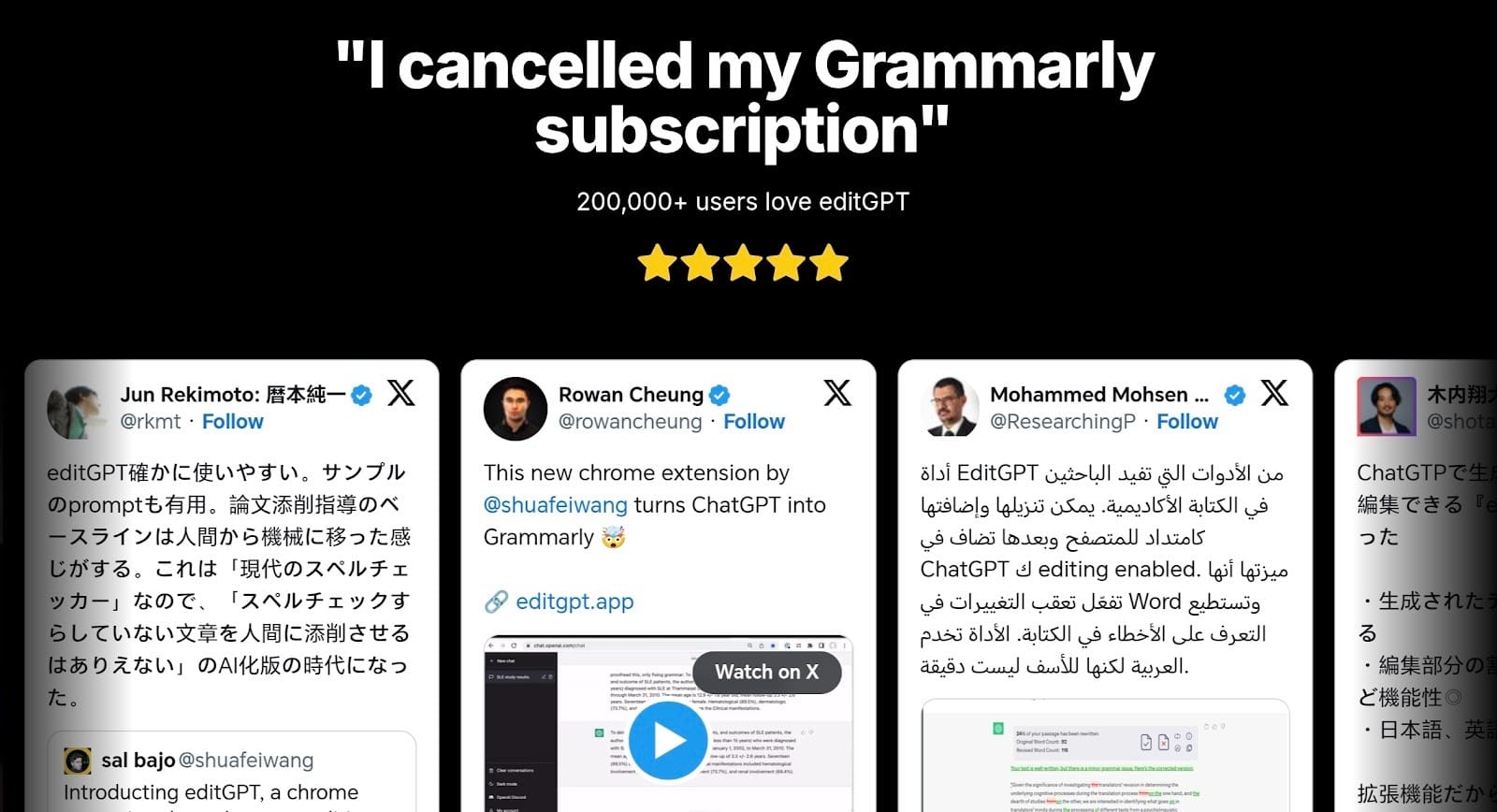
editGPT handles things differently through its contextual editing. It actually looks at your intent and the purpose of your writing before suggesting a change.
This means that editGPT also does things such as proofread, improve, and rewrite your writing while still preserving your own tone and voice, which no other AI proofreading tool can do today.
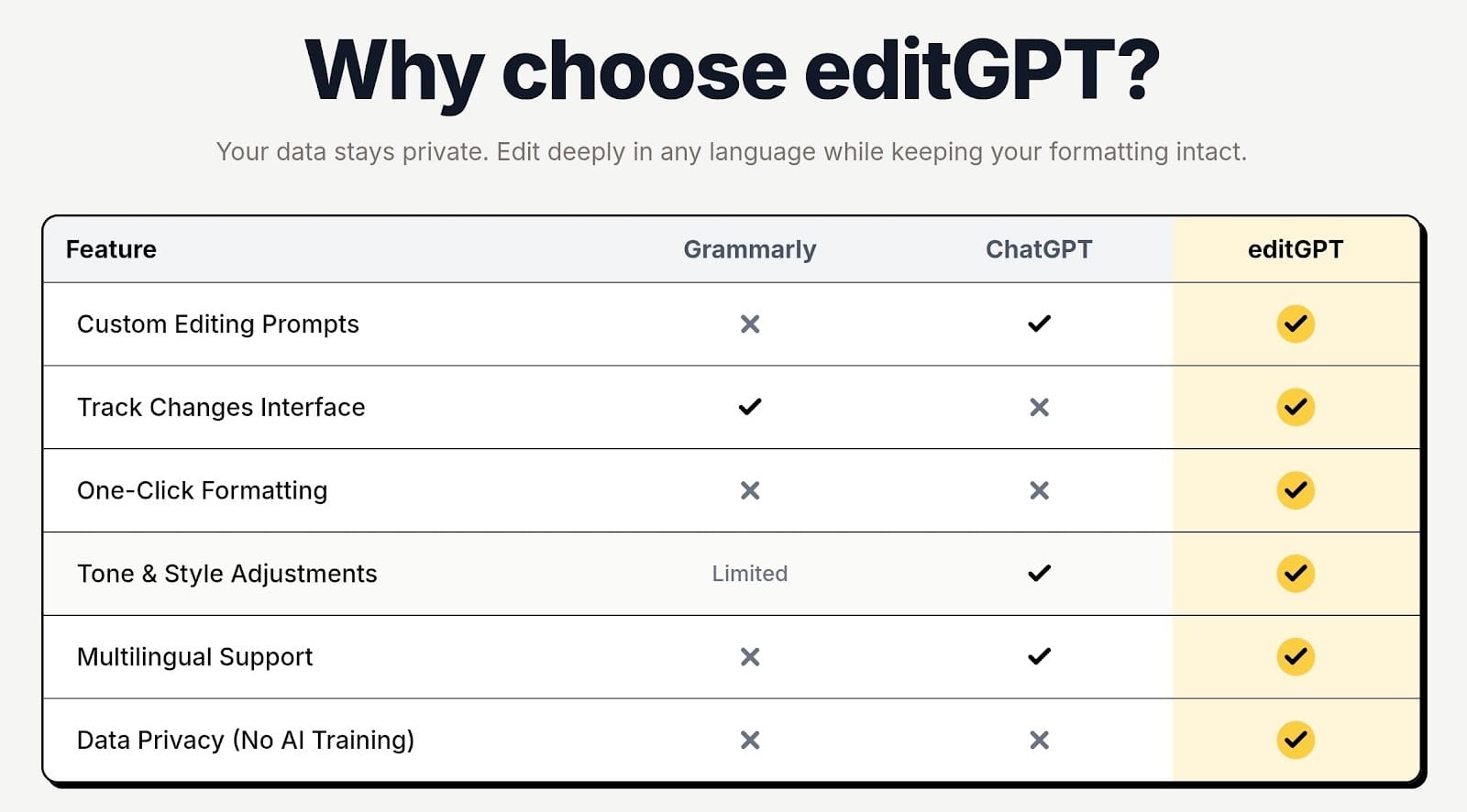
You can this at the very end of your writing process to tighten up grammar, clarity, and consistency. It identifies the specific context of your work and improves the prose while strictly respecting the tone you worked hard to build.
Your work stays completely yours, but the clunky sentences disappear. You get a polished final draft that never sounds like a generated robotic piece.
What’s more?
We also love its privacy policy in which your data and writing won’t ever be used for training AI.’
2 . Sudowrite (AI Creative Partner)
Key features:
- Story Engine
- Describe Tool
- Brainstorm
- Rewrite
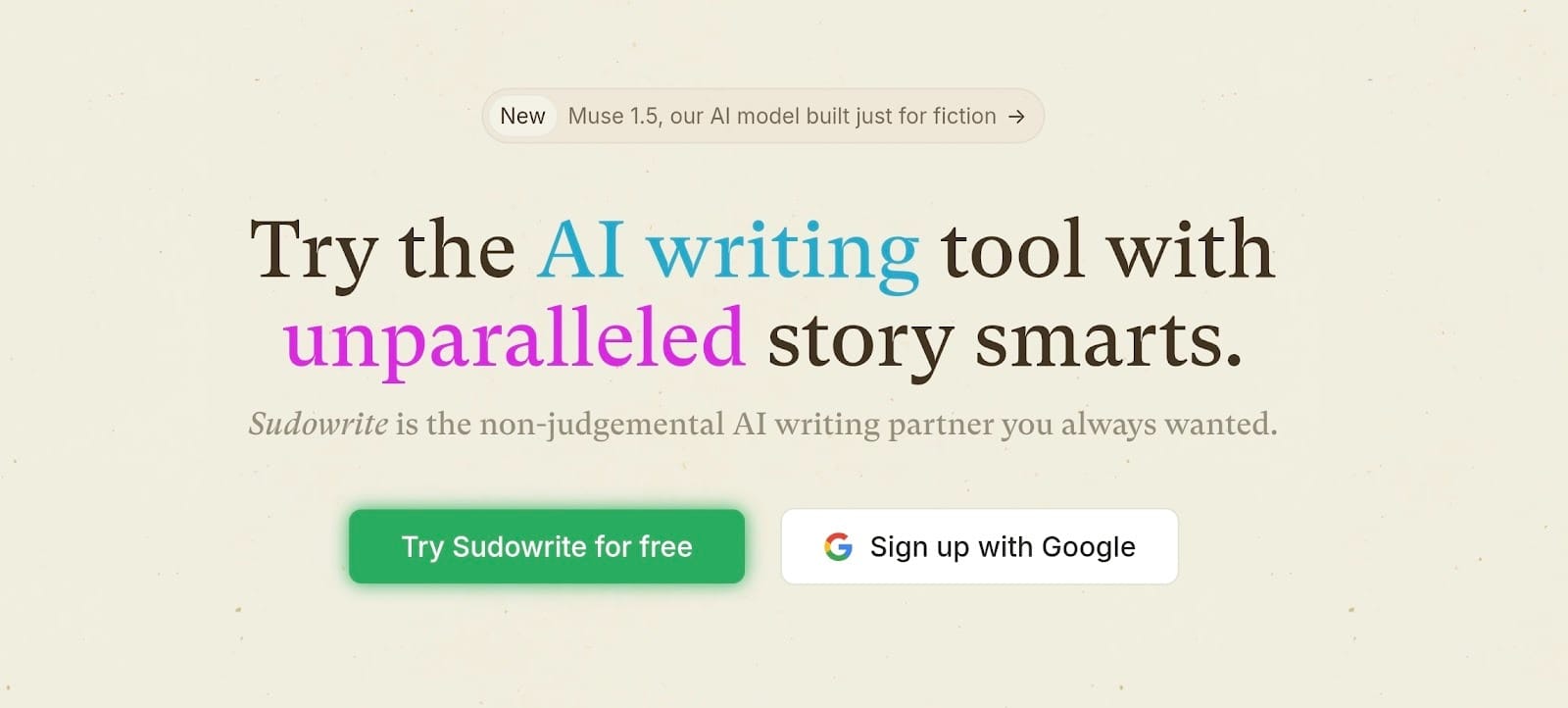
Sudowrite is mostly famous for being a creative writing tool that helps fiction writers get through the start of a difficult scene. Next, we have this creative partner that helps you build out plots and characters.
Give it a small hint of an idea, and it writes down specific sensory details for your setting. It stays busy brainstorming plot twists or fixing flat dialogue. This tool picks up the creative side of storytelling to keep things moving. It keeps the pace fast even when your brain decides to take the day off.
Just a heads up. You’ll need to spend extra time editing the results. Stay involved so the final draft stays human and written by yourself.
3. Scrivener (Long-form Manuscript Management)
Key features:
- Hierarchical folder system
- Visual planning board
- Continuous drafting view
- Progress and goal tracking
- Publishing format exporter
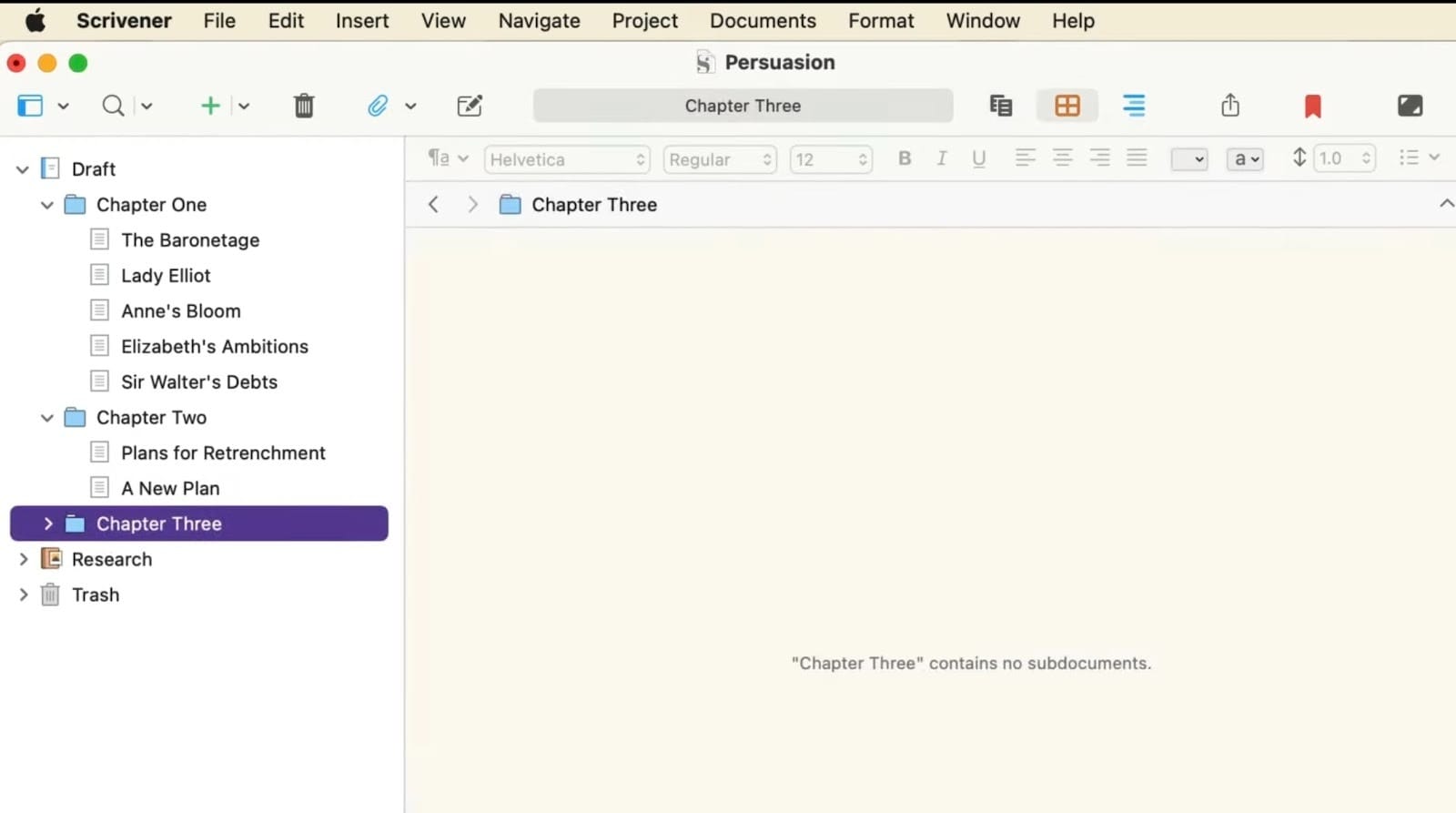
With Scrivener, we have the heavy-duty software designed specifically for long books and complex screenplays. I’ve used this for a few massive projects, and the binder feature is a total lifesaver for keeping messy research notes right where you can see them.
You can move scenes around like digital index cards to fix your story structure without losing your mind. It manages your project files well, but it lacks the actual writing intelligence or prose polishing you get with editGPT.
4. Novlr (Cloud-Based Drafting and Progress Tracking)
Key features:
- Focus mode
- Writing streaks
- Offline sync
- Automatic backups
- Goal tracking
Moving along, we have Novlr, which is mostly famous for pestering you into maintaining a daily writing streak. I’ve logged quite a few hours on this platform while traveling, and it works well for staying consistent.
It tracks your progress with a clean interface that hides all the buttons while you type. It automatically saves your work to Google Drive or Dropbox. This prevents the disaster of losing a file if your computer suddenly crashes. It also handles the logistics of daily drafting nicely, though you still need editGPT to handle the final prose polishing.
You’d want to pay attention to the monthly subscription fee, though. It might feel a bit high if you aren't writing every single day.
5 . Atticus (Writing plus Book Formatting)
Key features:
- All-in-one layout editor
- Pre-made interior designs
- Cloud-synced writing space
- Universal publishing exporter
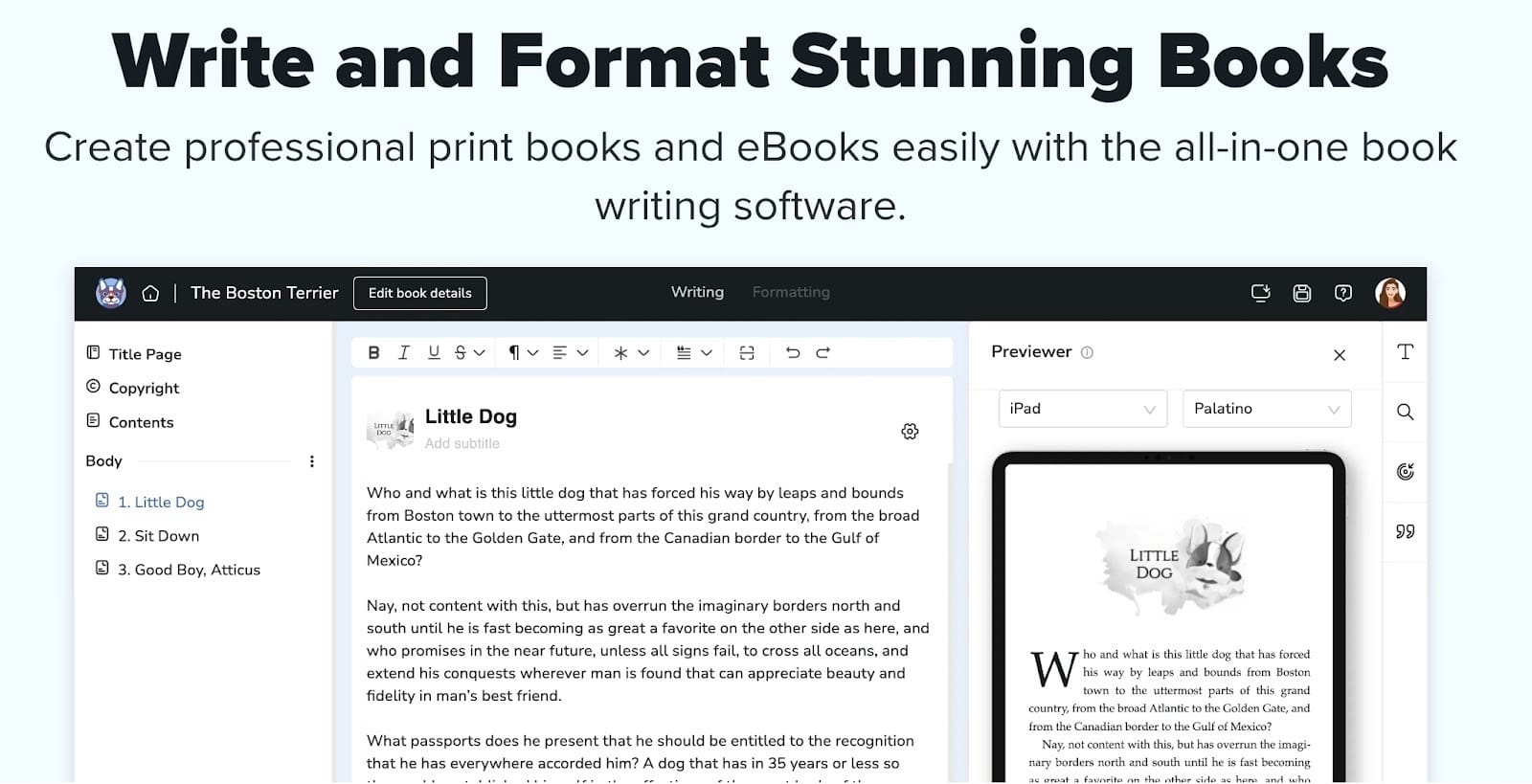
Atticus is the reason your self-published book won't be mistaken for a printed-out Word doc. Atticus handles layout and writing in the same window. You pick a theme, and it automatically adds fancy drop caps.
It shows how your book looks on a Kindle before you export. This manages the visuals as you focus on the story. It makes the export process simple, but you should still use editGPT to clean the prose afterward.
Since this is a browser-based app, you’ll need a solid internet connection to keep everything syncing smoothly.
6. Notion AI (Story Planning and World Building)
Key features:
- Customizable database structures
- Real-time collaborative workspace
- Automated text generation and summarization
- Drag-and-drop page nesting
- Integrated wiki and research filing
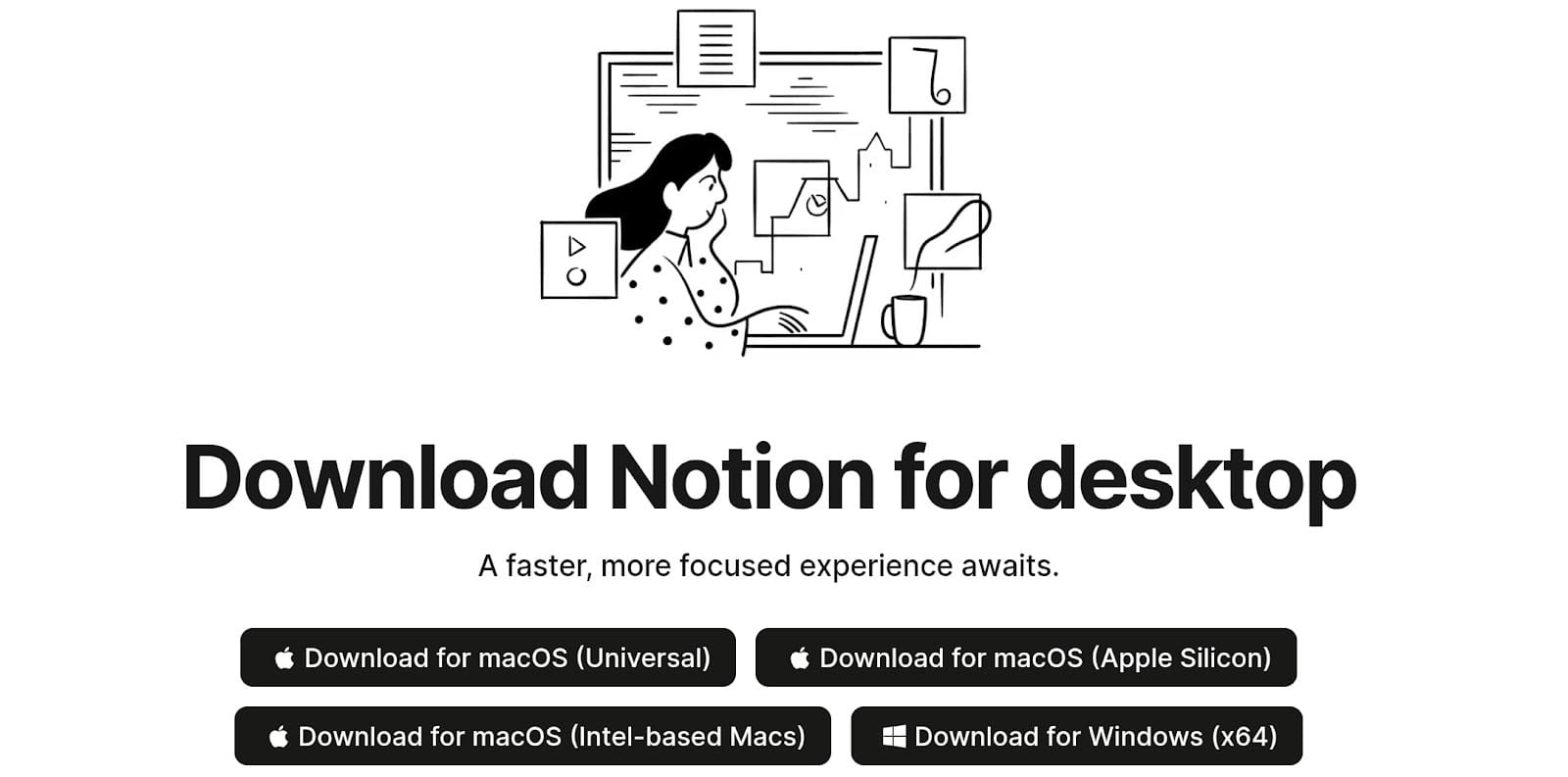
We love Notion AI as it can function as a massive filing cabinet for every piece of lore you’ve ever created. I’ve used this for tracking everything from minor character details to the specific history of a fictional city.
The AI part helps you expand on those messy notes by summarizing long pages or generating quick outlines when you get stuck. You can create character sheets that link directly to your plot chapters, making it easy to find facts. It handles the logistical side of world-building so you can focus on the actual prose.
Setting up the perfect workspace can take a full afternoon if you get carried away with the icons and templates, though!
7 . Pinterest (Visual Inspiration and Mood Boarding)

Key features:
- Image bookmarking and organization
- Visual search and discovery
- Collaborative mood boards
- Sectioned board management
Pinterest is basically the digital version of cutting up old magazines for a project without the glue sticks or the paper cuts. I’ve spent many afternoons pinning everything from 1920s fashion to specific types of moss to get the atmosphere right for a scene. It makes your story visible so you don't have to keep every single detail in your head.
You can build boards for character aesthetics or the specific architecture of your setting. This handles the visual research part of the process well. While it doesn't polish prose like editGPT, seeing the images keeps your descriptions consistent.
8. Google Docs (Collaboration and Feedback)
Key features:
- Live multi-person editing
- Side-by-side comment threads
- Full document version history
- Cross-platform automatic saving
- Integrated suggestion mode
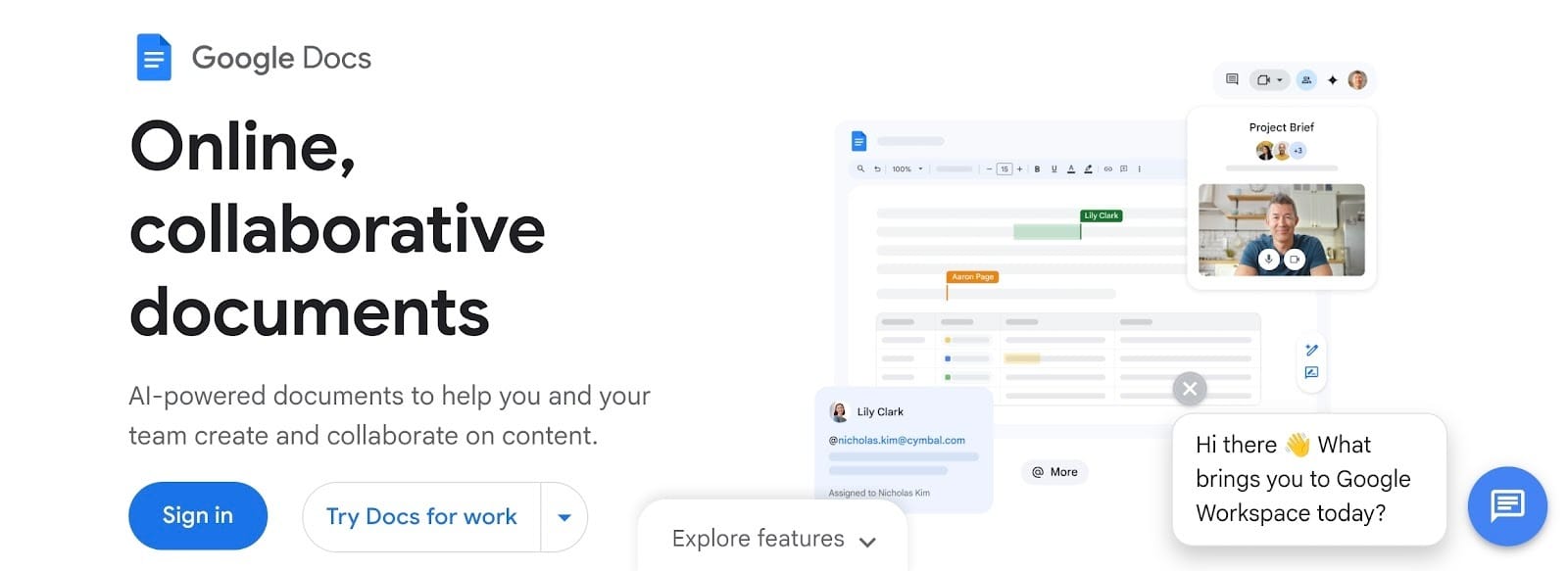
Who doesn’t use Google Docs? In a team, this is where your writing goes to get picked apart by everyone you know (and allow). We use this constantly for sharing messy drafts with beta readers because it handles the feedback loop smoothly.
You send out a single link. Suddenly you have people highlighting your worst puns and suggesting better adjectives (at least, for some writers who do this). The comment bubbles keep the conversation organized right next to the text. It tracks every change made by your team in a tidy sidebar. This simplifies the process of getting a second pair of eyes on your work.
9 . Hemingway Editor (Style and Readability Refinement)
Key features:
- Readability grade scores
- Color-coded highlighting
- Passive voice detector
- Adverb tracking
- Simple word alternatives
- Hemingway Editor (Style and Readability Refinement)
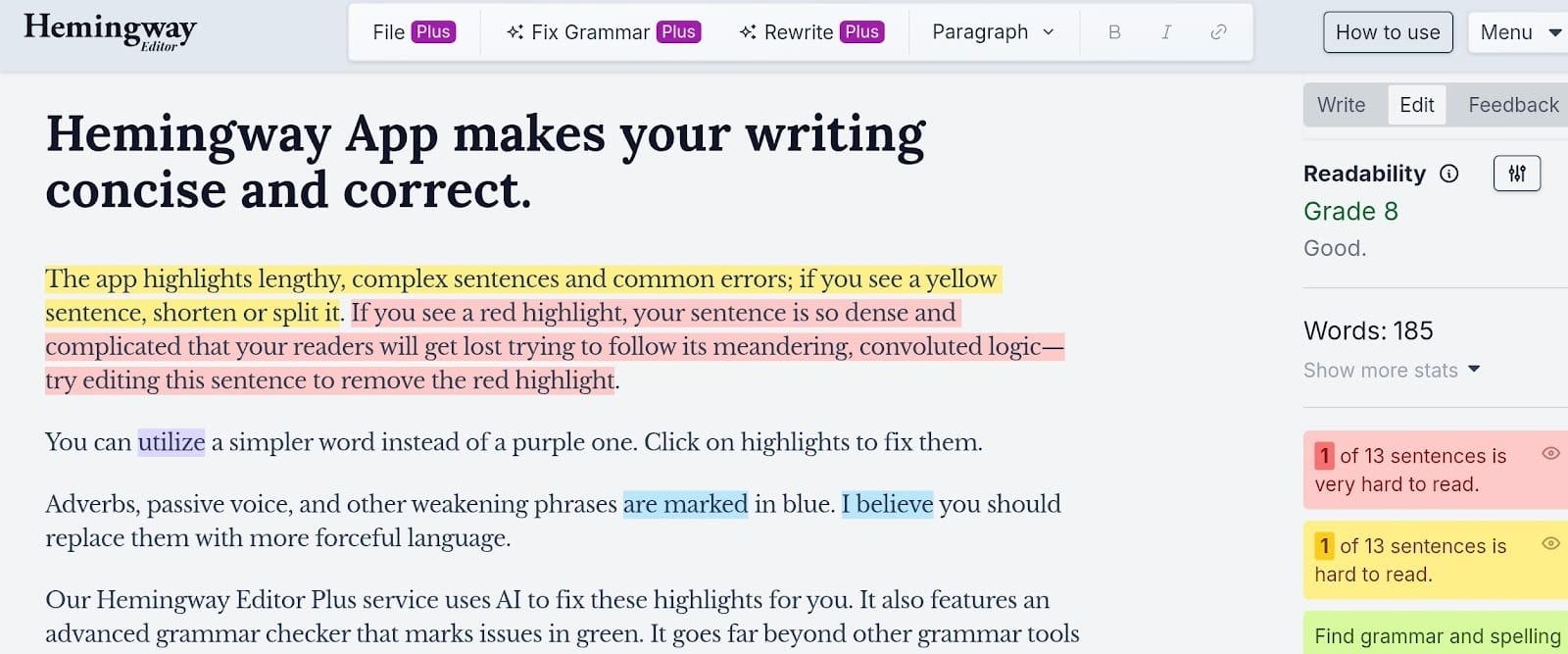
Hemingway Editor is basically the AI for writing tool that tells you to stop talking so much. It works by tightening your sentences by telling you to remove unnecessary adverbs and passive voice. It highlights long sentences in bright red or yellow to show they are hard to read.
But take note.
You should examine the suggestions carefully. This tool could flag long sentences as errors. This can do a disservice to your novel because fiction often needs a specific cadence. Keep in mind that several corrections it suggests could be incorrect for your prose.
Certain changes are optional. You might want a long sentence for a specific effect. Hemingway Editor focuses on clarity. Use your own judgment on which highlights to ignore.
Sticking to every single suggestion can make your writing feel a bit technical or monotonous.
10 . Jasper Creative (Creative Ideation and Alternative Drafts)

Key features:
- Multiple draft variations
- Idea generation prompts
- Paragraph length adjustments
- Specific tone settings
Finally, we love Jasper because it can generate alternative drafts for a story. You can use this to break through a boring scene where a dialogue might feel stiff. It can create several different versions of a single paragraph.
This helps you experiment with narrative styles quickly. It stays busy spitting out plot points while you pick the best ones. You get a lot of raw material to work with. It focuses on quantity so you can focus on quality. Then you can use editGPT for the final polish.
Just a heads up.
The output can sometimes feel a bit generic, so you should not rely on it 100% to create a unique or groundbreaking scene or plot. You’ll definitely need to rewrite the suggestions to match your actual voice.
How These Tools Work Together
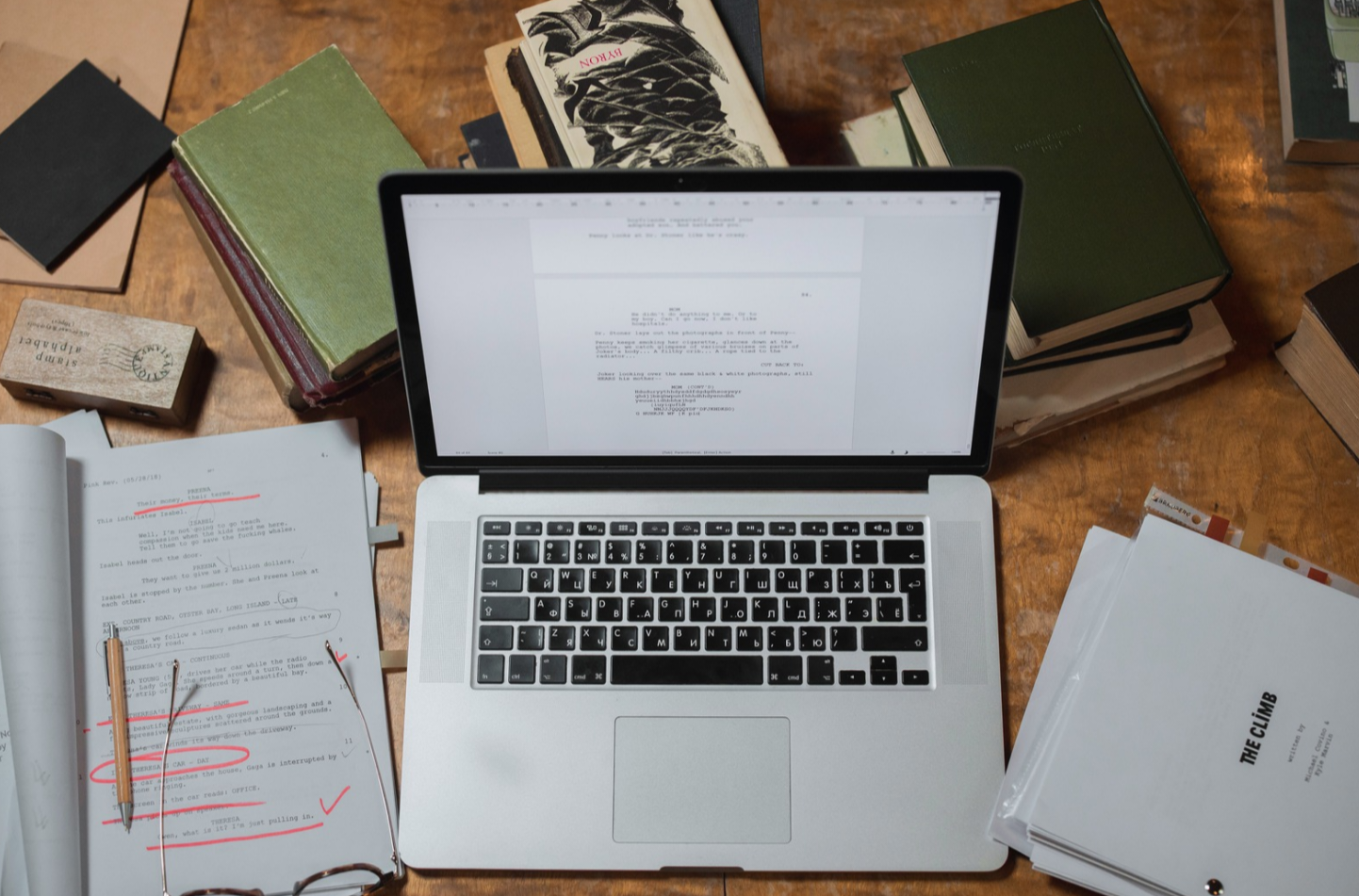
Every writer has experienced spending way too many hours looking for scattered notes and lost ideas instead of actually typing story chapters. This guide covers the specific AI writing tools you can use to manage that research and finally get a manuscript finished.
1. Idea and inspiration stage
First, you need a spark to get the story moving. You can use Pinterest to gather images that fit your story. Sudowrite or Jasper Creative help when your brain feels empty. They generate quick character sketches or weird plot twists. I like starting here to see what sticks.
2. Planning and outlining stage
The heavy lifting of organizing comes after you have your ideas. Notion AI keeps the lore organized while Scrivener lets you shuffle scenes around. I often use editGPT here to polish my rough outline. Its versatility helps me see if my plot points actually make sense before I start writing.
3. Drafting stage
Writing the actual words starts here. Novlr tracks your word counts to keep you motivated every day. Keeping editGPT open during this stage helps you fix awkward sentences as you type them, saving you hours of work later.
4. Editing and proofreading stage
Real magic happens during the cleanup phase. Hemingway Editor highlights the hard parts, and Google Docs handles the comments from your readers. Being the all-rounder, you still need editGPT here to catch mistakes that other tools miss. It understands your meaning and fixes the grammar without ruining your personal style or voice.
5. Publishing preparation
Preparing the book for the world is the last step. Atticus or Scrivener handle the margins and the table of contents. I always run my final blurb through editGPT one last time. It handles everything from the first outline to the final period, making your first impression on readers professional.
Final Thoughts
Writing, especially for professional writers, requires different software for different tasks. Successful authors build a stack of creative writing tools to manage planning, drafting, and formatting separately.
If you’re choosing your first tool for this stack, it should be the all-rounder like editGPT. It handles the most crucial part of the process and can be used in almost all stages of the writing process, making it a great value for your bucks.
Now, go ahead and write that draft with confidence.
Recommended Reading
What is the best AI Proofreader?
Top 10 Creative Writing Tools in 20206
Best AI Proofreader Tools of 2026 (Tested for Accuracy, Speed & Tone)
Best AI Proofreader Chosen by the Reddit Community
Video review: This AI Text Editing Tool Is FLAWLESS!
Best AI Proofreader Tools of 2026 (Tested for Accuracy, Speed & Tone) editGPT vs Grammarly vs Quillbot: Which Writing Tool is Best?
The Best AI Proofreaders That Actually Work (Free & Paid)
Review: Wordtune Editor vs editGPT
Review: Grammarly vs editGPT
Review: ProWritingAid vs editGPT
Review: Hemingway Editor vs editGPT