7 Best Quillbot Alternatives for AI Paraphrasing and Content Rewriting
Here are the best Quillbot alternative for AI Paraphrasing and content rewriting in 2026, tried, tested, and ranked for agencies, low cost projects, and university papers.
The best Quillbot alternative in 2026 is editGPT, along with:
- Grammarly
- Wordtune
- Paraphraser.io
- Spinbot
- TextCortex
- LanguageTool
Quillbot has been a staple for quick rewrites for many years now, but its strict word limits and repetitive phrasing often lead writers and students to look elsewhere.
What you’re looking for is a Quillbot alternative that offers better flow, more generous free plans, or sharper grammar fixes. Especially true if you’re a student.
Many users also switch because the tool frequently struggles with technical context, often swapping specialized terms for awkward, generic synonyms.
Finding the right Quillbot alternatives means prioritizing tools that actually understand your intent rather than just swapping words. This ensures your writing stays polished without losing its original meaning or sounding like a robot.
We tested the best Quillbot alternative tools today and here’s how it went.
Why Look for Quillbot Alternatives?
You might start asking how good is Quillbot once you hit that 125-word limit for the fifth time in a row. It sure is a great tool for basic sentence swaps, but most people eventually need a more capable alternative to Quillbot that won't stop them every time they try to paste more than one paragraph.
Limited Free Version
The free tier is pretty tight since it locks away the modes people actually want, like "Academic" or "Formal." You’re basically stuck with a very basic rewriter that doesn't offer much variety unless you pay for a monthly subscription. It can also get quite frustrating when you just want to test different styles without pulling out your credit card.
Rewrites Can Sound Unnatural
AI often picks synonyms that technically fit the definition but sound incredibly stiff in a real sentence. You end up spending more time fixing these "fixes" than you would have spent just writing the original draft. This leads to a robotic rhythm that lacks the natural flow a person brings to their work.
Word Limits on Paraphrasing
Cutting and pasting your document in tiny pieces feels like wasting time when you have a long report to finish. Some Quillbot competitors are way more relaxed with their word counts, letting you handle entire pages in one go. This helps you stay in the zone instead of constantly stopping to move small blocks of text around.
Lack of Deeper Editing Features
If you need help with the actual structure of your thoughts or the logical flow of a section, this tool isn’t it.
Quillbot works more as a word swapper than a full assistant that understands the goals of your writing. It has the tendency to miss the tiny details required for high-level editing or keeping a consistent voice throughout a long piece.
Not Always Ideal for Longer Content
It’s easy for a program to swap out a few words. It’s much harder for it to keep your original meaning intact. High-quality tools like Quillbot should rewrite your sentences without twisting your facts or making the logic fall apart.
You want to see the new version and recognize your own idea immediately. It should just have better phrasing. If a tool changes your meaning, it just creates more work for you.
Context aware rewriting
This is where many tools like Quillbot either succeed or fail. A smart tool understands that a specific word can mean different things depending on the subject.
It looks at the sentences before and after your selection. This makes sure the vocabulary stays relevant to your topic. This prevents those awkward, misplaced words that make your writing look messy.
Grammar and clarity improvements
We should also prioritize grammar and clarity improvements. Simple rewriting isn’t enough if the final result is still hard for a person to read. A great alternative will clean up your sentence structure.
It should get rid of unnecessary words while it paraphrases. It helps your message come across clearly. Your audience should not have to work hard to understand your point.
Multiple rewrite modes
Another factor is having access to multiple rewrite modes. Different projects need different styles. You might need a formal tone for a business email one minute. You might need something creative for a blog post the next. Having several distinct modes gives you the flexibility to match your tone to your specific audience.
Free plan availability
Finally, you should check for free plan availability. Most writers want to test a tool before they commit to a monthly subscription.
A good alternative should offer a generous free version. This lets you test the basic features. You can see how the AI actually handles your specific writing style. This gives you a chance to verify the quality of the output before you ever have to pull out a credit card.
Best Quillbot Alternatives
Quillbot has served writers well for a long time, but as technology moves forward, the needs of students and professionals are growing too. I tested the top tools available today to find the most reliable replacements that actually keep up with modern writing demands.
1. editGPT (Overall best Quillbot alternative)
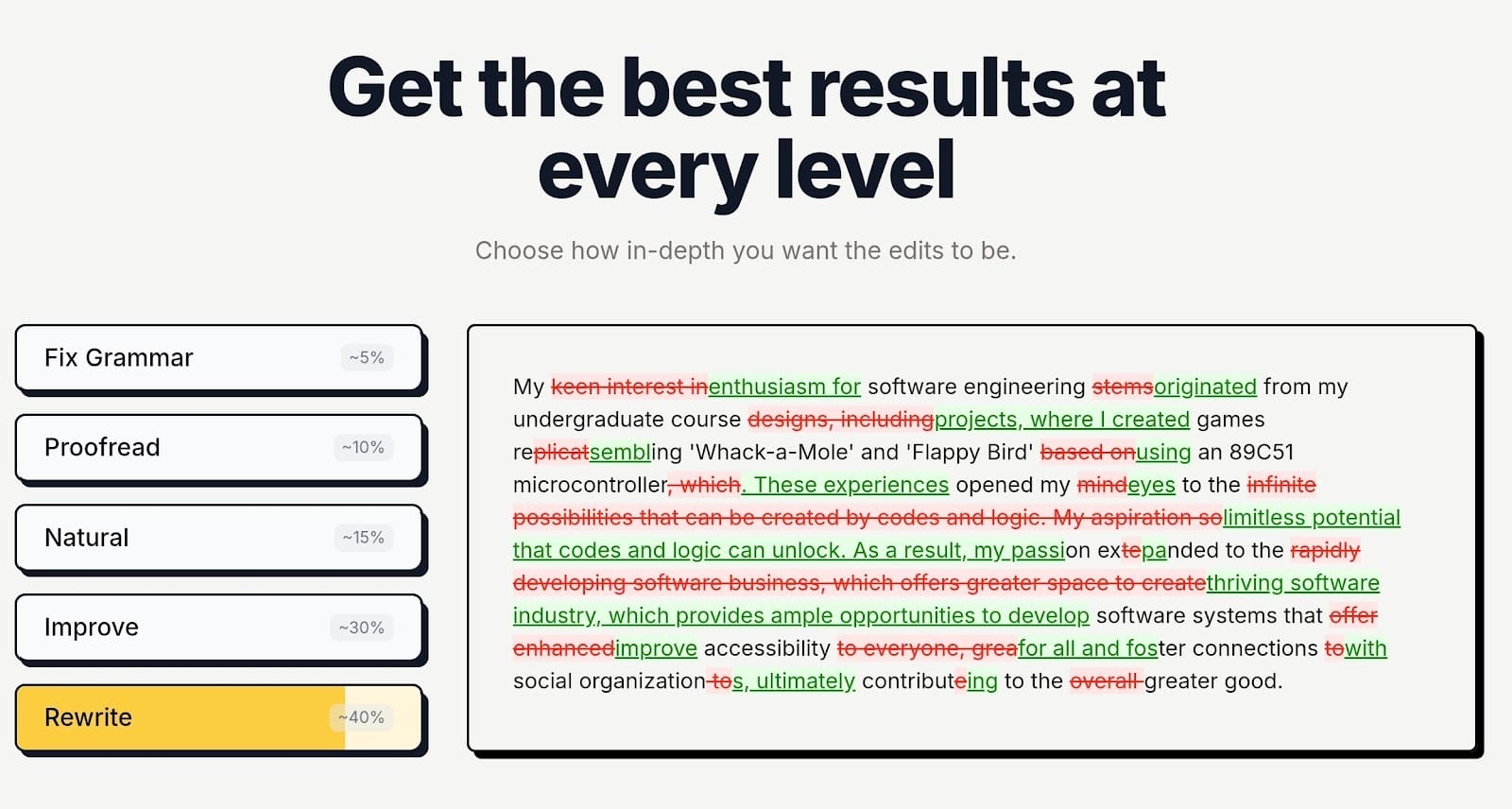
Well loved for its intelligent contextual editing, editGPT is the most effective choice if you want your final draft to actually sound like you. While many tools try to do everything at once, this one focuses on being a dedicated editor that polishes your prose to a professional standard.
It essentially turns your writing into a collaborative session.
You see every specific change in a "track changes" view. You can also see the changes even after you’ve downloaded your manuscript in MS Word format. This means you never have to guess what the AI changed or why a sentence looks different.
Key features
- AI powered proofreading: It goes much deeper than just catching typos. It identifies complex issues like dangling modifiers and awkward phrasing that standard checkers often miss.
- Advanced rewriting and editing: You can choose from dozens of specialized modes or use custom prompts to tell the AI exactly how to handle your draft.
- Context aware sentence improvement: The tool looks at your entire document before editing. This makes sure your vocabulary and tone remain consistent from the first page to the last.
- Content polishing for blogs and SEO: It helps you tighten your language for better readability scores. This is a major factor for ranking on search engines.
Why it is better than Quillbot
The biggest gap between editGPT and Quillbot is the quality and transparency of the edits. Quillbot is great for a quick shuffle of words, but it often produces robotic results.
This is because it primarily replaces words sentence-by-sentence. This often flattens your unique voice and overall tone and voice. It creates a "thesaurus-heavy" feel that AI detectors flag immediately.
In contrast…
…editGPT uses deep contextual intelligence to understand your entire chapter or article at once. It suggests fixes that keep your specific character's voice or brand personality intact. Another huge advantage is how it handles your workflow.
While quillbot often forces you into a "black box" where you just get a new version of text, editGPT shows you the exact markup.
You can see the logic behind the improvements. You accept or reject them individually. It’s also a far superior choice for long-form content. Quillbot’s quality tends to drop as content length increases.
However, editGPT maintains its accuracy even when processing massive 200,000-word manuscripts or long, detailed blog guides.
Best for:
- Bloggers: Ideal for those who need to maintain a conversational tone while keeping their SEO scores high.
- SEO writers: Perfect for cleaning up AI-generated drafts to make them read like high-quality human content.
- Students: A lifesaver for essays and thesis papers where you need to improve clarity without losing your academic voice.
- Content creators: Great for anyone who needs to produce a high volume of work that still feels personal and uniquely written.
2. Grammarly
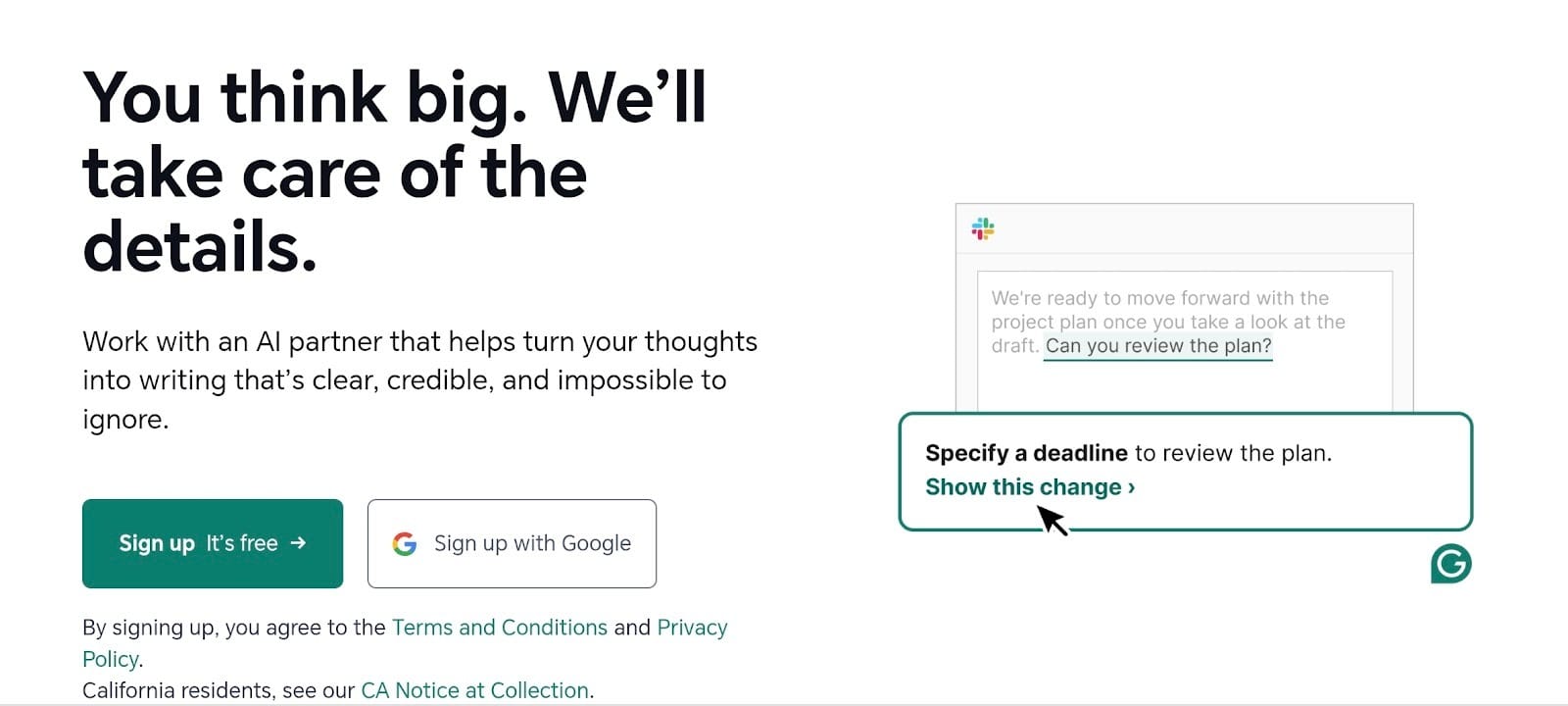
Probably the best known among Quillbot competitors is Grammarly. Most writers recognize this one as a standard proofreader.
Over the last year, it has added plenty of features to match other apps like Quillbot. It lives in your browser or on your desktop. This means it checks your work while you type in an email or a document. It’s mostly focused on making your text correct and professional.
Features
- Grammar correction: It catches spelling mistakes and messy punctuation as you write.
- Sentence rewriting: The tool gives you options to flip your sentences.
- Tone and clarity suggestions: You get alerts if your writing sounds too blunt or too confusing.
Best for
- Professional writing: This is a top pick for office staff who need to keep their reports clean.
- Academic work: It helps students stick to formal rules for their papers.
- Editing emails and documents: It works best for fast, daily tasks where you just need to be accurate.
3. Wordtune
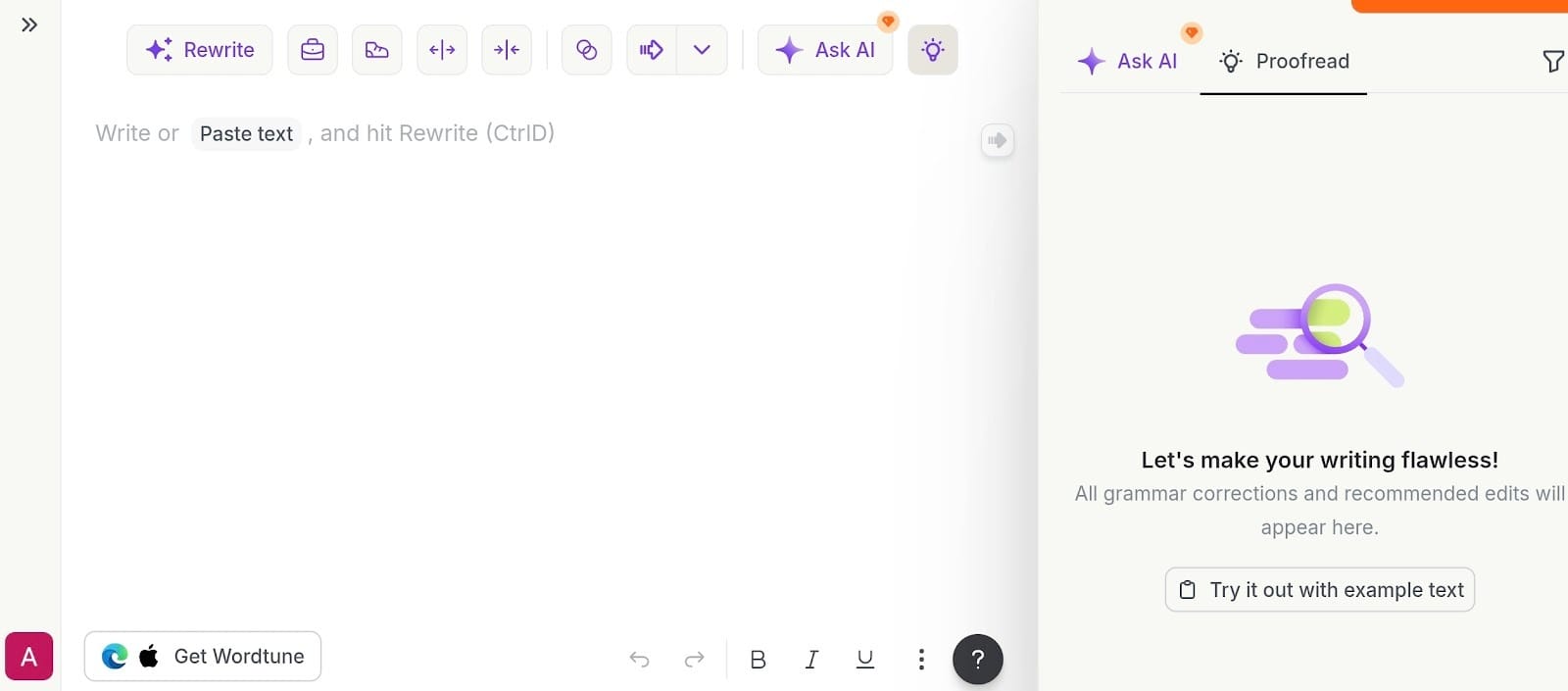
Wordtune is a great choice if you prefer a bit of variety in your editing process.
Unlike some sites like Quillbot that give you one result, this tool offers a list of several ways to rewrite a single sentence. You can scroll through the options and pick the one that fits your style best. It stays out of your way and works through a small pop-up right where you are typing.
Features
- Multiple rewrite suggestions: You get a full menu of different ways to phrase your thoughts.
- Tone adjustments: The tool helps you shift your language to be more punchy or more descriptive.
- Formal and casual rewriting modes: You can instantly toggle between a professional business tone and a relaxed personal style.
- Browser extension support: It integrates with most websites similar to Quillbot, so you can use it in your email or your favorite writing app.
Best for
- Improving sentence flow: This works well for writers who want to fix clunky or repetitive lines.
- Quick rewriting tasks: It is perfect for fast edits when you need to refresh a social media post or an email response.
4. Paraphraser.io
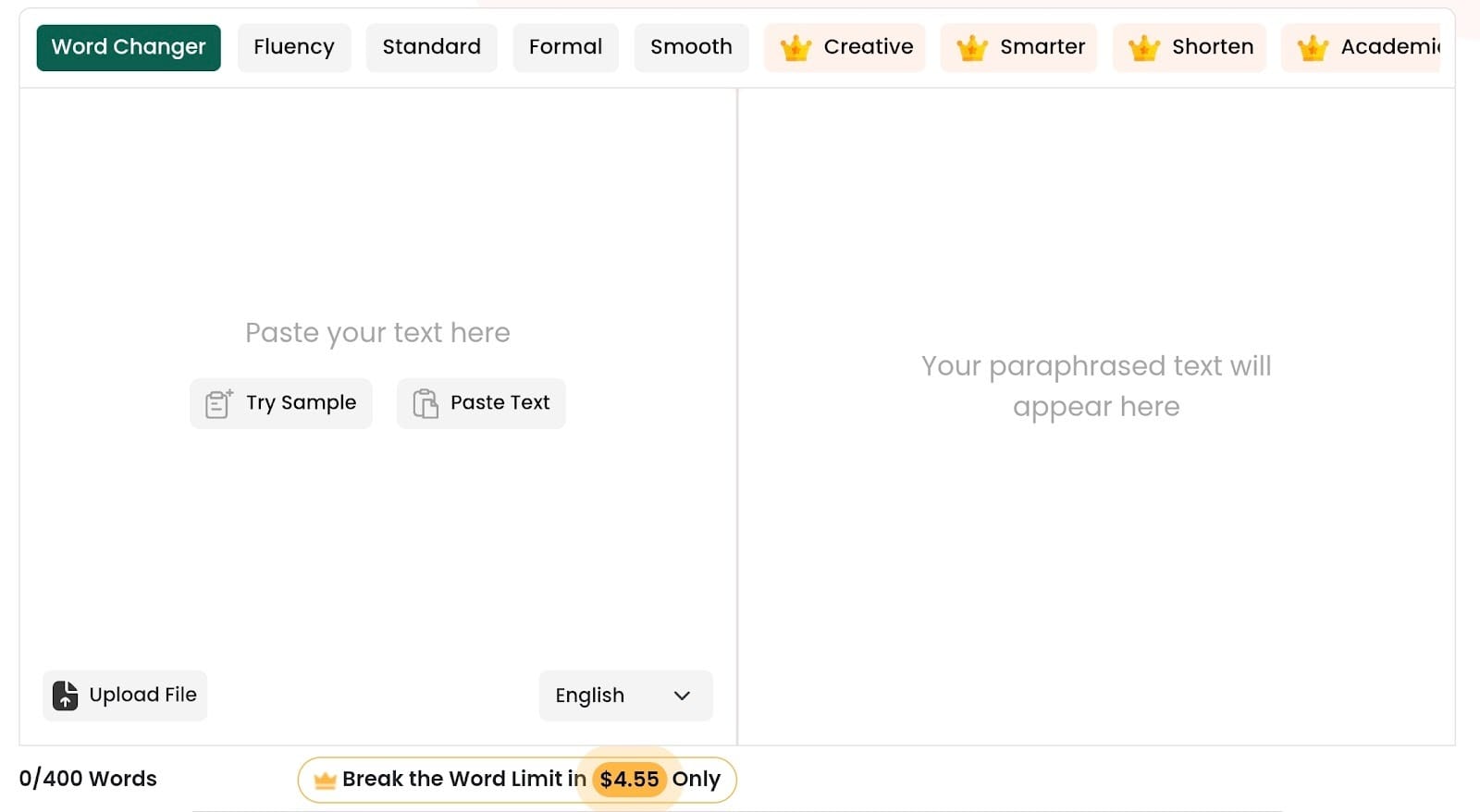
If you need to refresh your writing without spending a dime, Paraphraser.io is worth a try. It ranks among the most accessible Quillbot alternatives free of charge because it doesn’t force you to sign up for a basic account.
You just paste your text into the box and let the tech handle the rest. While the page carries some ads, the tool itself stays reliable for those moments when you’re in a rush and need a quick fix.
Features
- Multiple paraphrasing modes: You can pick from several styles like "Standard," "Fluency," or "Creative" to decide how much the tool actually changes your text.
- Supports different languages: The platform handles over 20 languages. This is a big help for international students or anyone writing for a global audience.
- Free usage option: This is a true free Quillbot alternative that offers a high word limit. You can get a lot of work done before you even have to think about a paid plan.
- Simple interface: The layout stays basic and very easy to navigate. You won't get lost in a sea of complicated menus or useless settings.
Best for
- Students: It’s a huge help for quickly rephrasing research notes or clearing up clunky sentences in an essay.
- Quick paraphrasing tasks: This works best for fast edits when you just need an alternative version of a paragraph for a blog post.
5. Spinbot
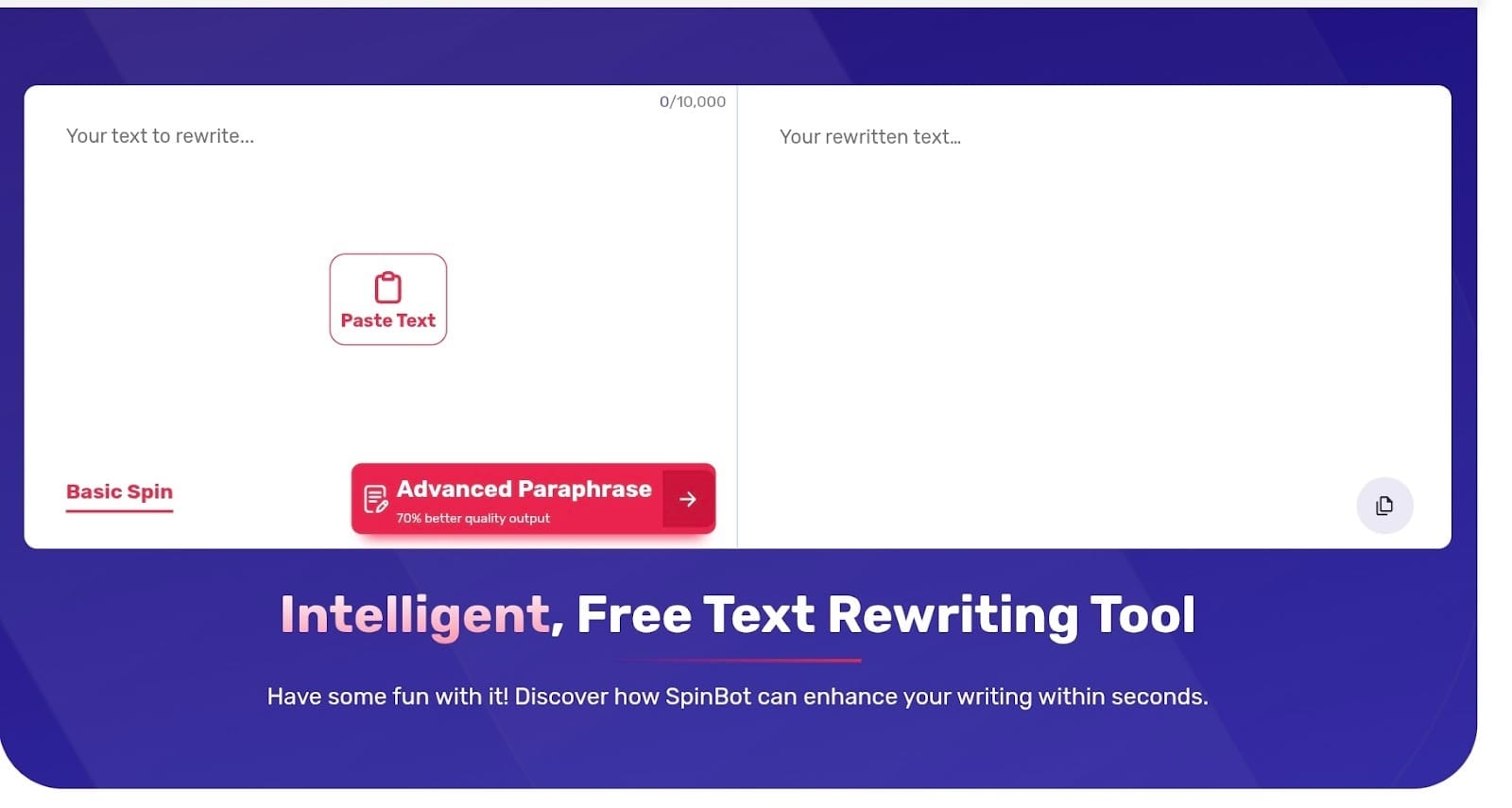
Spinbot is one of the oldest names in the game. It is a no-frills tool built for speed and bulk. While other apps like quillbot focus on high-level AI nuances, Spinbot is designed to take a large chunk of text and flip it instantly.
Its very popular for users who just need to generate a quick variation of a sentence without digging through dozens of settings.
Features
- Automatic sentence spinning: You can swap out a massive amount of vocabulary in one click.
- Simple input based rewriting: The tool stays very basic. You paste your text and hit the button to get a fresh version immediately.
- Free access: You don’t need to create an account or pay a subscription to use the core rewriter.
- 10,000 character limit: It handles much longer blocks of text at once than many other free quillbot alternatives.
Best for
- Basic rewriting tasks: It works best for low-stakes content where you just need to avoid duplicate text.
- Quick drafting: Perfect for getting a different perspective on your own rough notes.
6. TextCortex

TextCortex made it to the list as it behaves more like a writing partner than a simple word-swapper. It’s a great pick if you want tools like Quillbot but need more help with the actual research and drafting phase. You can set up specific personas.
This ensures the AI learns your unique style and vocabulary. It keeps your writing consistent even when you’re working on several different projects at once.
Features
- AI rewriting tools: You can instantly rephrase, expand, or shorten your text to fix the flow of your work.
- Content generation features: The tool comes with a huge library of templates for things like emails, social media posts, and blog outlines.
- Summarization tools: It can digest a long, complex article. It gives you the main points in a few short sentences.
- Browser extensions: It works on thousands of websites like Quillbot. This includes Google Docs and most email platforms.
Best for
- Long form content writing: This is a top choice for anyone managing big projects like white papers or 2,000-word guides.
- Marketing content: It works well for copywriters who need to churn out high-energy ad copy or product descriptions quickly.
7. LanguageTool
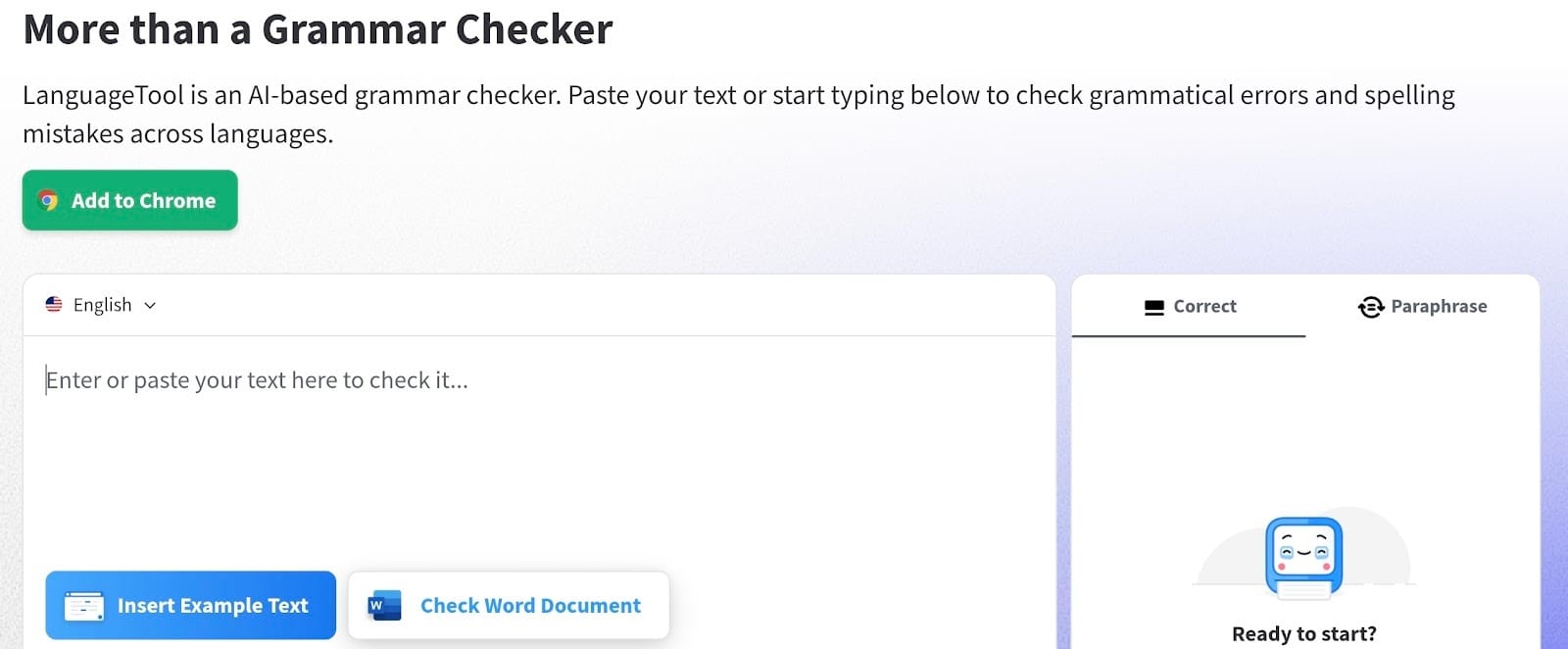
LanguateTool is a great alternative of Quillbot if you work in multiple languages or need a tool that feels more like an open-source project. You can use it as a simple web editor.
You can also install it as a browser plugin to keep your writing sharp across the web. It manages to be thorough without becoming overbearing while you work.
Features
- Grammar and spelling checking: It identifies complex errors. This includes subject-verb agreement and commonly confused words.
- Style suggestions: The tool highlights overused phrases. It suggests more professional ways to phrase your ideas.
- Paraphrasing suggestions: You can double-click any sentence. It gives you several AI-generated rewrites that change the tone or length.
- Multi language support: It works in over 30 languages. This makes it a Quillbot similar tool that handles global communication well.
Best for
- Editing academic or professional writing: This is a top choice for researchers and office workers. It helps those who must follow strict formatting and style rules.
Which Quillbot Alternative Should You Choose?
Best overall: editGPT
Finding a tool that fits your workflow depends on your daily goals. If you want high-quality results that works in almost any case, editGPT is the best Quillbot alternative. It offers control and clarity that feels much more natural than a basic rewriter.
It’s even significantly better than Quillbot for long projects.
This is because it tracks every change. You never have to guess what happened to your draft.
Grammarly is still the standard for keeping your punctuation and spelling perfect in emails. For students on a tight budget, Paraphraser.io gives you plenty of value without a price tag.
Frequently Asked Questions
What’s the best Quillbot alternative?
If you need high-quality rewrites, editGPT is the best Quillbot alternative and it’s even better for keeping a human touch. Grammarly and Wordtune also stay at the top of the list for fixing grammar and sentence flow.
Are there free Quillbot alternatives?
You can find several Quillbot alternatives free of charge online. Paraphraser.io and Spinbot are the most popular ones that let you swap words without opening your wallet.
What websites are similar to Quillbot?
Popular websites like Quillbot include Wordtune, Grammarly, and TextCortex. editGPT is another heavy hitter that focuses on making your writing look like you actually wrote it yourself.
Is Quillbot still a good paraphrasing tool?
It works fine for quick, basic word swaps on a short deadline. However, many writers now prefer chapter options that offer deeper AI editing and much better rewriting skills.
What tools are better than Quillbot?
editGPT and Grammarly are often considered better than Quillbot because they handle long documents more effectively. They give you much cleaner grammar fixes and keep your original context intact. But if you want something with more intelligent contextual editing, it would be editGPT.
Recommended Reading
What is the best AI Proofreader?
Top 10 Creative Writing Tools in 20206
Best AI Proofreader Tools of 2026 (Tested for Accuracy, Speed & Tone)
Best AI Proofreader Chosen by the Reddit Community
Video review: This AI Text Editing Tool Is FLAWLESS!
Best AI Proofreader Tools of 2026 (Tested for Accuracy, Speed & Tone) editGPT vs Grammarly vs Quillbot: Which Writing Tool is Best?
The Best AI Proofreaders That Actually Work (Free & Paid)
Review: Wordtune Editor vs editGPT
Review: Grammarly vs editGPT
Review: ProWritingAid vs editGPT
Review: Hemingway Editor vs editGPT